







Getting started with your
XPPen Artist 12 3rd
1/10
![https://resource.xp-pen.com/Uploads/goods/20251017/1hJbSx9bubInVbLB5Mca_500_500.webp]()
![https://resource.xp-pen.com/Uploads/goods/20251017/TXbibb8Ej9y1fFiiM3EC_500_500.webp]()
![https://resource.xp-pen.com/Uploads/goods/20251017/6XgZlexEQyU4FKYVPAHv_500_500.webp]()
![https://resource.xp-pen.com/Uploads/goods/20251017/Q6V7otreNmKRs0qp61q4_500_500.webp]()
![https://resource.xp-pen.com/Uploads/goods/20251017/Usdj9pLCqJIj5OCGPZ2K_500_500.webp]()
![https://resource.xp-pen.com/Uploads/goods/20251017/GsC0ZsXNRq7EvXjJyOma_500_500.webp]()
![https://resource.xp-pen.com/Uploads/goods/20251017/DRTRGpCcixLn6liYOFTd_500_500.webp]()
![https://resource.xp-pen.com/Uploads/goods/20251017/K9rmrDOp2ofFoxXwCcEe_500_500.webp]()
![https://resource.xp-pen.com/Uploads/goods/20251017/BrVnOlc3ohovGqrh13fX_500_500.webp]()


Artist 12 3rd
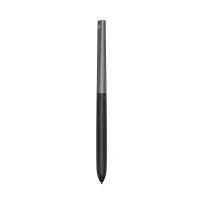
X4 Smart Chip Stylus
16K Pressure Levels
innovative X-Dial Shortcut
€198.99€209.99
Ends in
Limited Stock, order soon
Ship from DE warehouse.
FREE SHIPPING
Fast, free shipping worldwide
24-MONTH-WARRANTY
Hassle-free warranty
QUALITY PURCHASE
30-day money-back guarantee
TECH SUPPORT
Lifetime customer support
Recommended Accessories
Quantity:
Total
€0.00



Worry-Free Delivery® available with seel
Estimate:
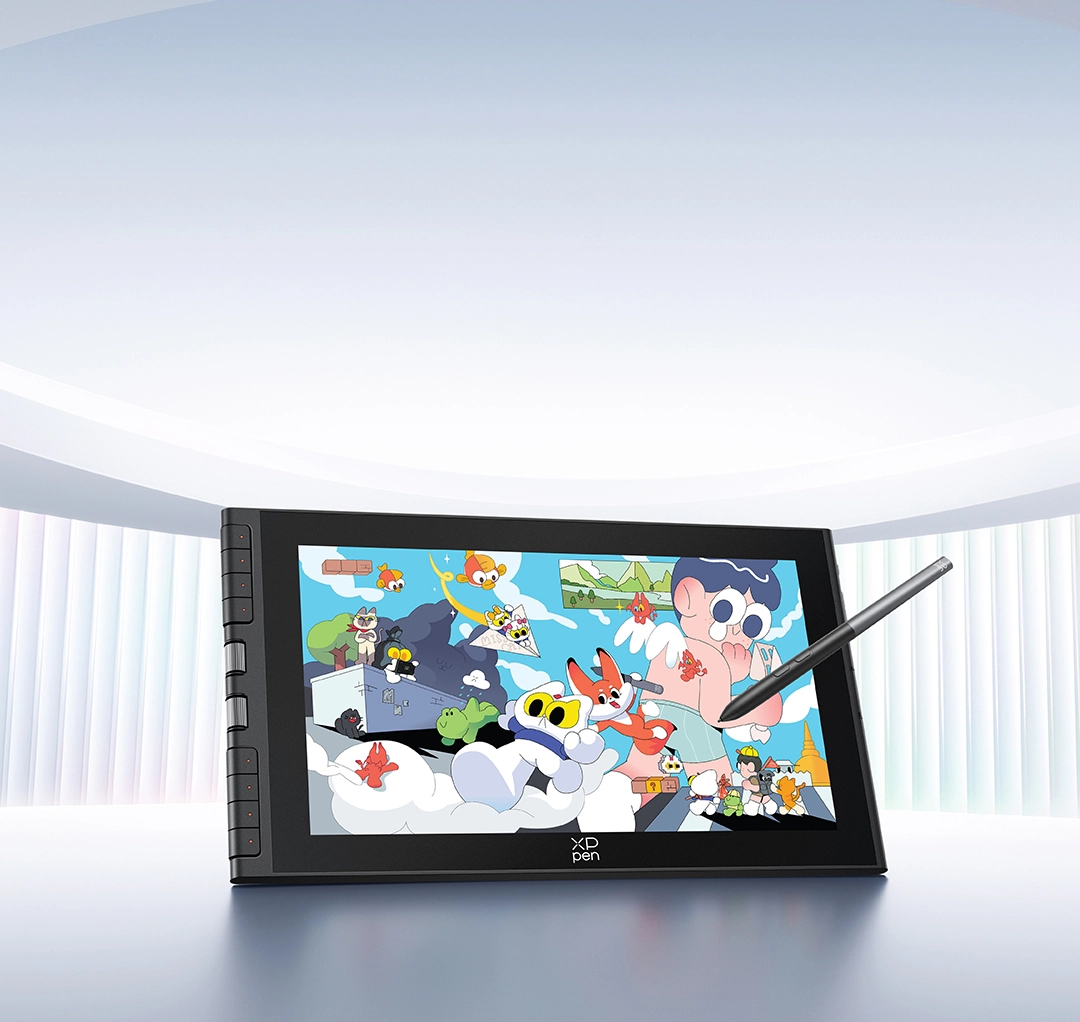
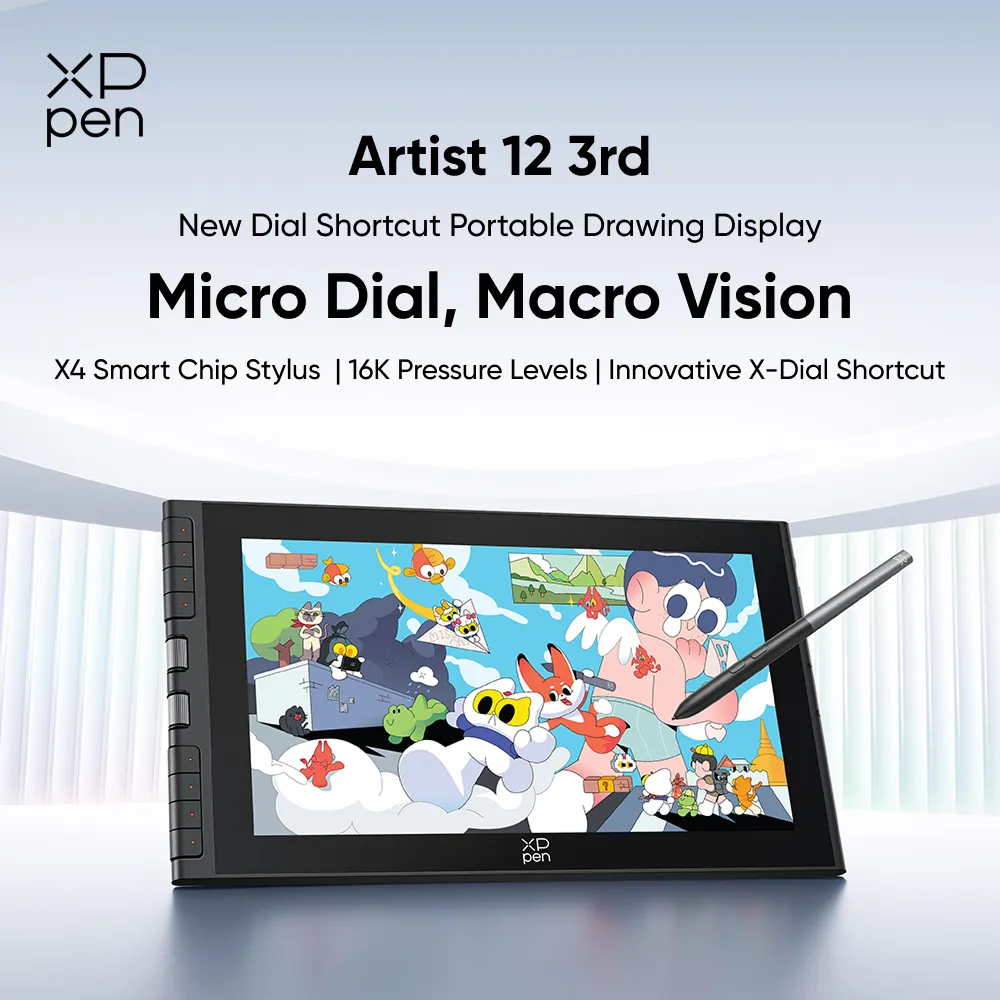
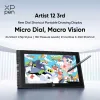
Artist 12 3rd
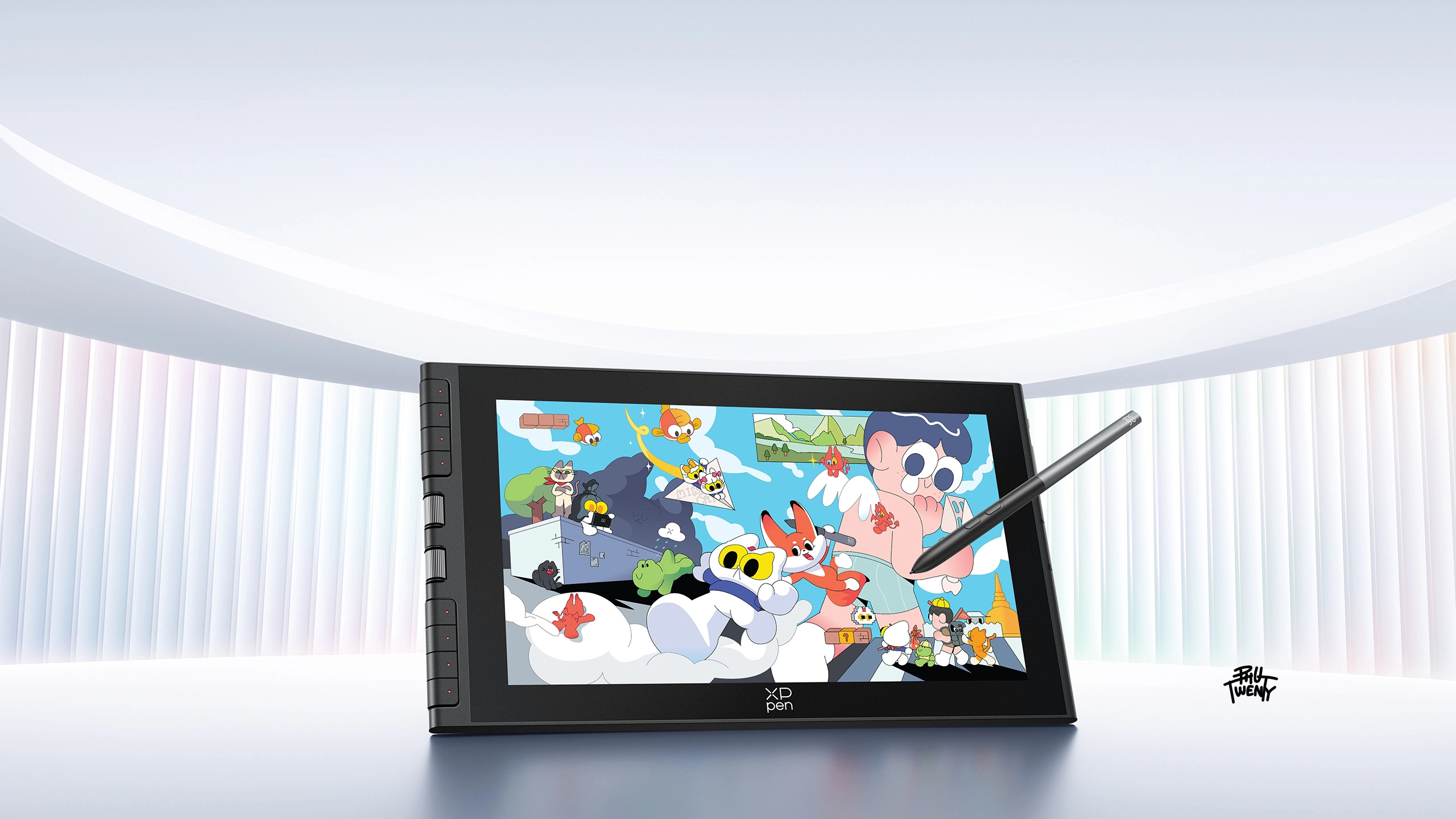
New Dial Shortcut Portable Drawing Display
Micro Dial, Macro Vision
X4 Smart Chip Stylus | 16K Pressure Levels | Innovative X-Dial Shortcut
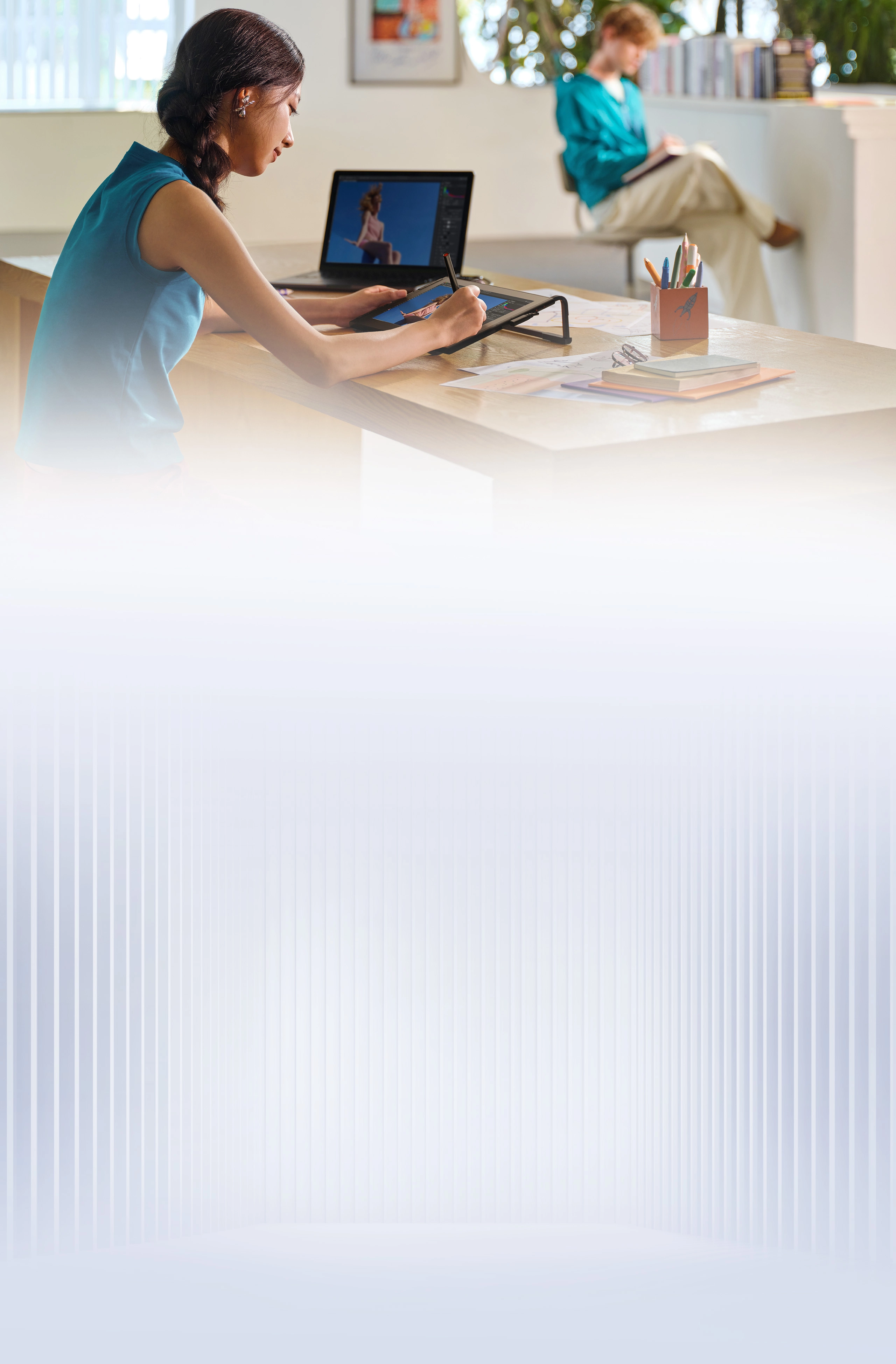
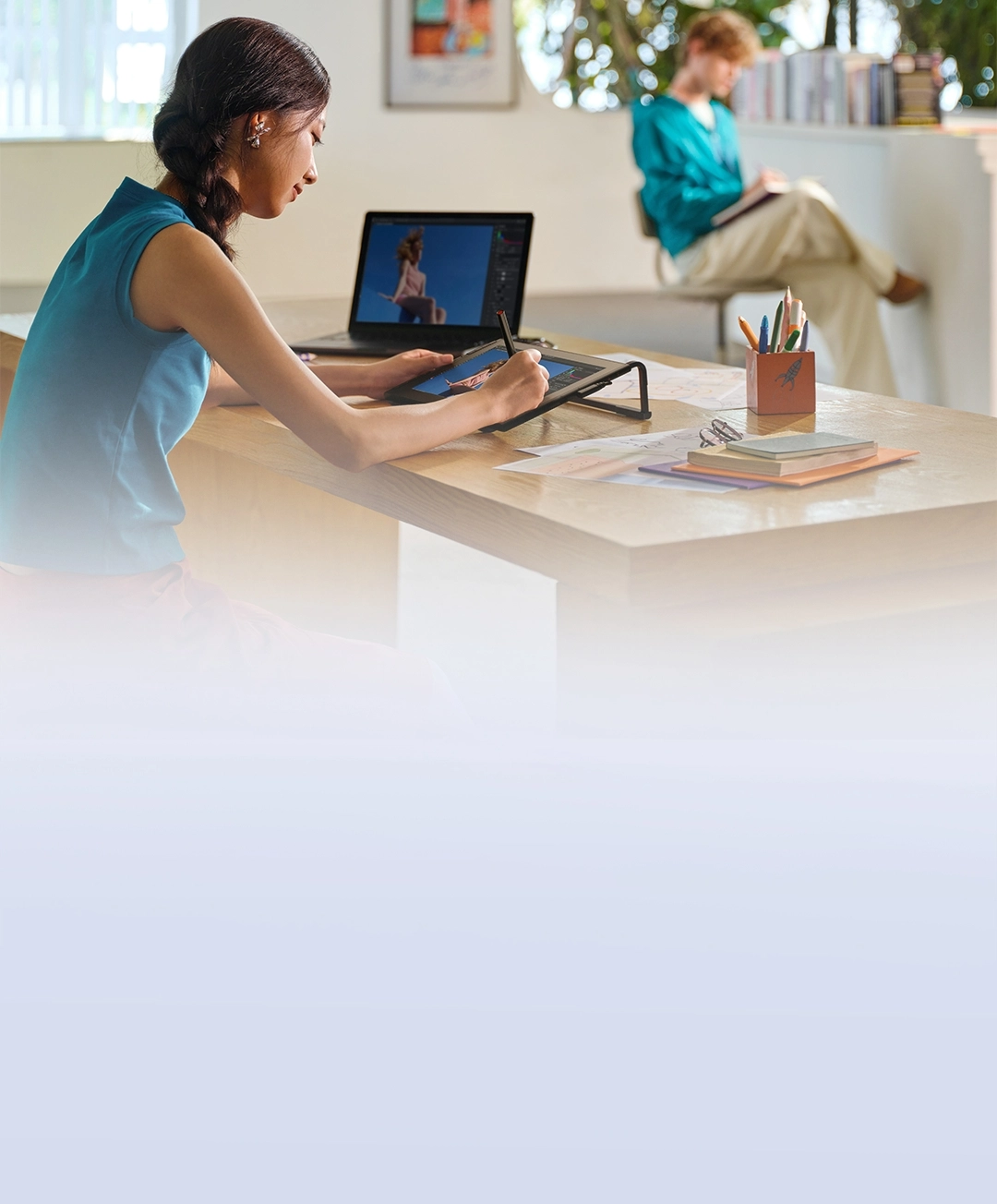
Start your creative journey with Artist 12 3rd.
This dial-enhanced portable drawing display is your perfect creative companion.
Customizable dials and shortcut keys for instant control.
Upgraded X4 Smart Chip Stylus for smooth strokes.
AG Nano-etched Glass for natural paper-like sketching.
An immersive creative experience is within your reach.
Take it anywhere and never miss a spark of inspiration,
whether you're traveling, at home, in school, or at work.
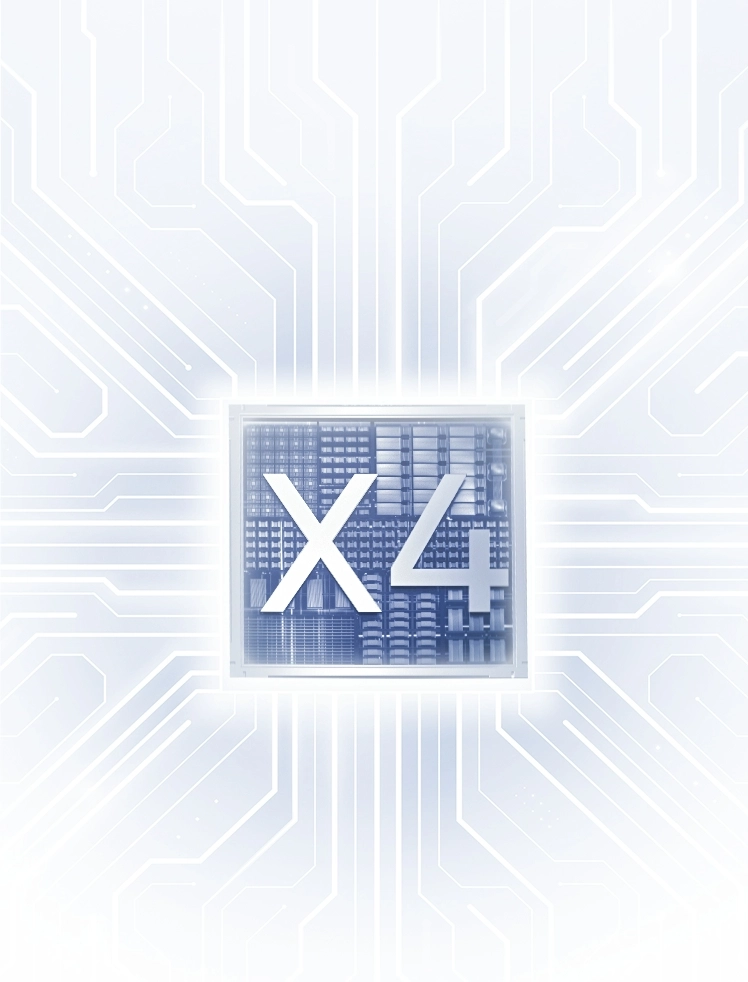
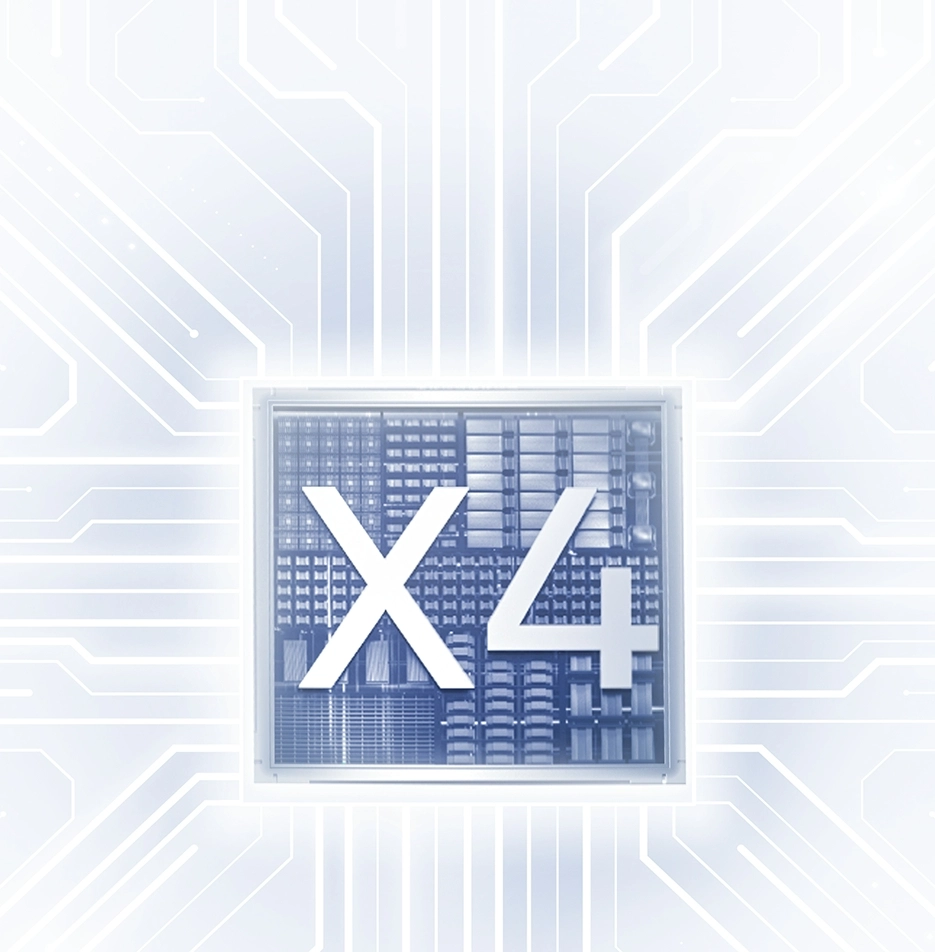
X4 Smart Chip Stylus
Upgraded Chip, Instant Response
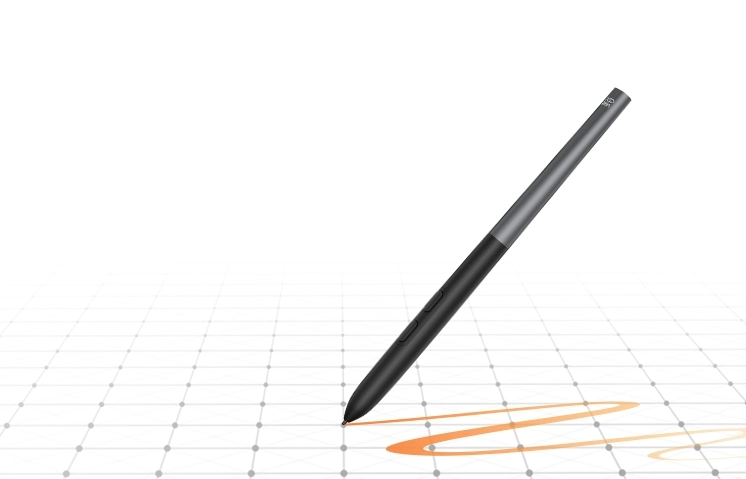
16K Pressure Levels
Ultra-smooth and Precise Strokes
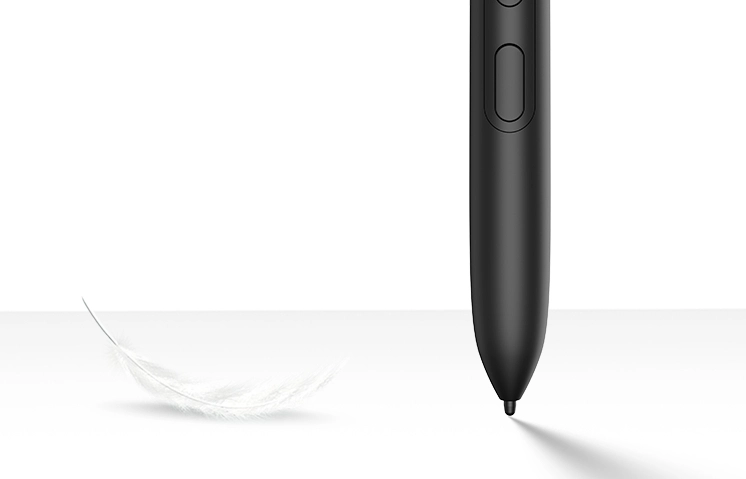
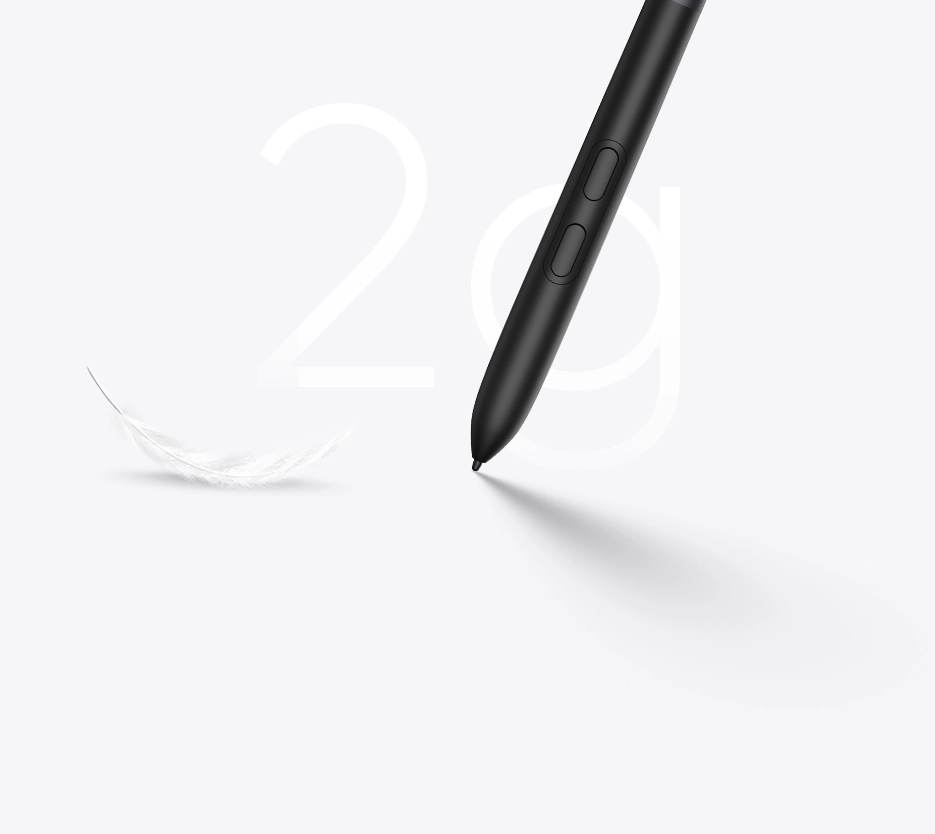
2g Initial Activation Force
Instant Response at Your Fingertips
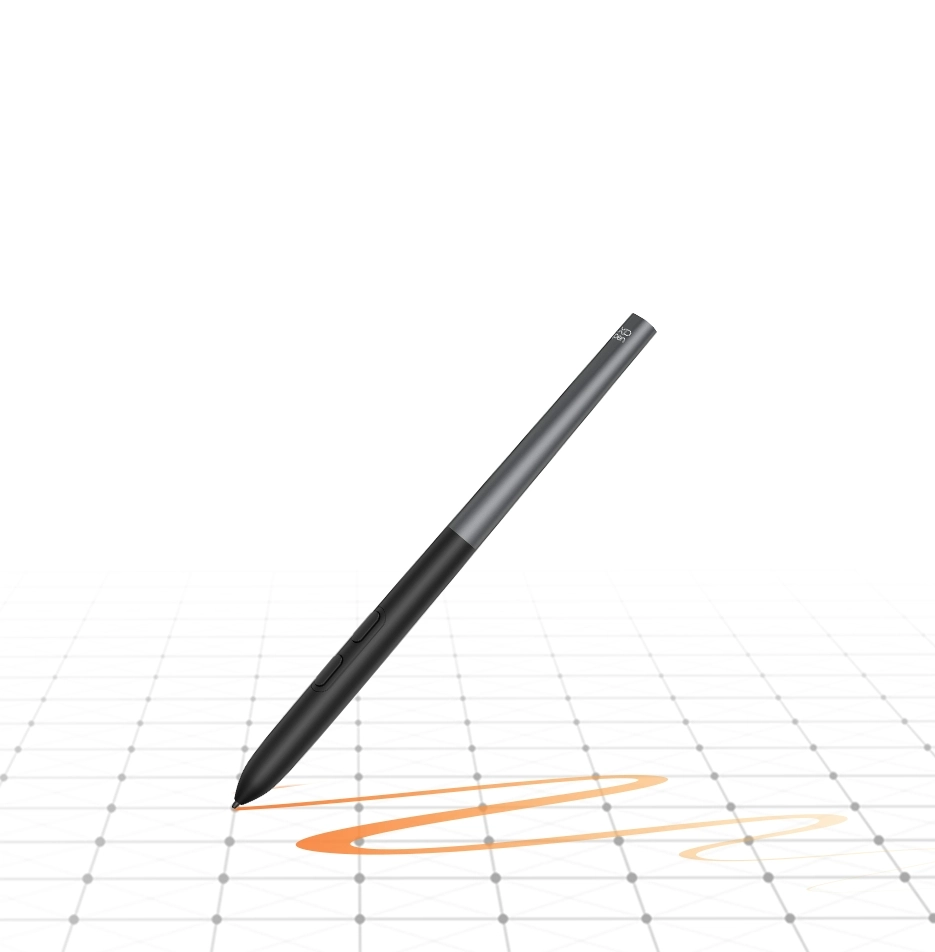
16K Pressure Levels
Ultra-smooth and Precise Strokes
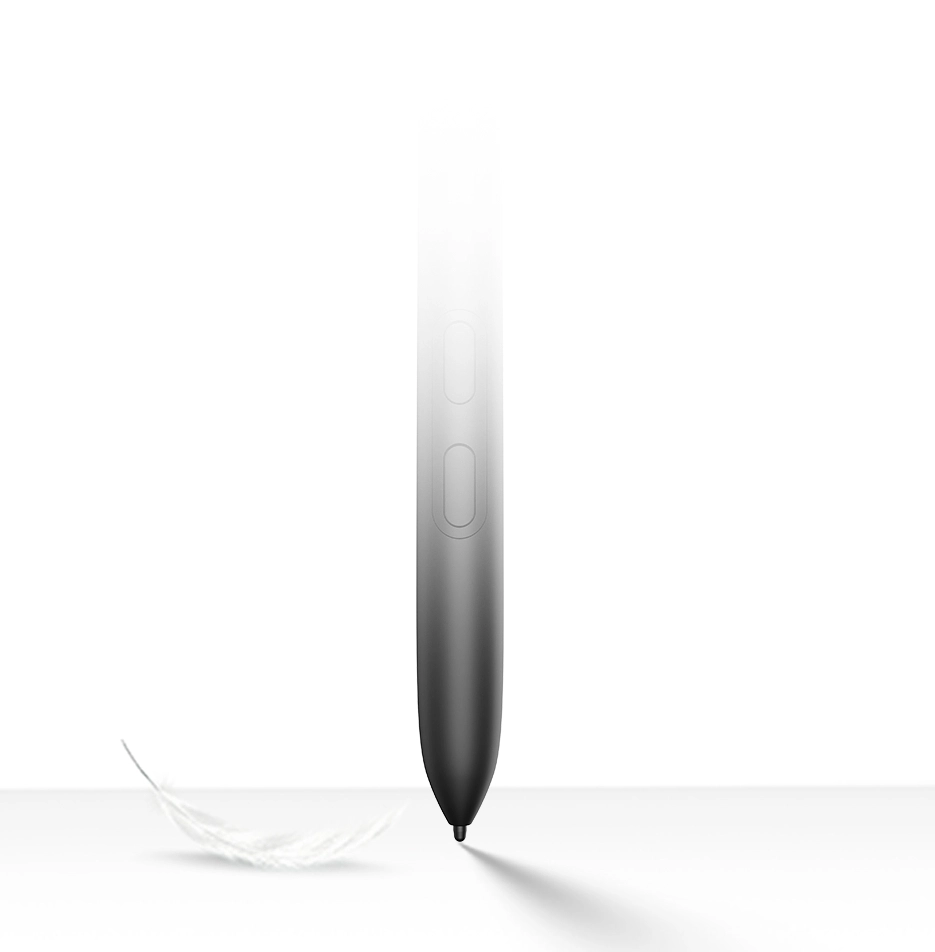
2g Initial Activation Force
Instant Response at Your Fingertips
AG Nano-etched Glass
Anti-glare,
Anti-fingerprint
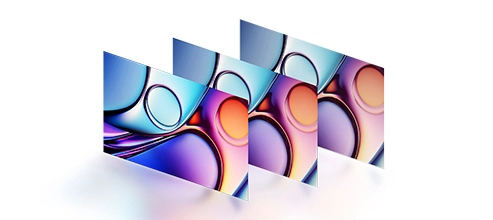
99% sRGB Color
Gamut Coverage
Vivid Colors and Crisp Details
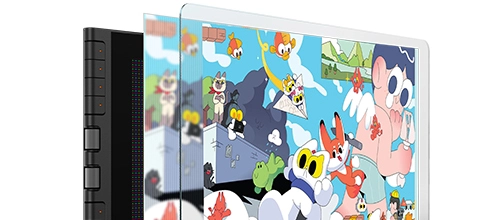
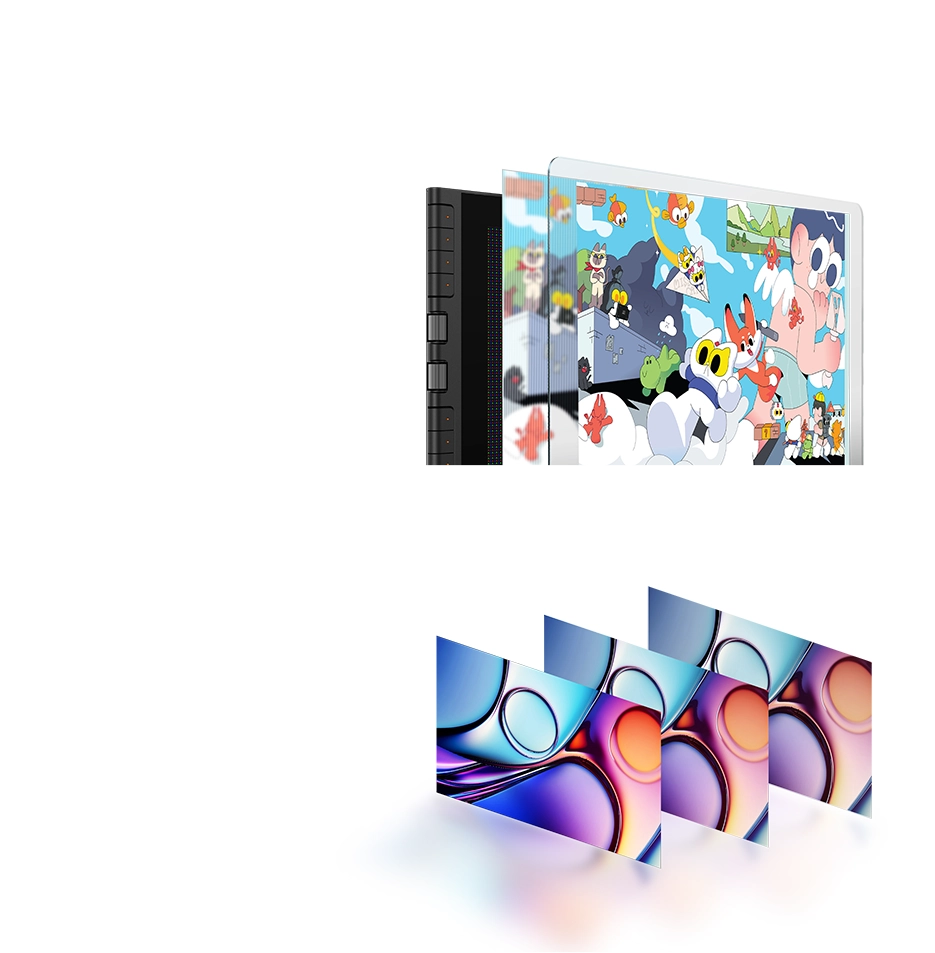
99% sRGB Color
Gamut Coverage
Vivid Colors and Crisp Details
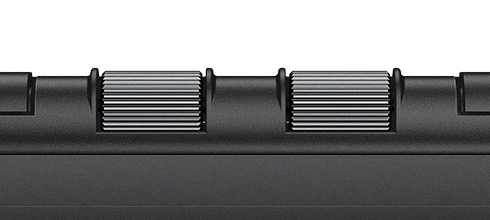
X-Dial Shortcut
Efficient Control,
Immersive Drawing
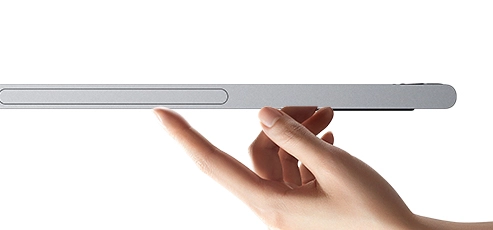
Slim ID Design
11.9-inch Display, Light to Carry
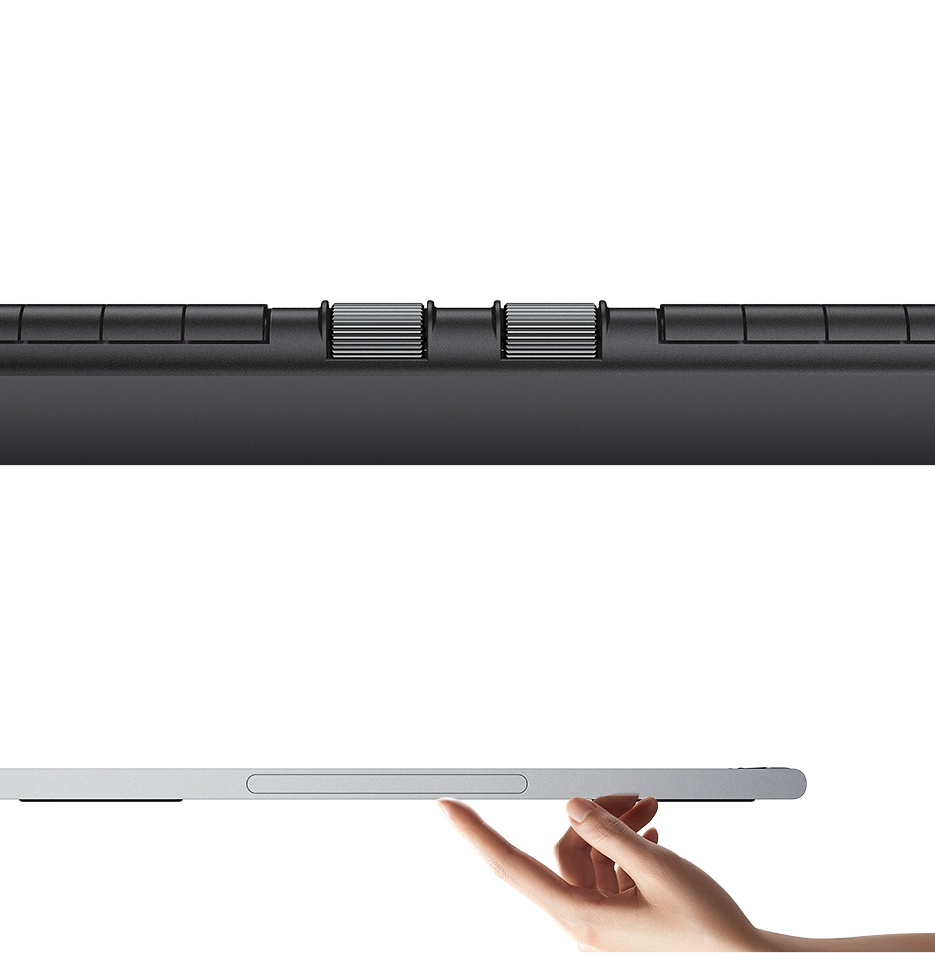
Slim ID Design
11.9-inch Display, Light to Carry
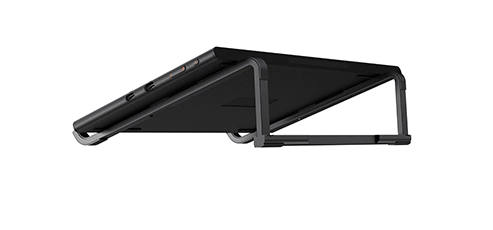
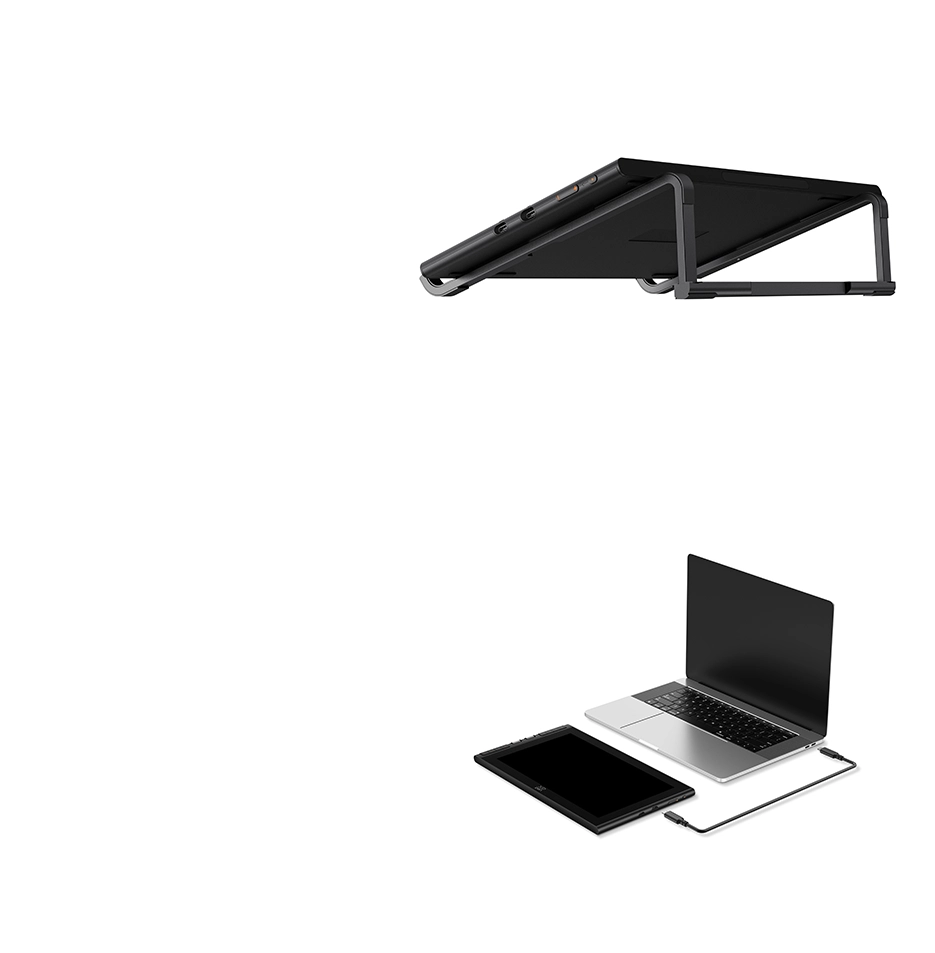
Foldable Stand
Draw in Comfortable Position
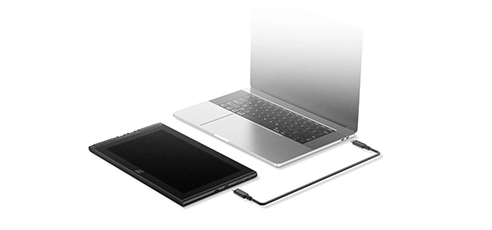
One Cable Connection
Tidy Indoors,
Convenient Outdoors
One Cable Connection
Tidy Indoors,
Convenient Outdoors


Phuwadon Thongnoum
Living in Bangkok, Thailand, Phuwadon Thongnoum is an independent illustrator and artist dedicated to bringing imaginative characters to life in the real world. He is well-known for the project, Missing the Cat, which aims to inspire people to view the world in a warm and open way. He has collaborated with brands and art institutions such as Banpu, Charmyai brewing and Bridge Art Agency.
XPPen is excited to collaborate with Phuwadon Thongnoum to fuse art and technology with the launch of the Artist 12 3rd drawing display.
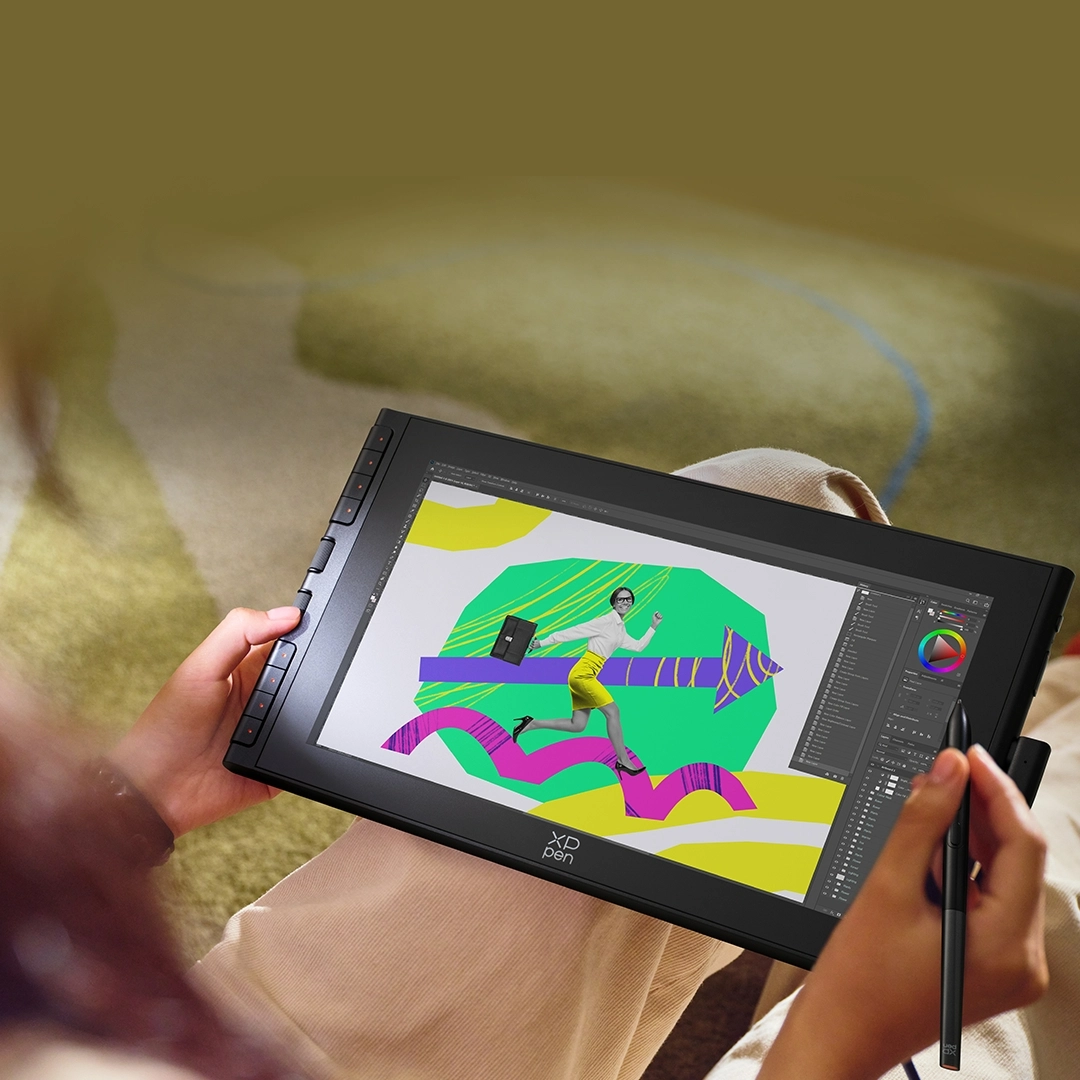
Efficient Control,
Immersive Creation
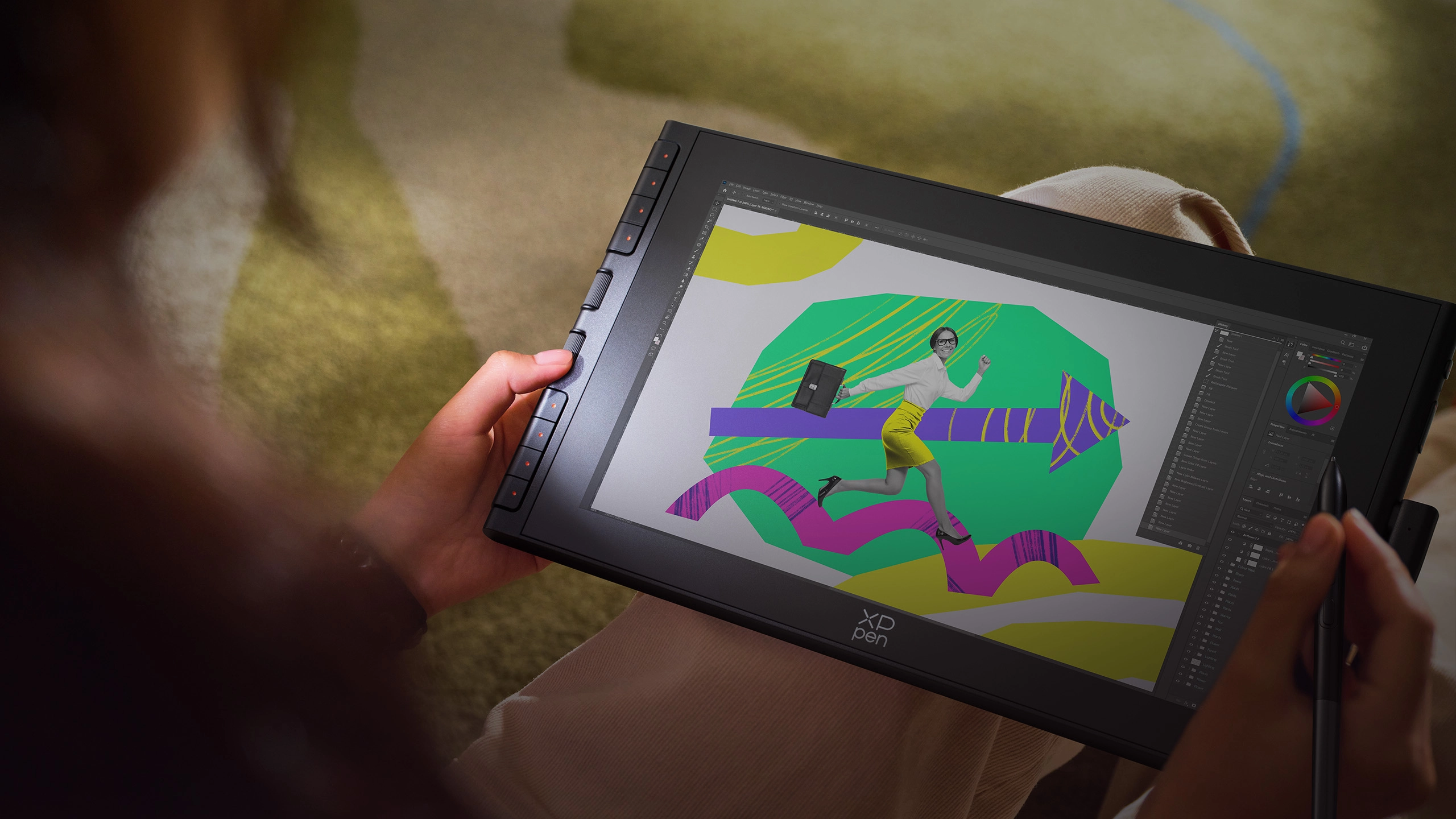
The innovative X-Dial and shortcut keys provide effortless control over your creation.
Just scroll or press to take productivity to new heights.
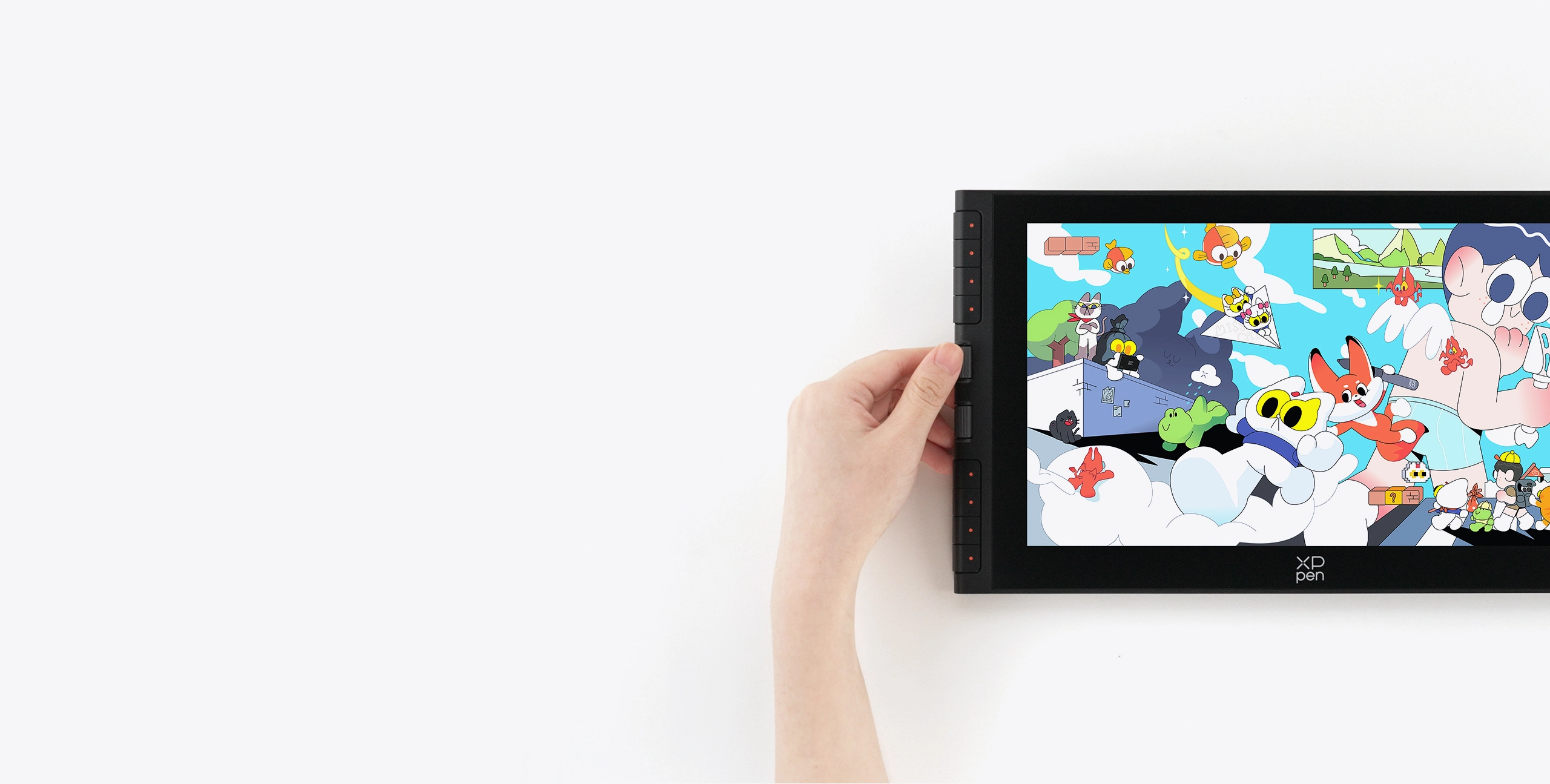
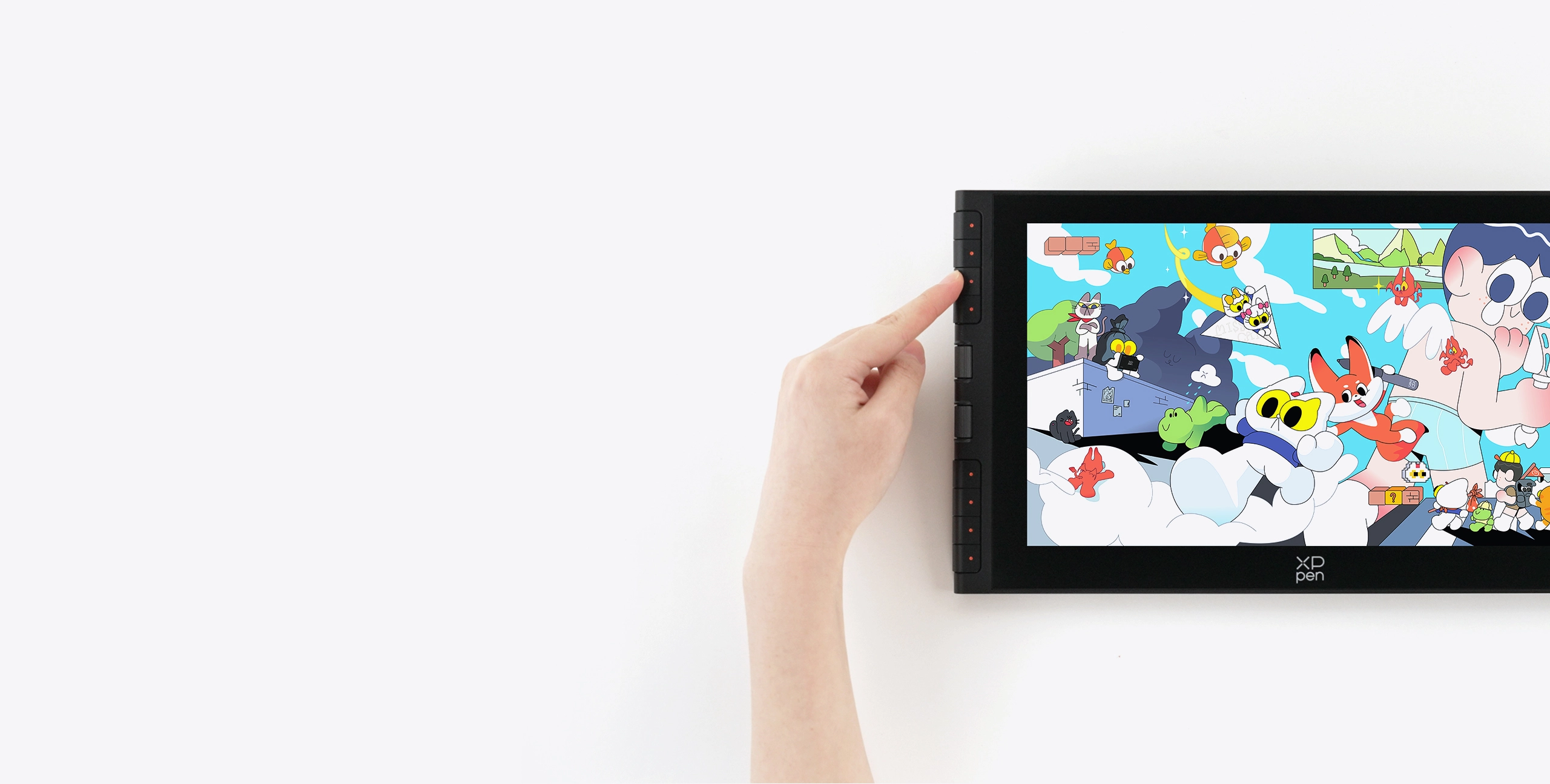
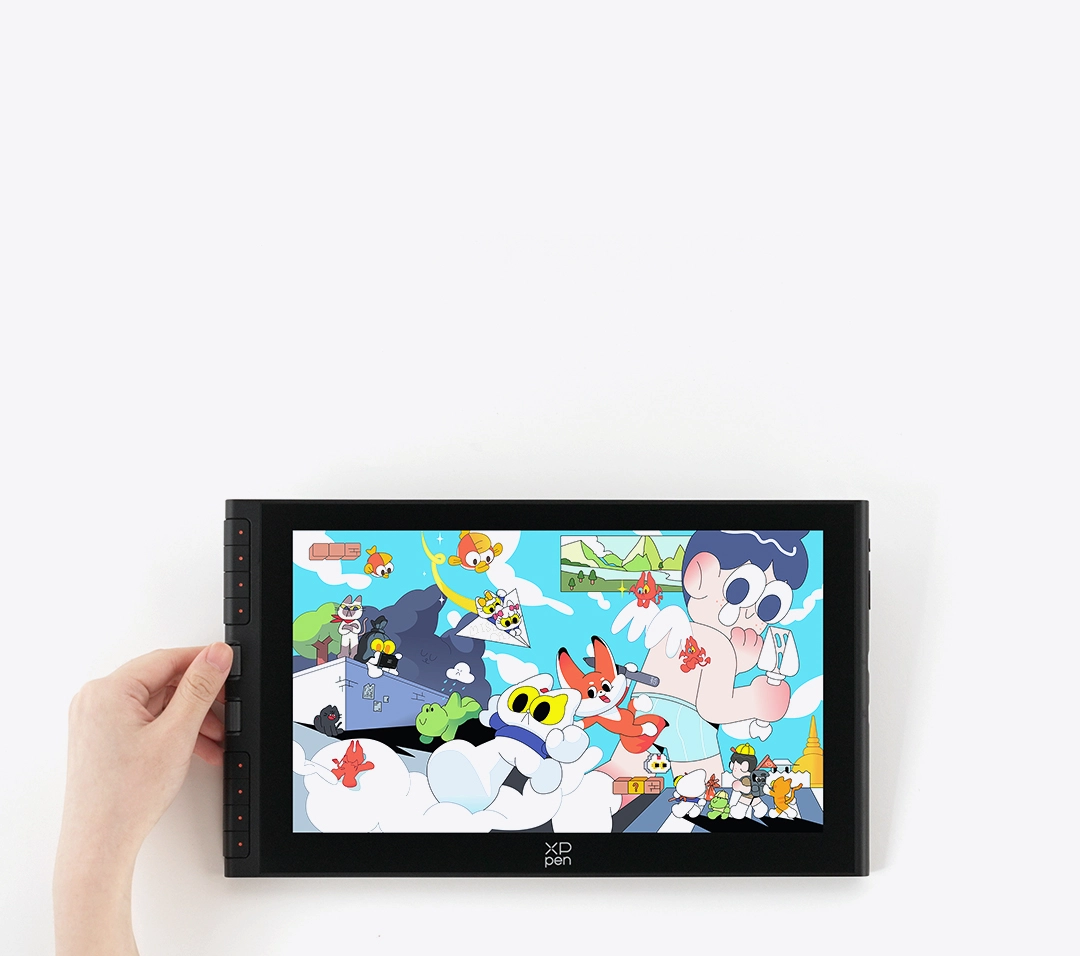
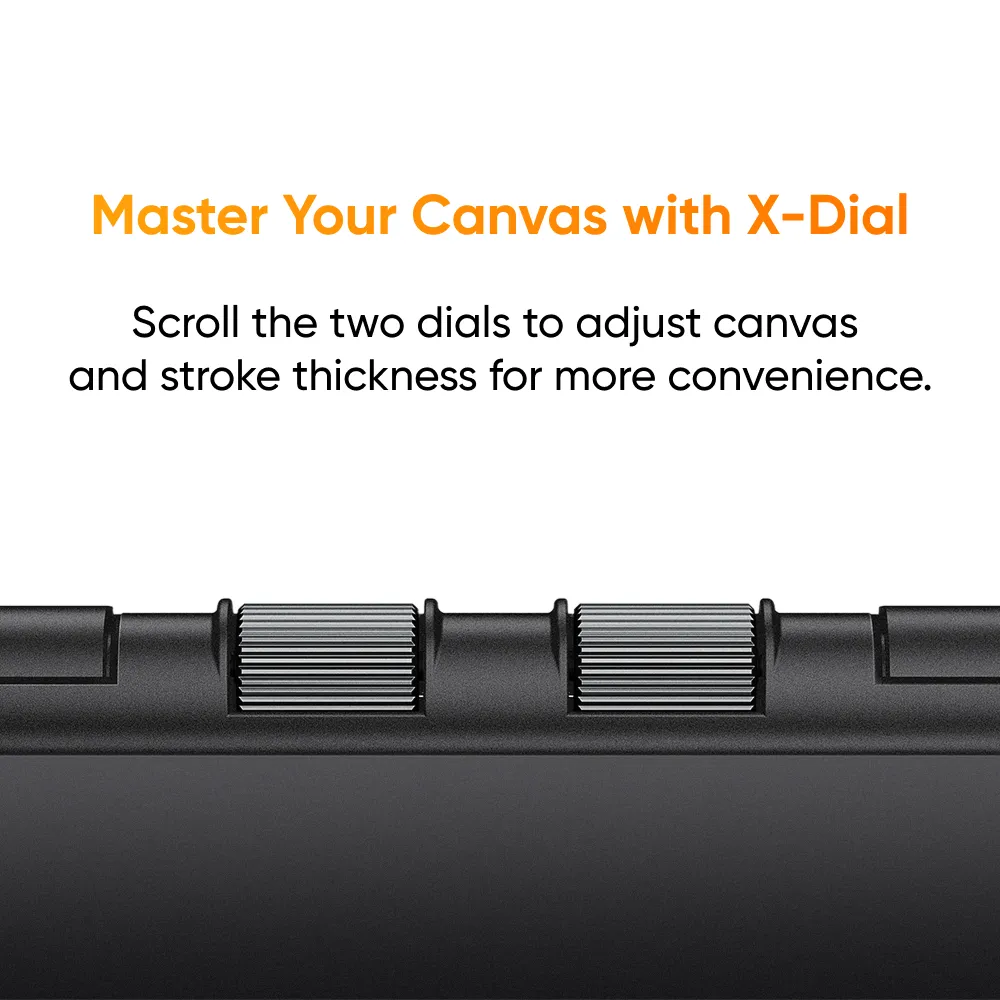
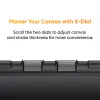
Master Your Canvas
with X-Dial
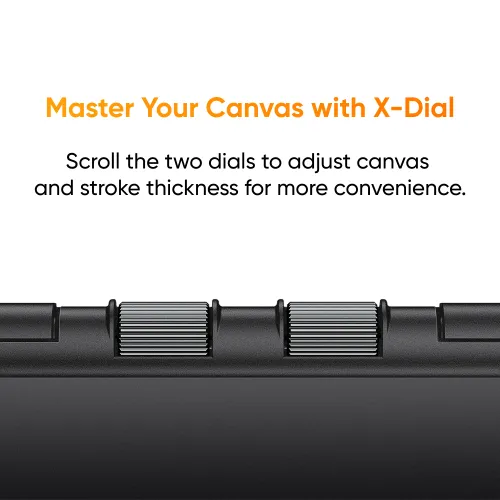
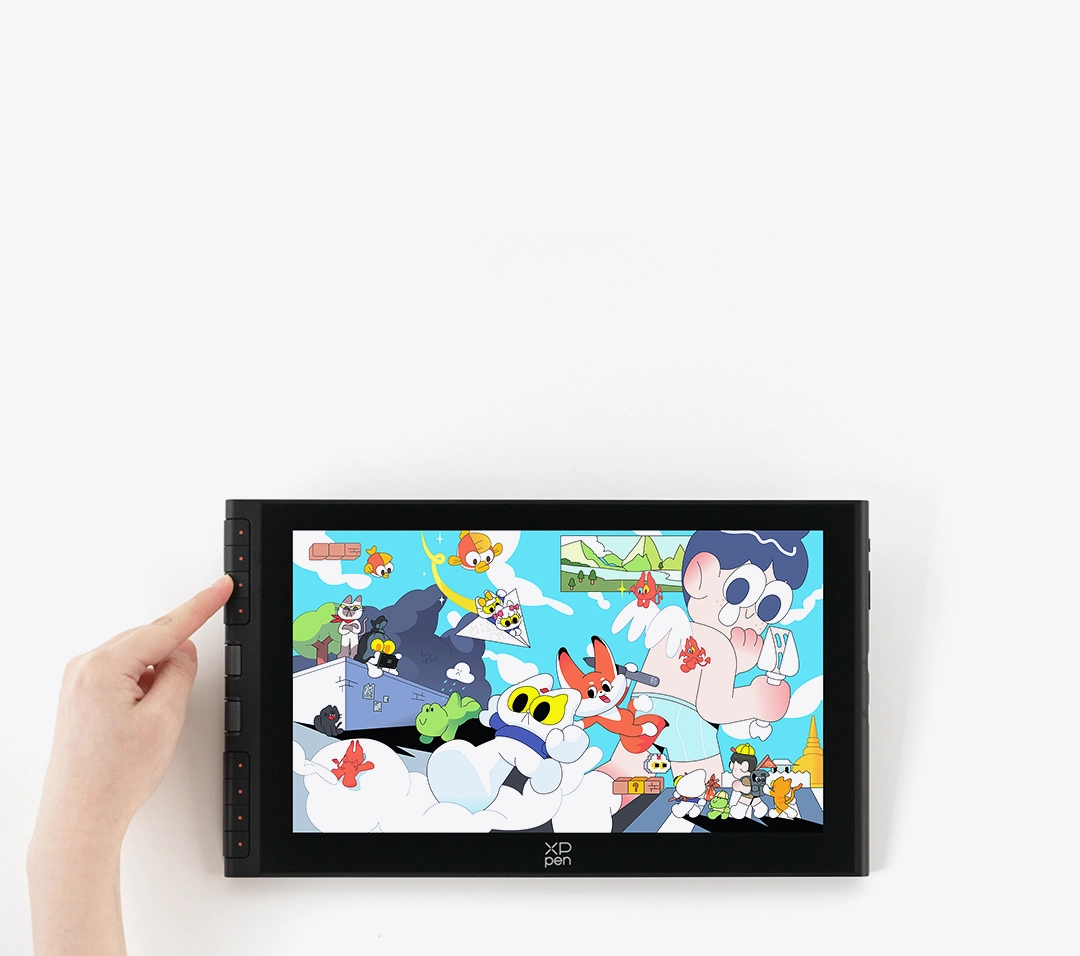
Take a close look at the brand-new X-Dial. This innovative design allows you to zoom in and out of the canvas or adjust the thickness of strokes, simply by scrolling the two dials—everything crafted for your convenience.
Speed Up Workflow
with Shortcut Keys
Eight customizable shortcut keys support side and front presses. The new button design saves space for a higher screen-to-body ratio. Press these keys to delete, copy, undo and perform more operations for higher productivity.
Packed Power in Slim Body
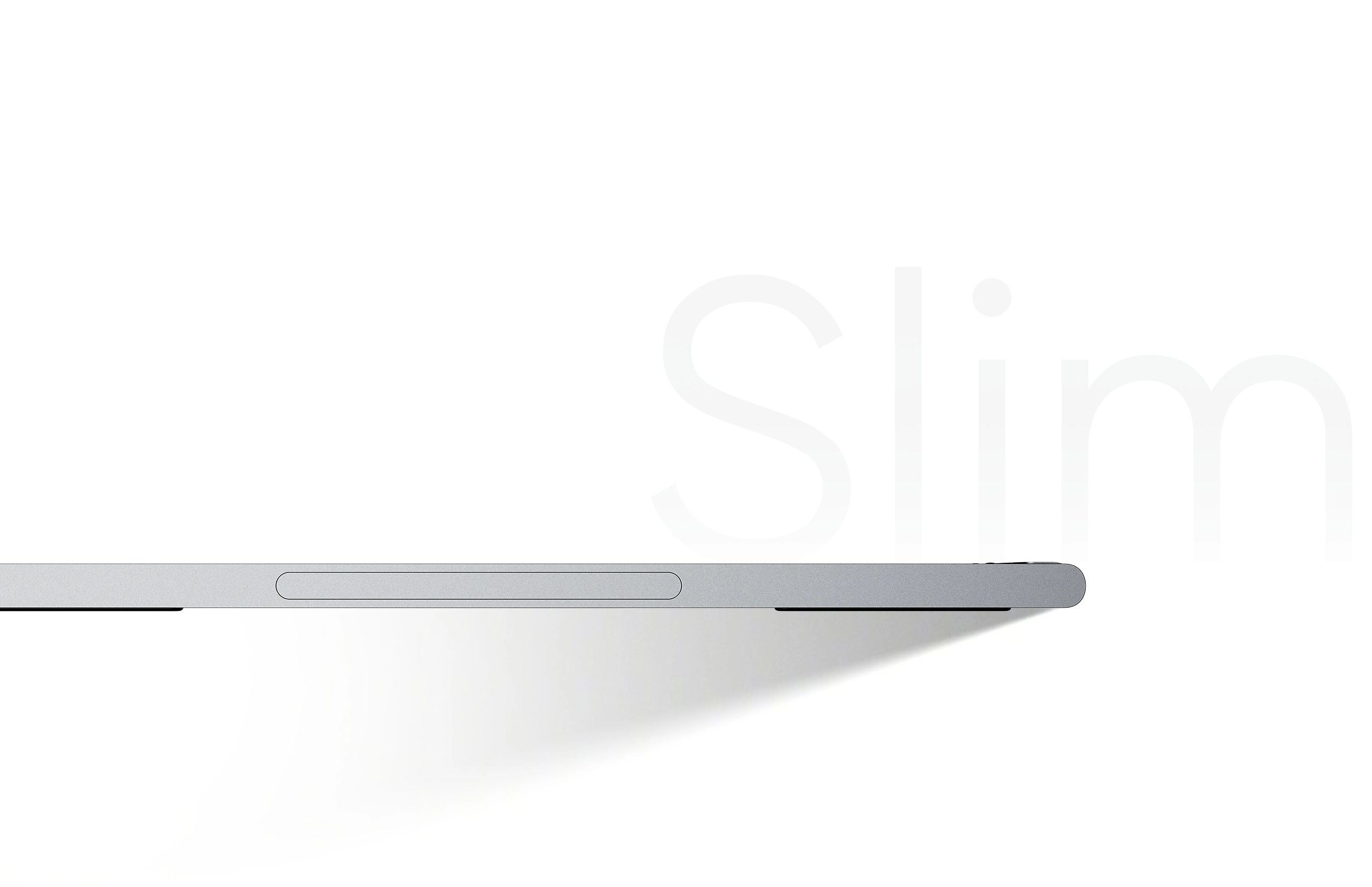
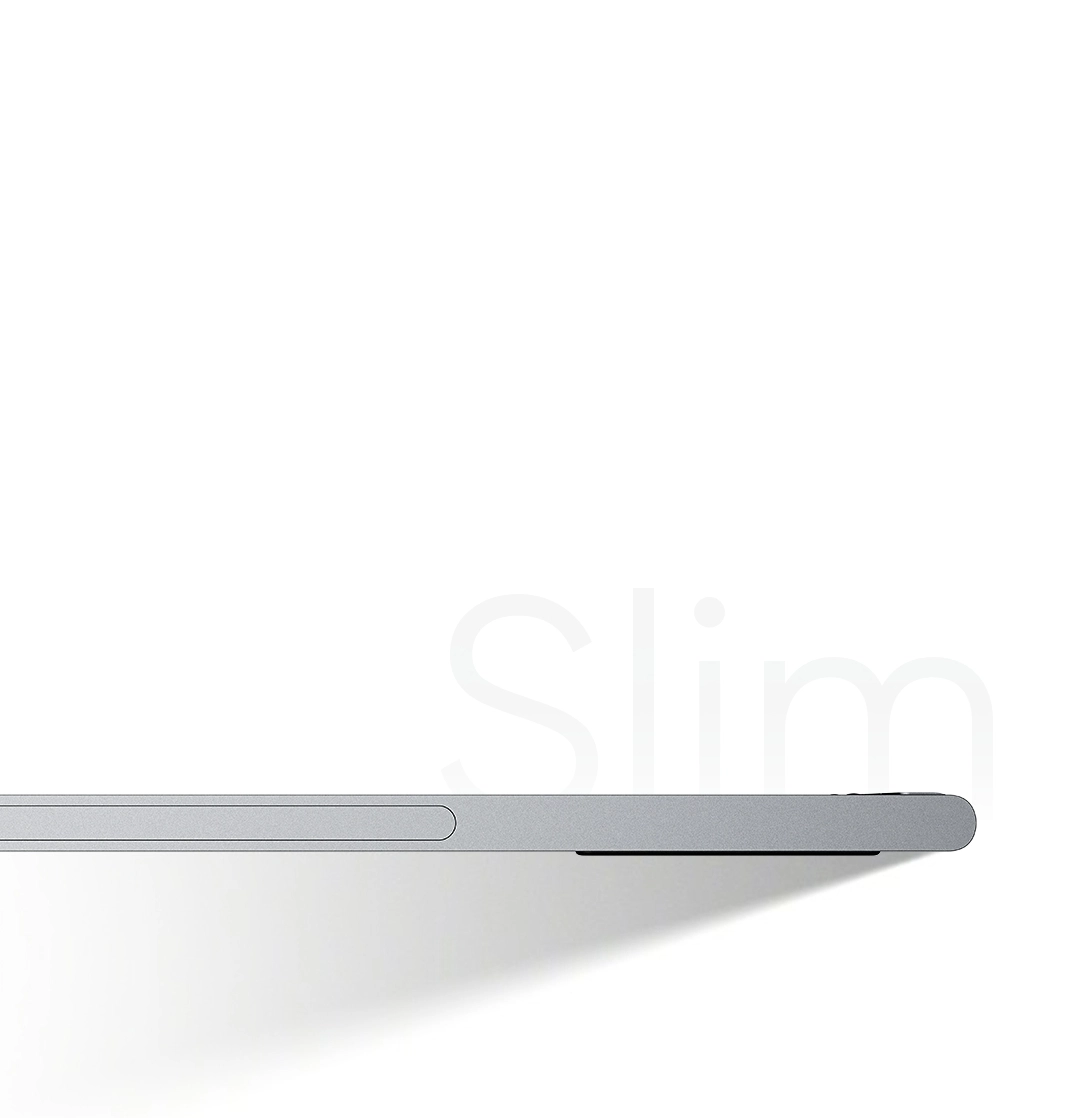
Artist 12 3rd redefines the portability of drawing displays. Weighing just 719g and featuring an 11.9-inch screen, it fits perfectly into your bag. Creating on the go has never been easier.
11.9 Inch
Display Size
719g
Weight
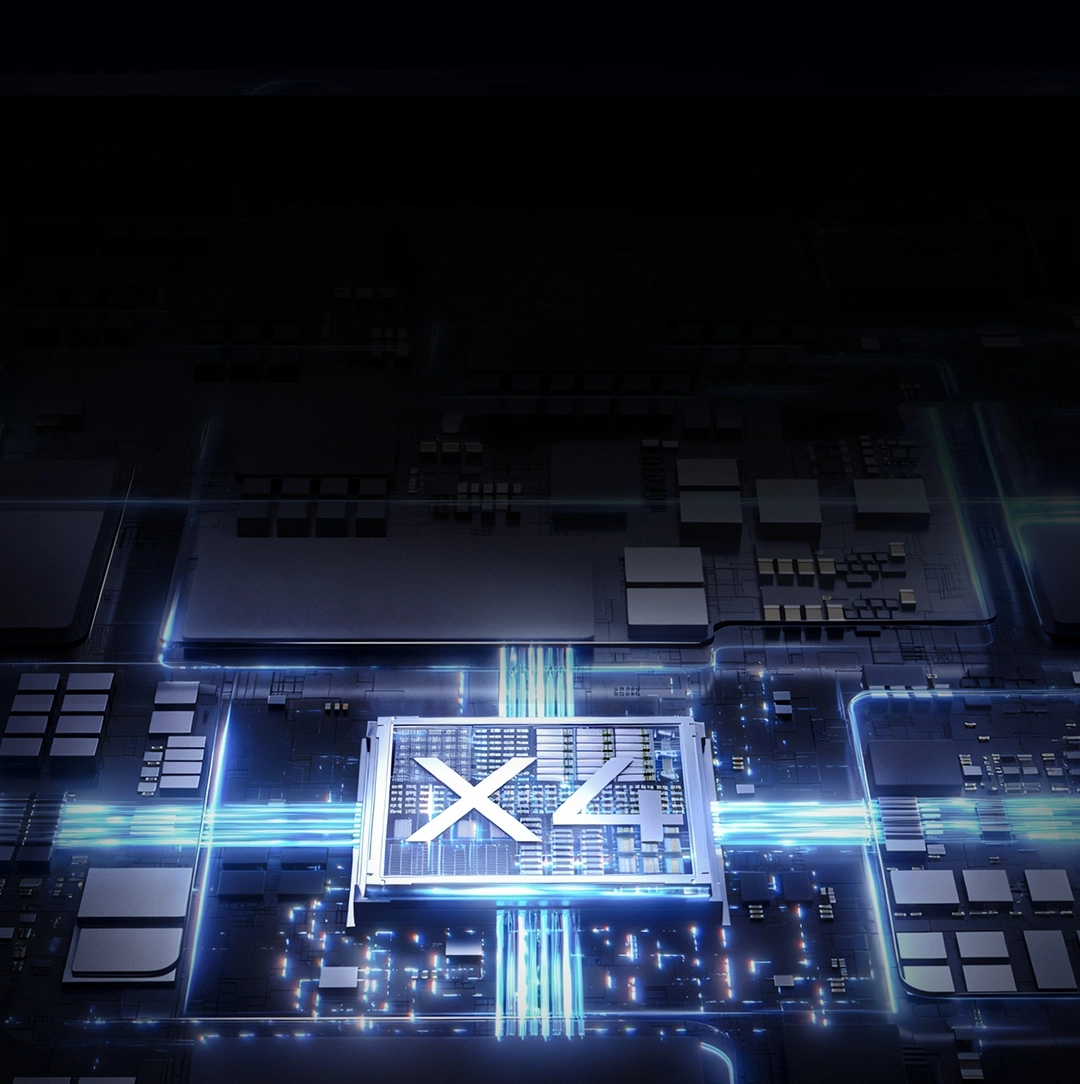
Power Inside,
Creativity Unbound
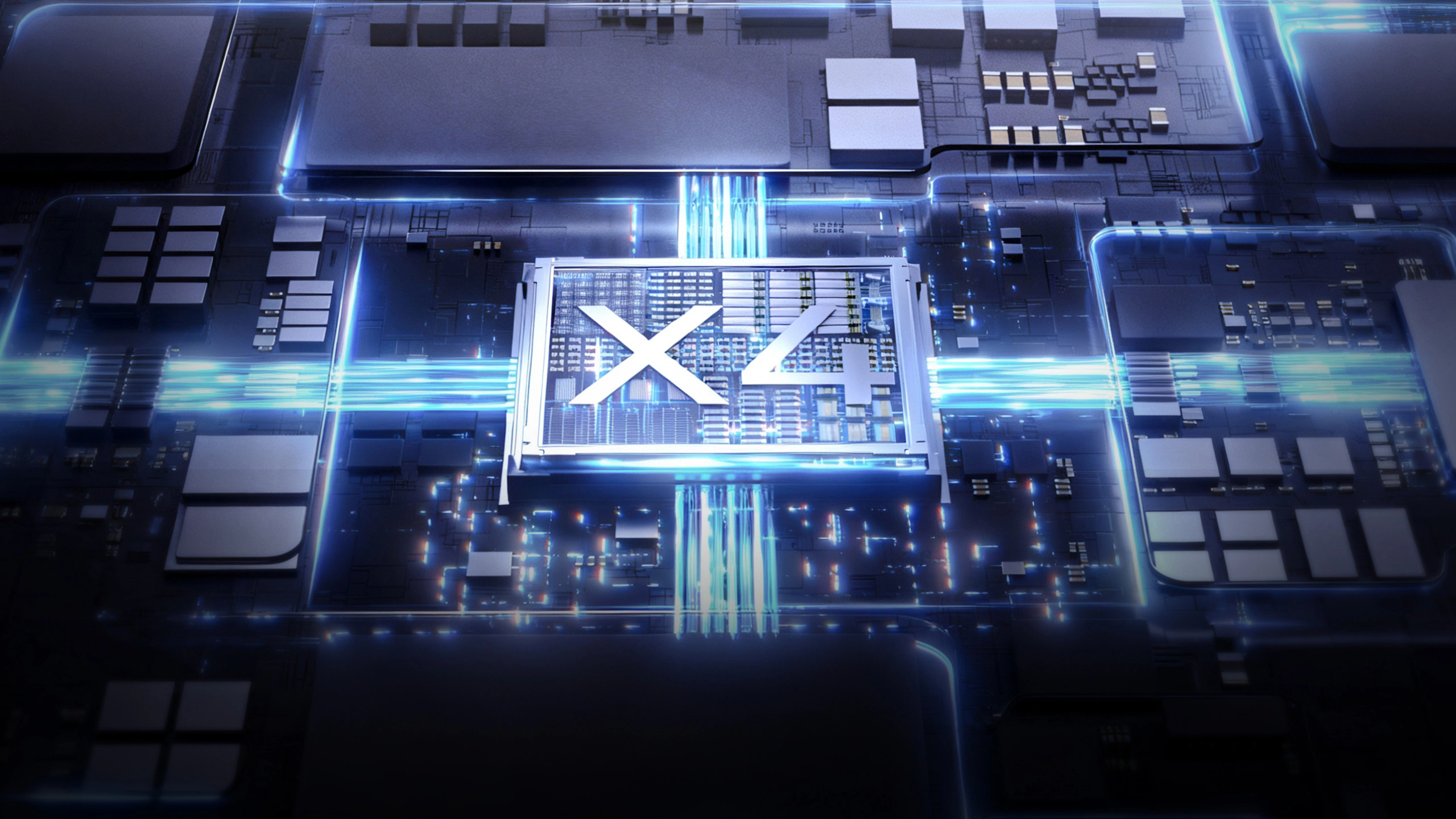
Powered by the brand-new X4 smart chip,
the revolutionary X4 Smart Chip Stylus merges cutting-edge performance with sleek design.
It is designed to transform your strokes into art perfection.
Next-Level Sensitivity
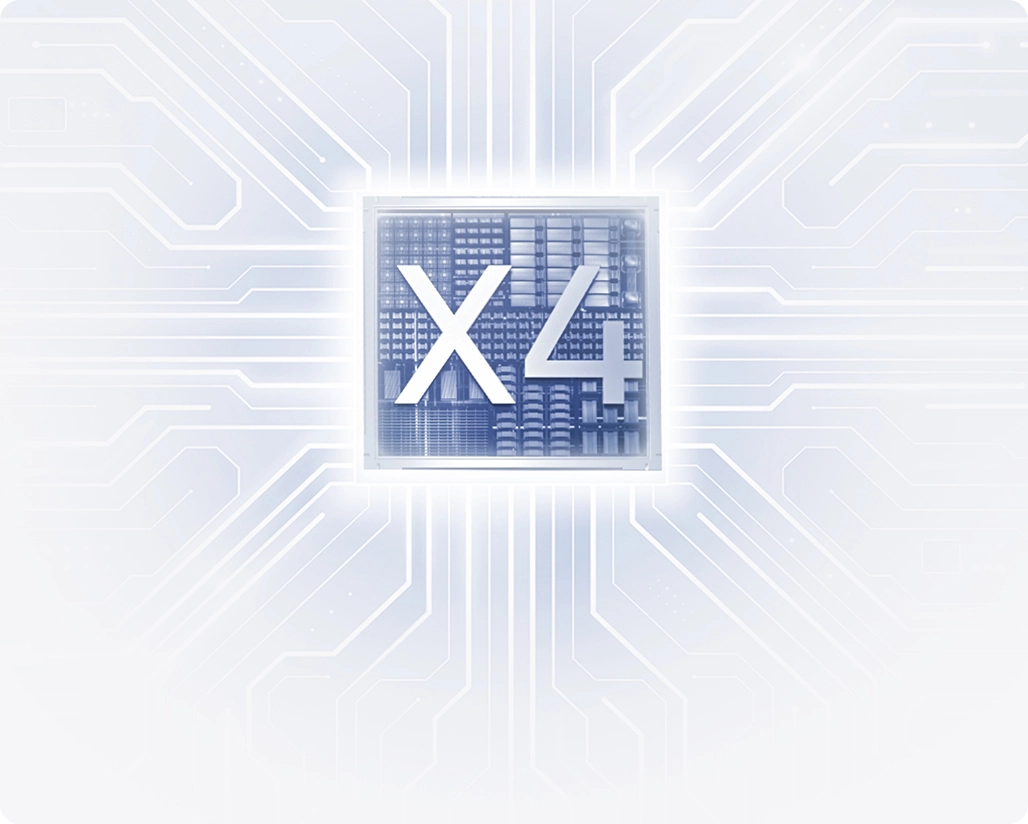
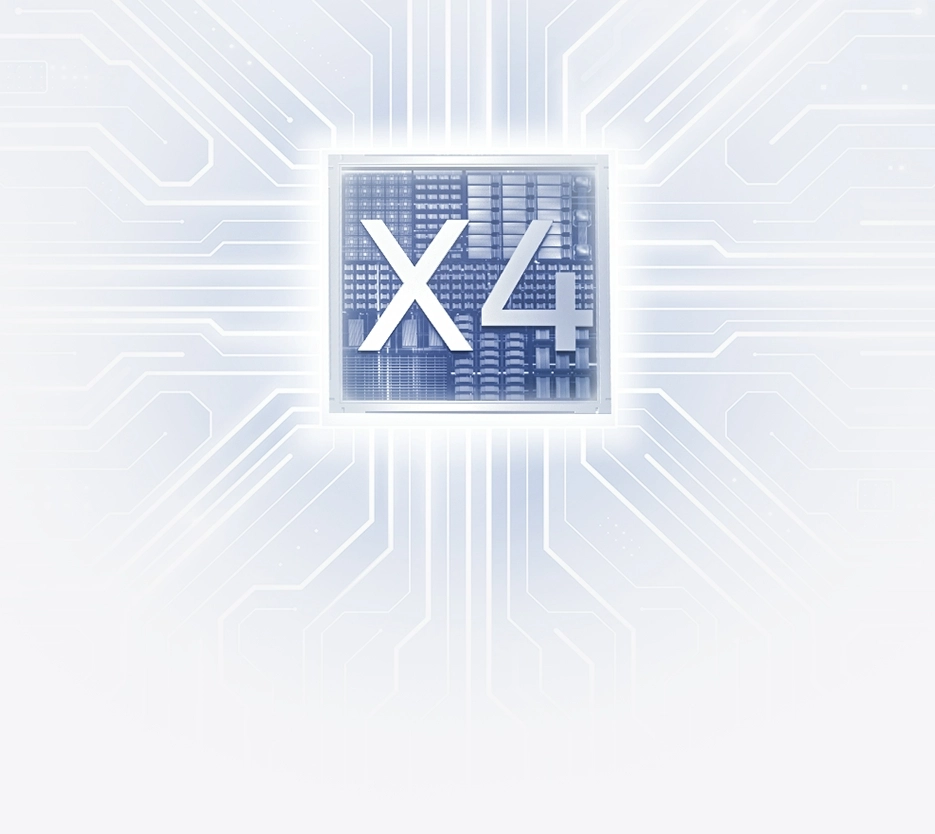
Upgraded Chip, Instant Response
By incorporating the power-efficient X4 chip, the stylus delivers faster response time for your strokes.
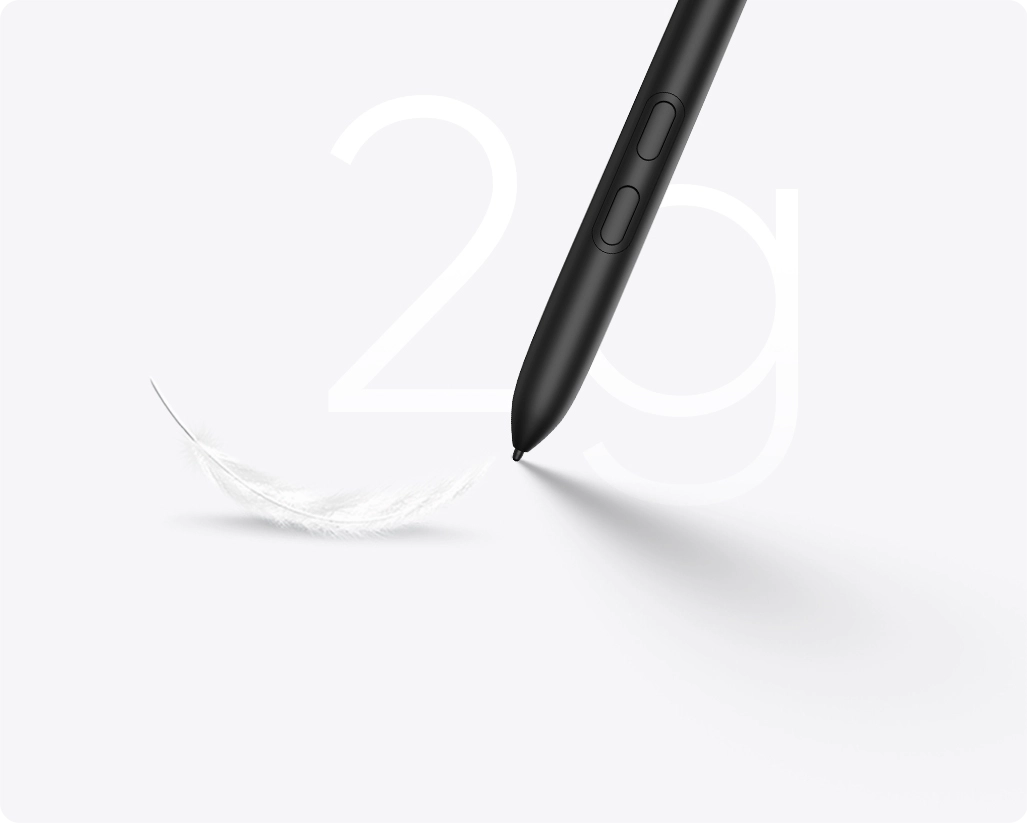
Sensing with Slightest Force
The initial activation force of the stylus has been reduced to 2g, providing instant feedback when the pen tip touches the display.


Next-Level Smooth
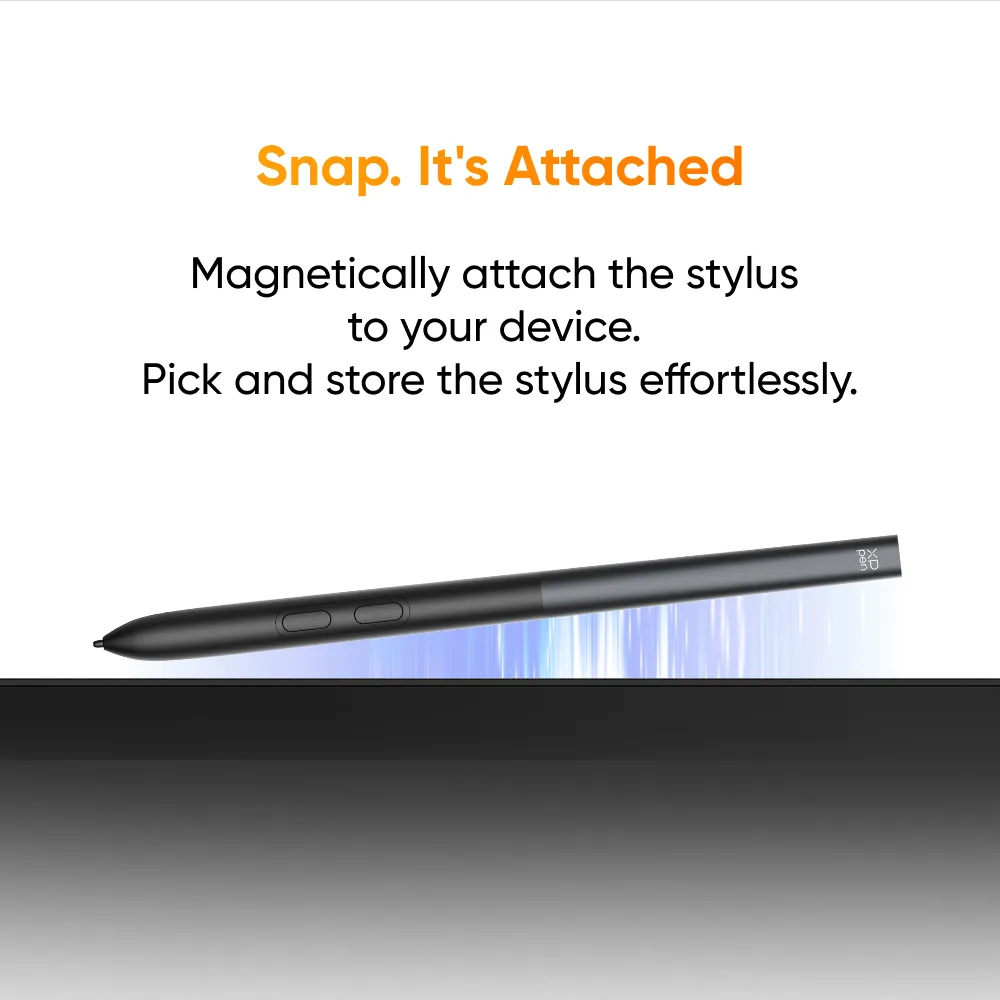
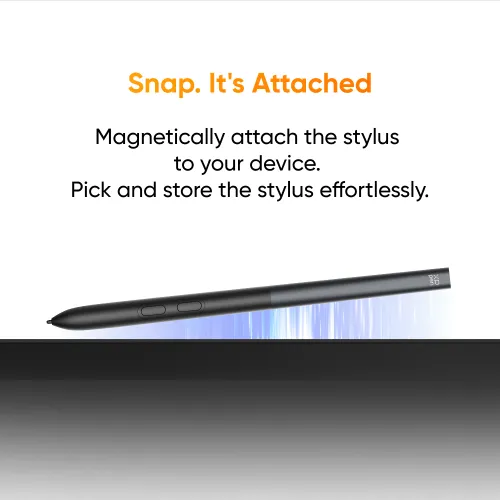
Snap. It's Attached
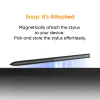
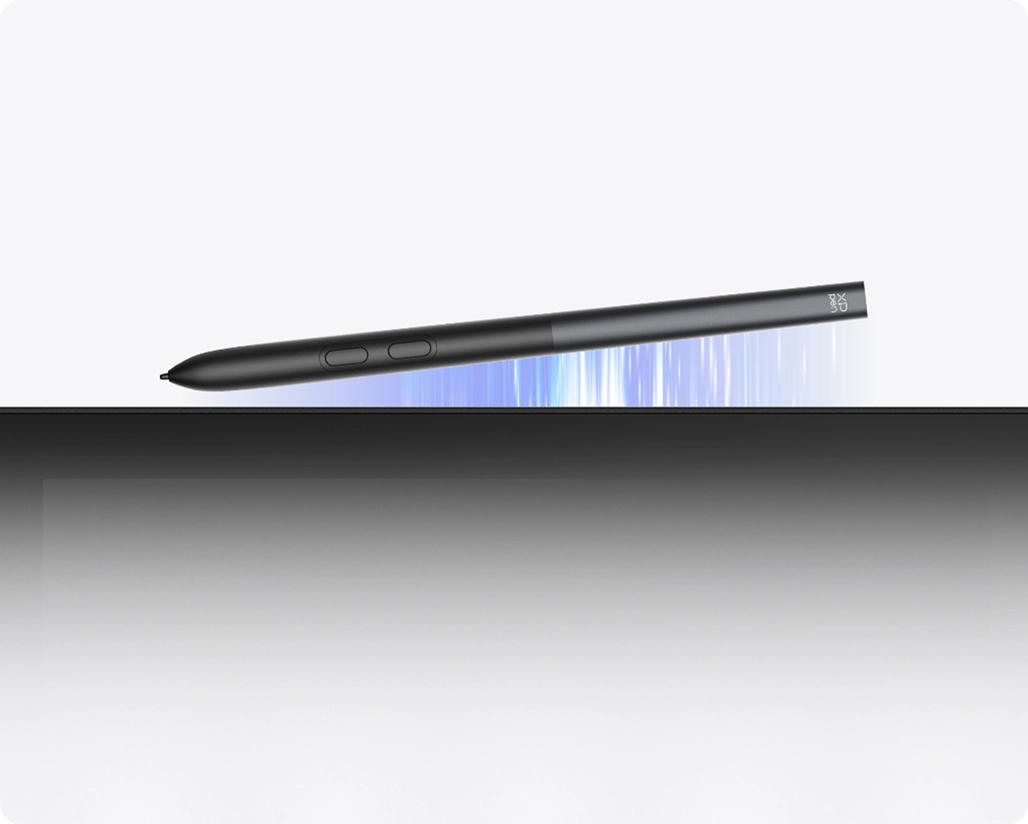
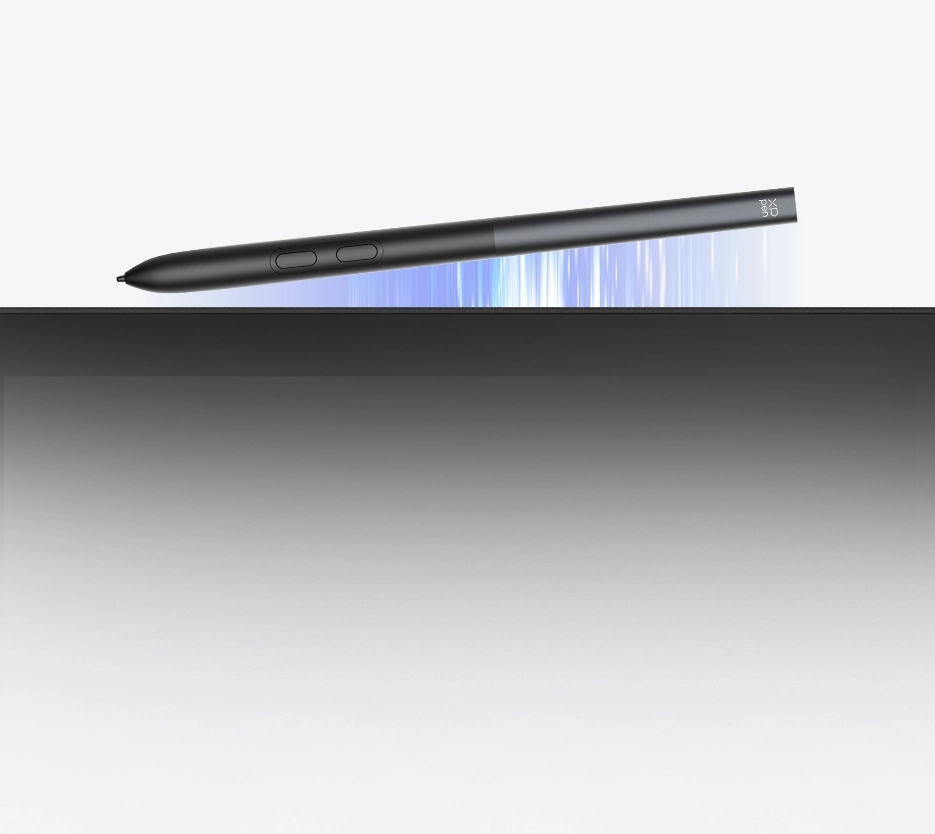
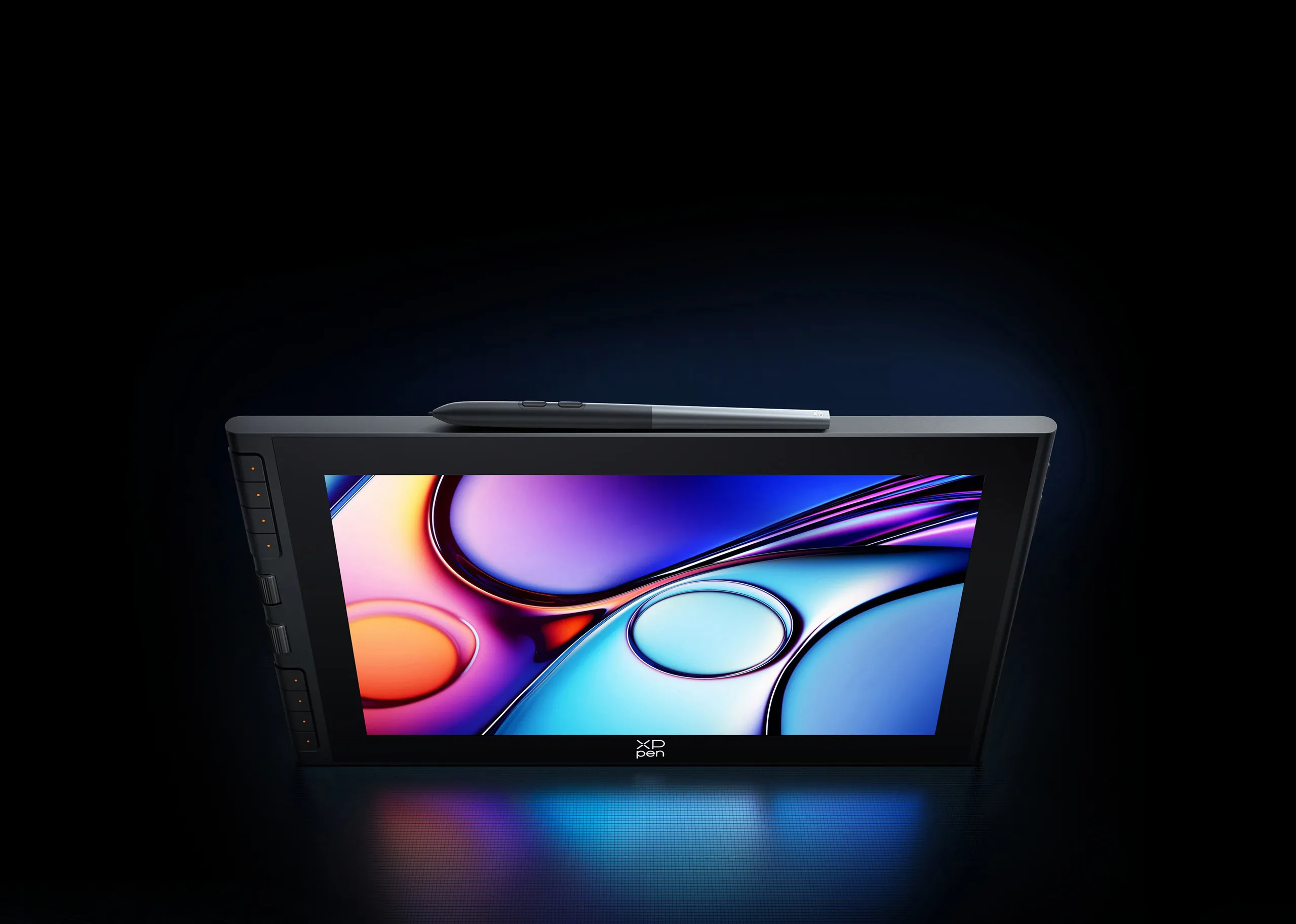
Meet the first magnetic stylus of XPPen drawing display. With a simple snap, it securely attaches to the top of the Artist 12 3rd, making picking up and storage effortless.
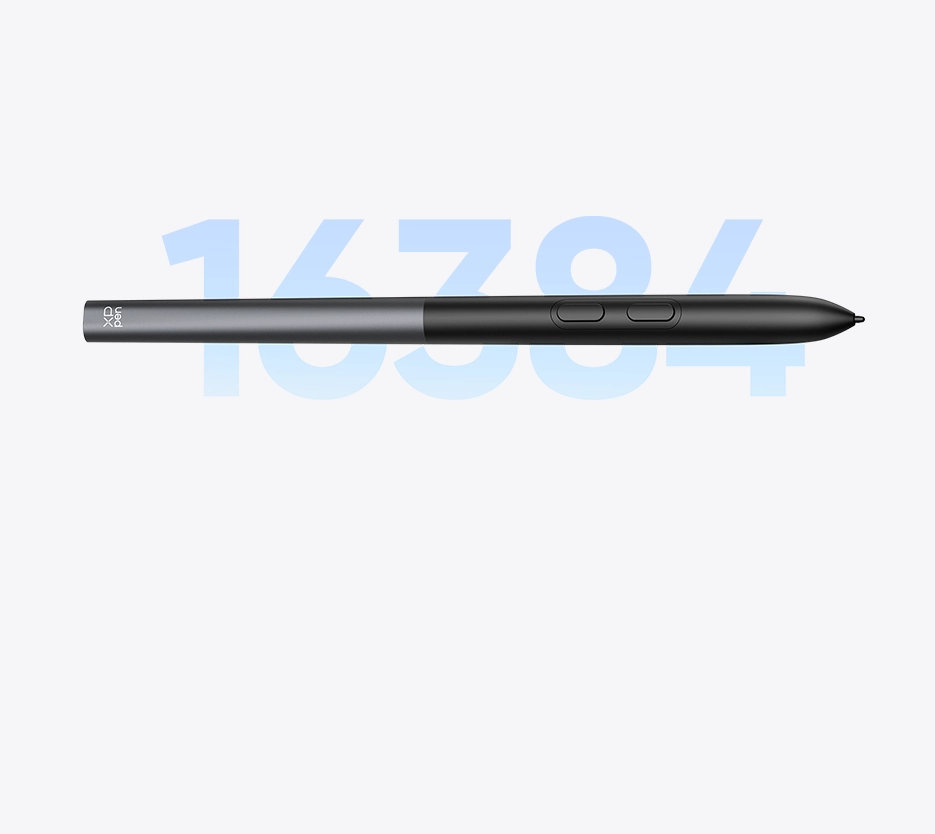
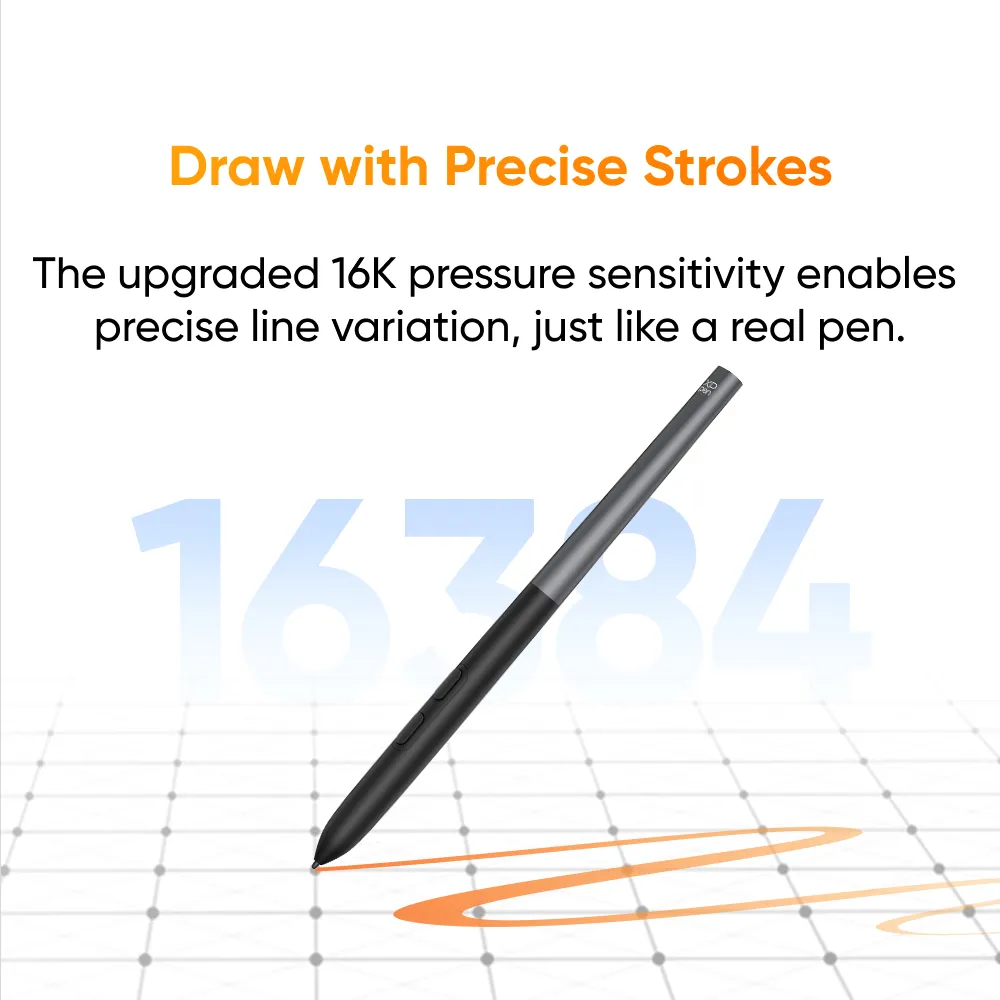
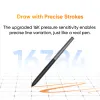
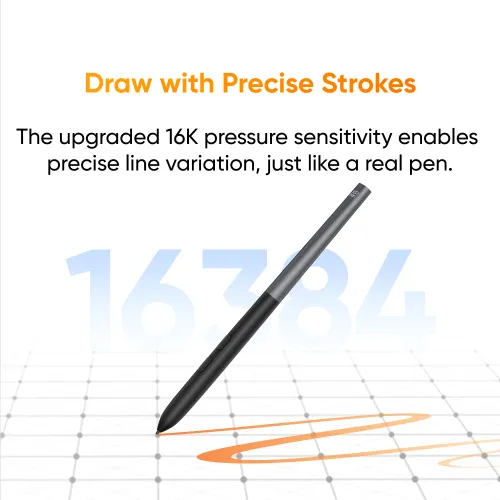
Draw with Precise Strokes
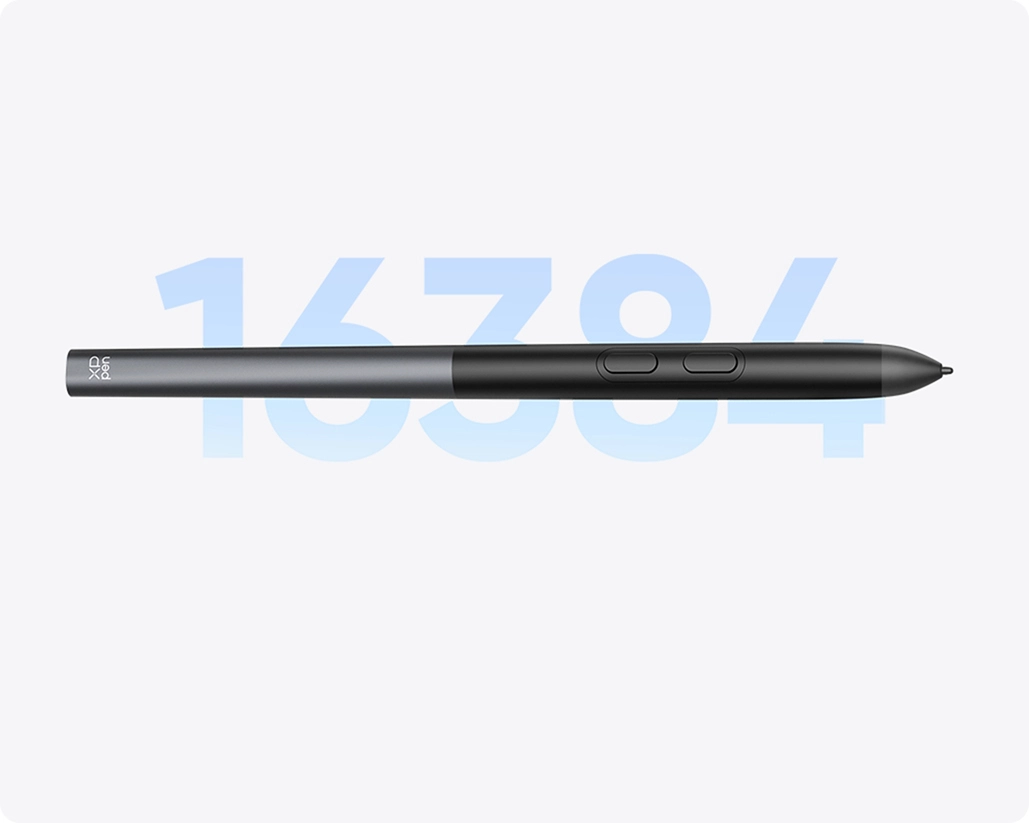
The upgraded 16K pressure levels empower you to draw strokes of varying thickness with precision, restoring the natural feel of a real pen.
Next-Level Stability
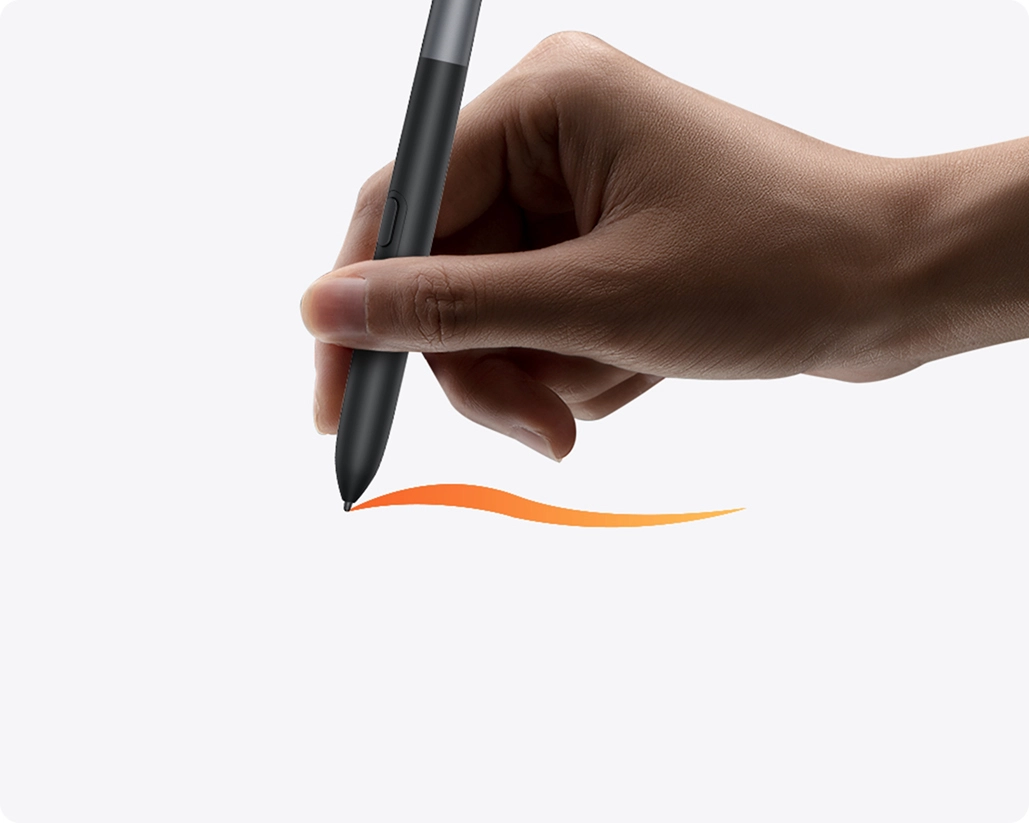
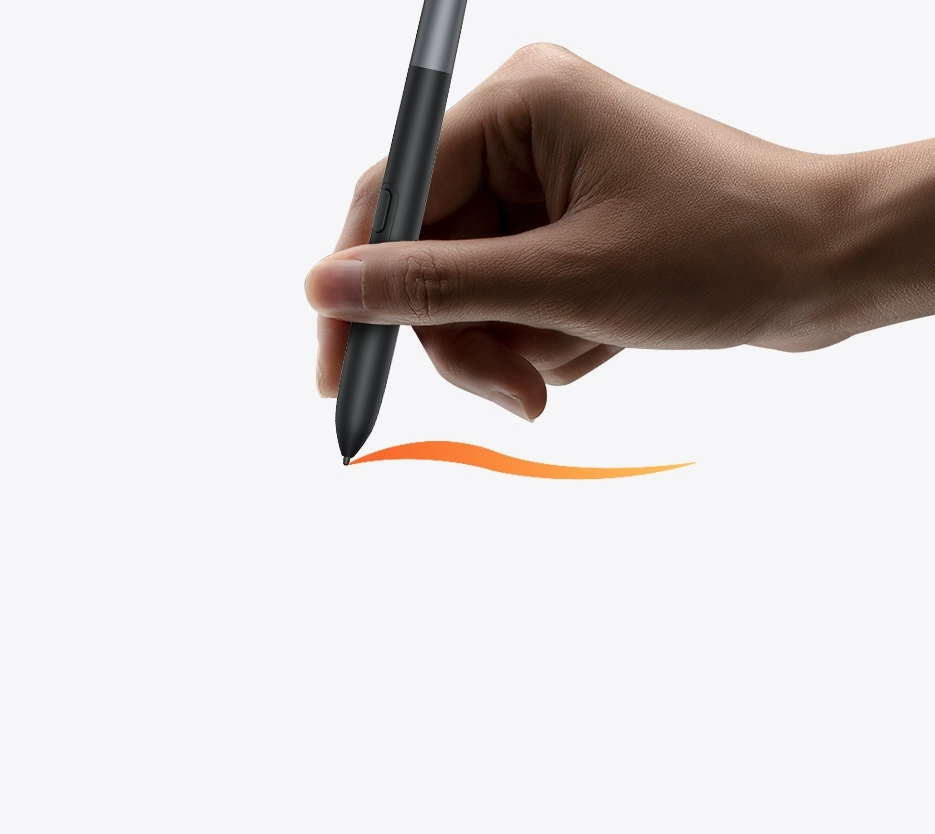
Less Shaking in Pen Tip
Thanks to its bullet-shaped pen tip, the stylus is not only durable but also provides enhanced tip stability for focused creation.
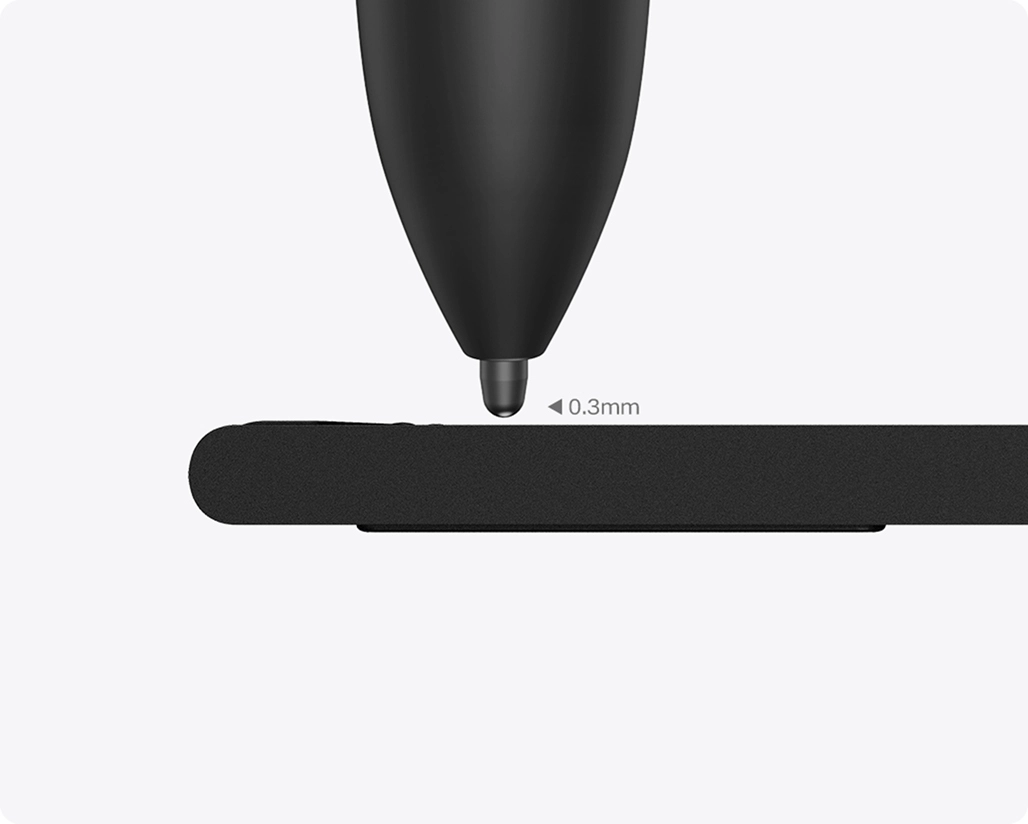
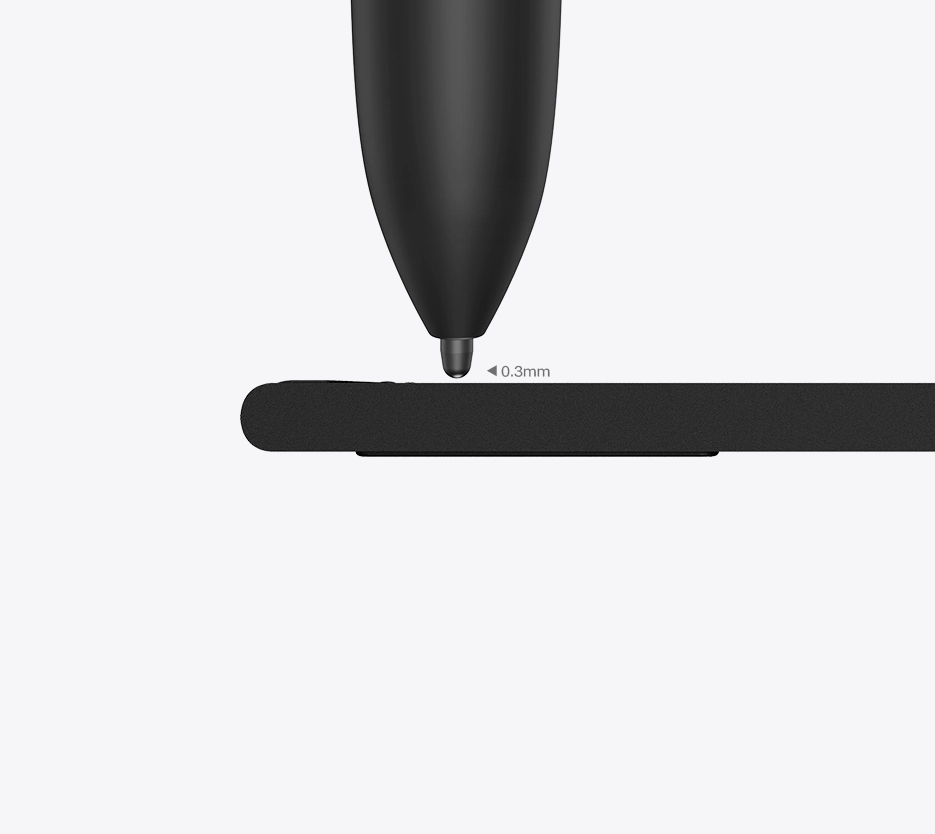
Shorter Tip Travel Distance
The enhanced sensor solution reduces pen tip travel distance to just 0.3mm, significantly minimizing nib wobble.
See Comparisons Between
X4 Smart Chip Stylus
and
X3 Smart Chip Stylus
Learn More
100% higher pressure levels
16384
X4 Smart Chip Stylus
8192
X3 Smart Chip Stylus
50% shorter response time
30ms
X4 Smart Chip Stylus
70ms
X3 Smart Chip Stylus
*All data above were taken from laboratory simulation tests and may vary depending on the operating environment.
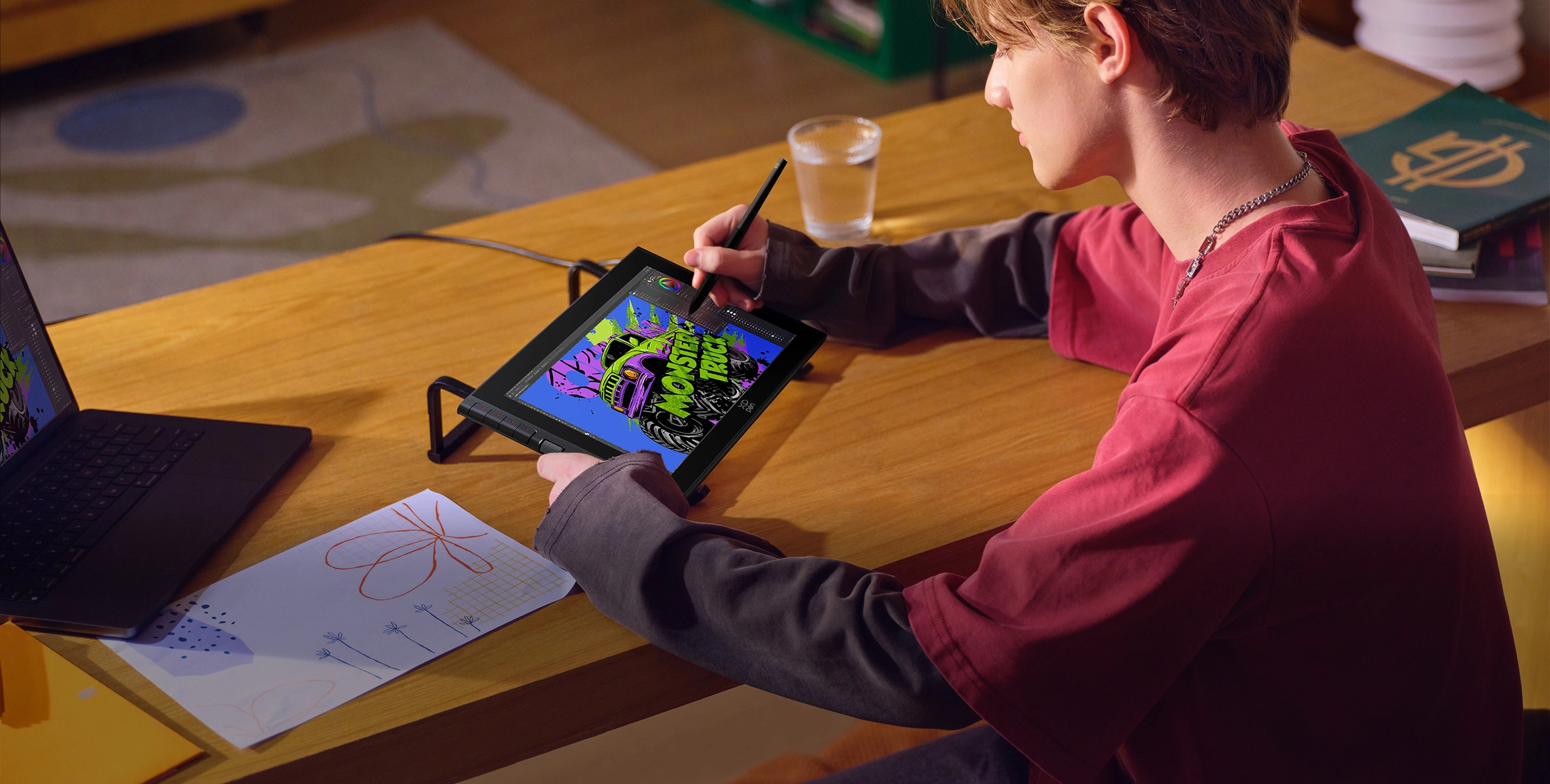
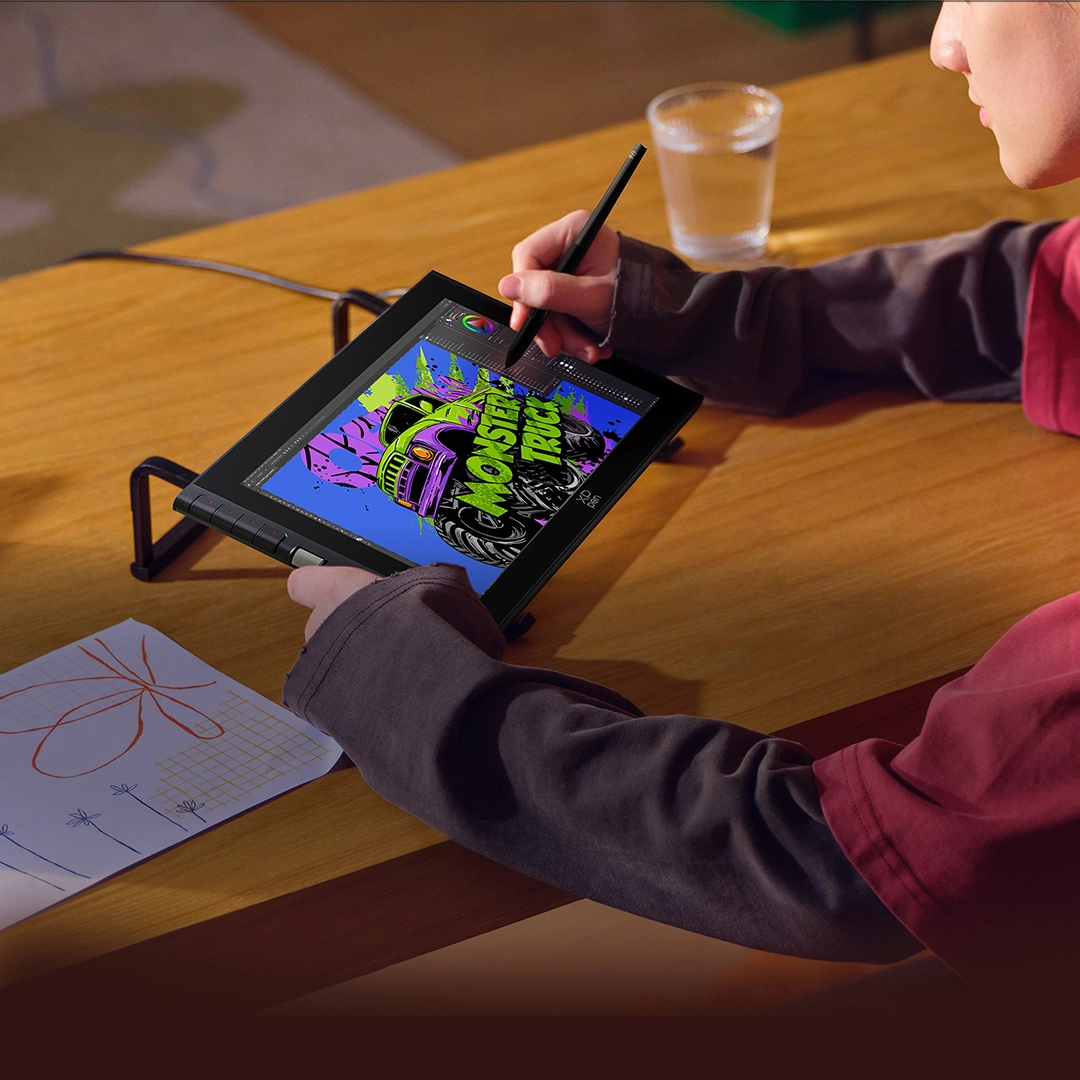
Paper-like Display,
Lifelike Visuals
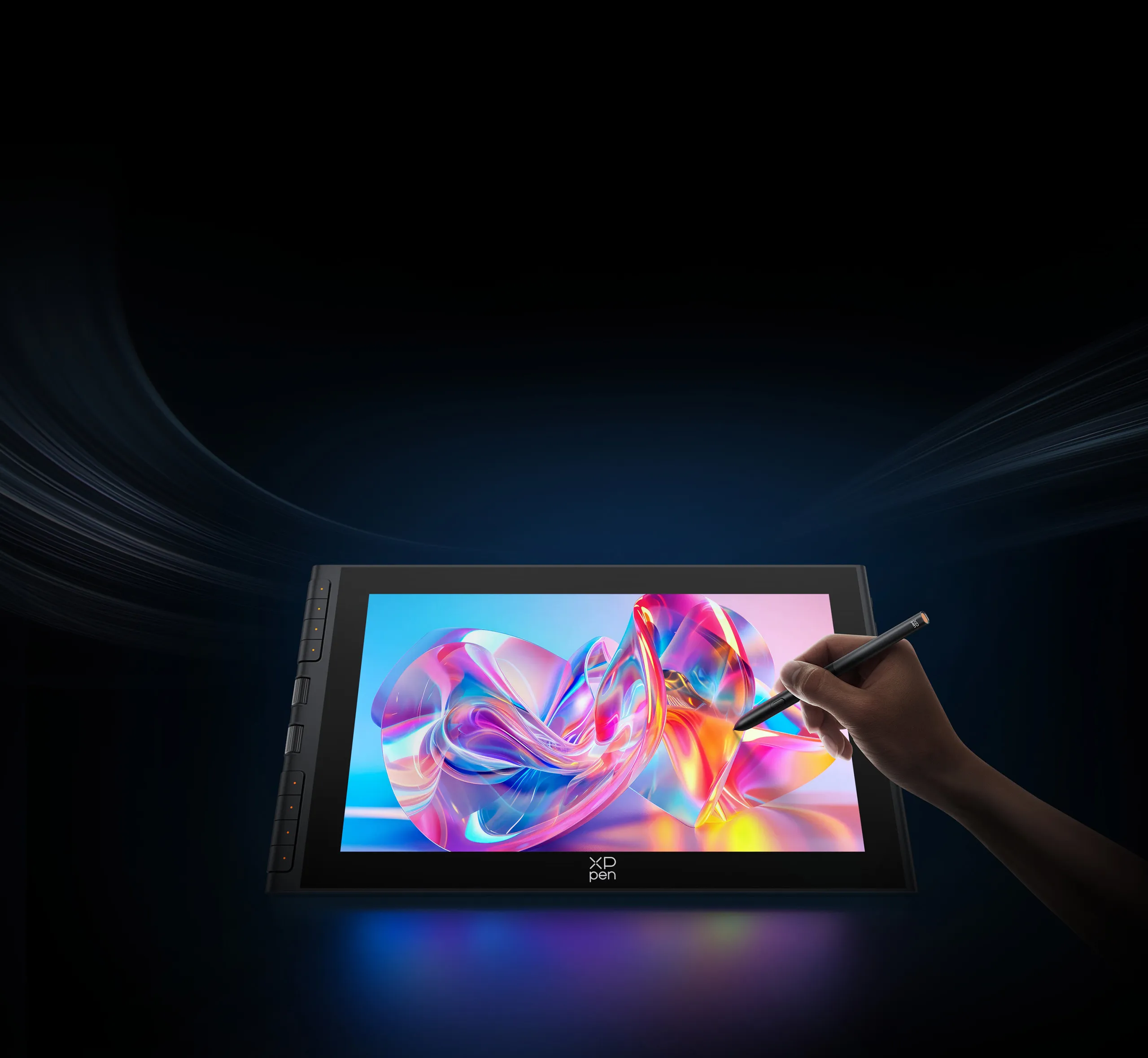
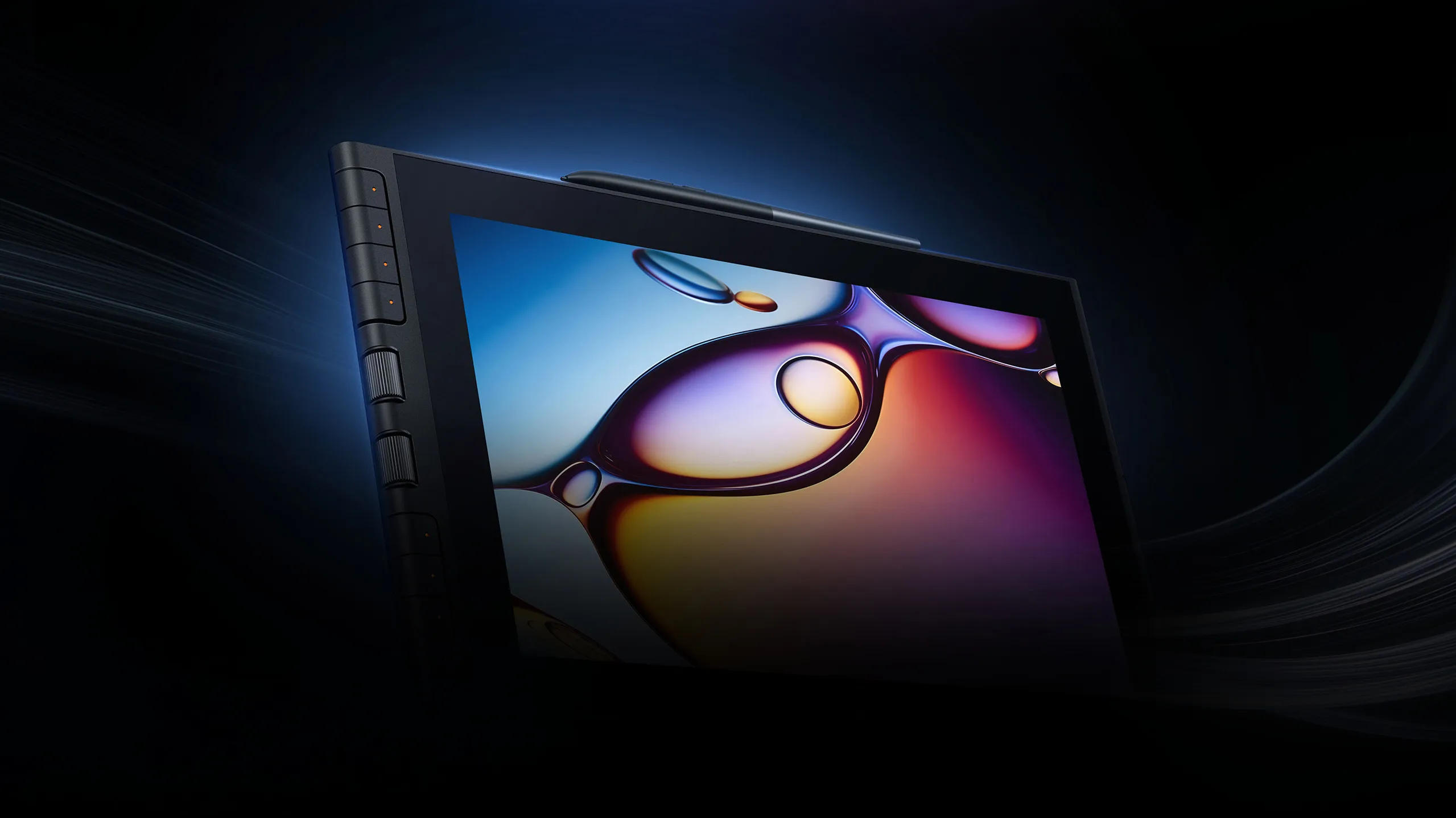
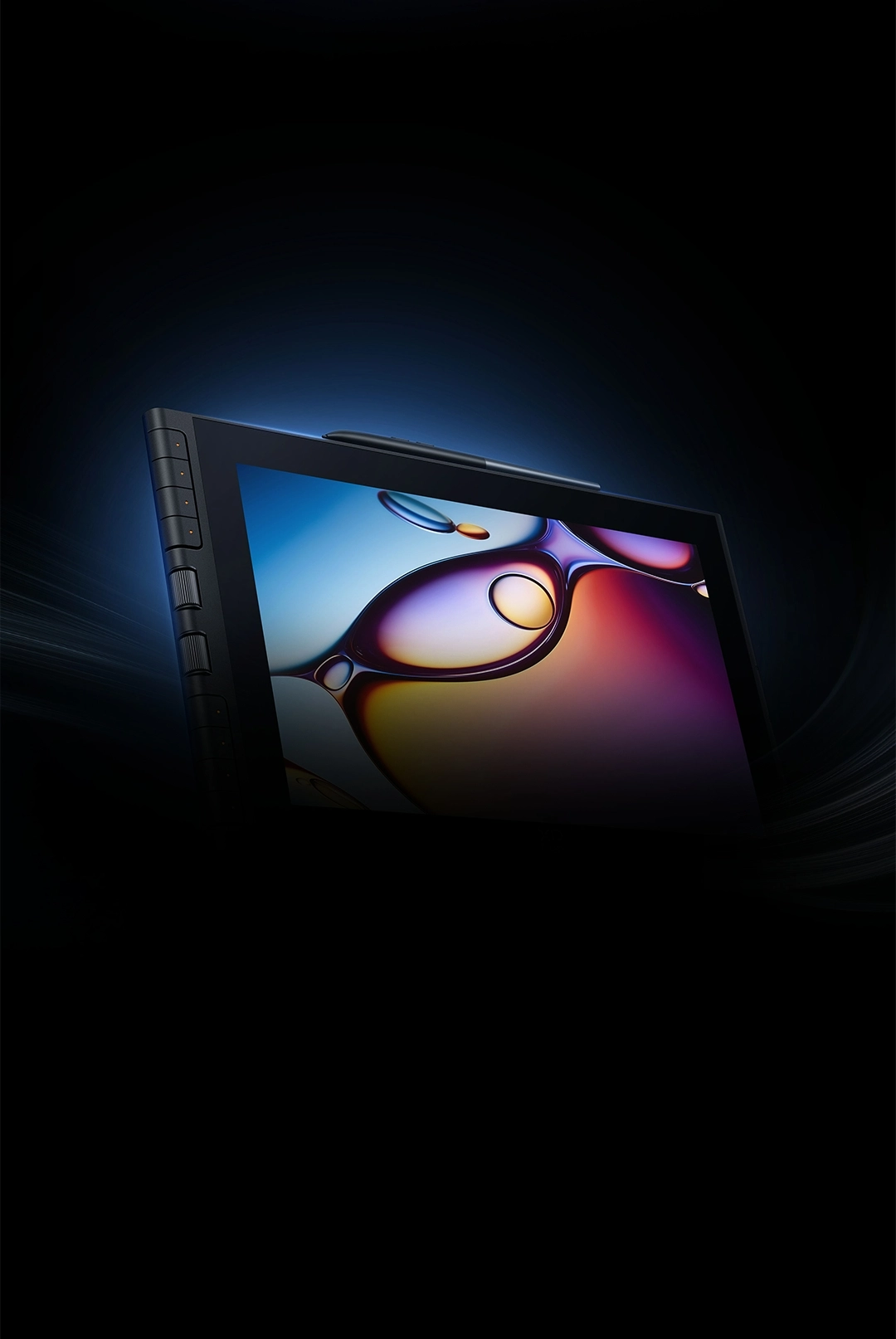
Experience a paper-like display featuring crisp clarity and accurate color reproduction.
Your creations deserve to be showcased with clarity and realism.
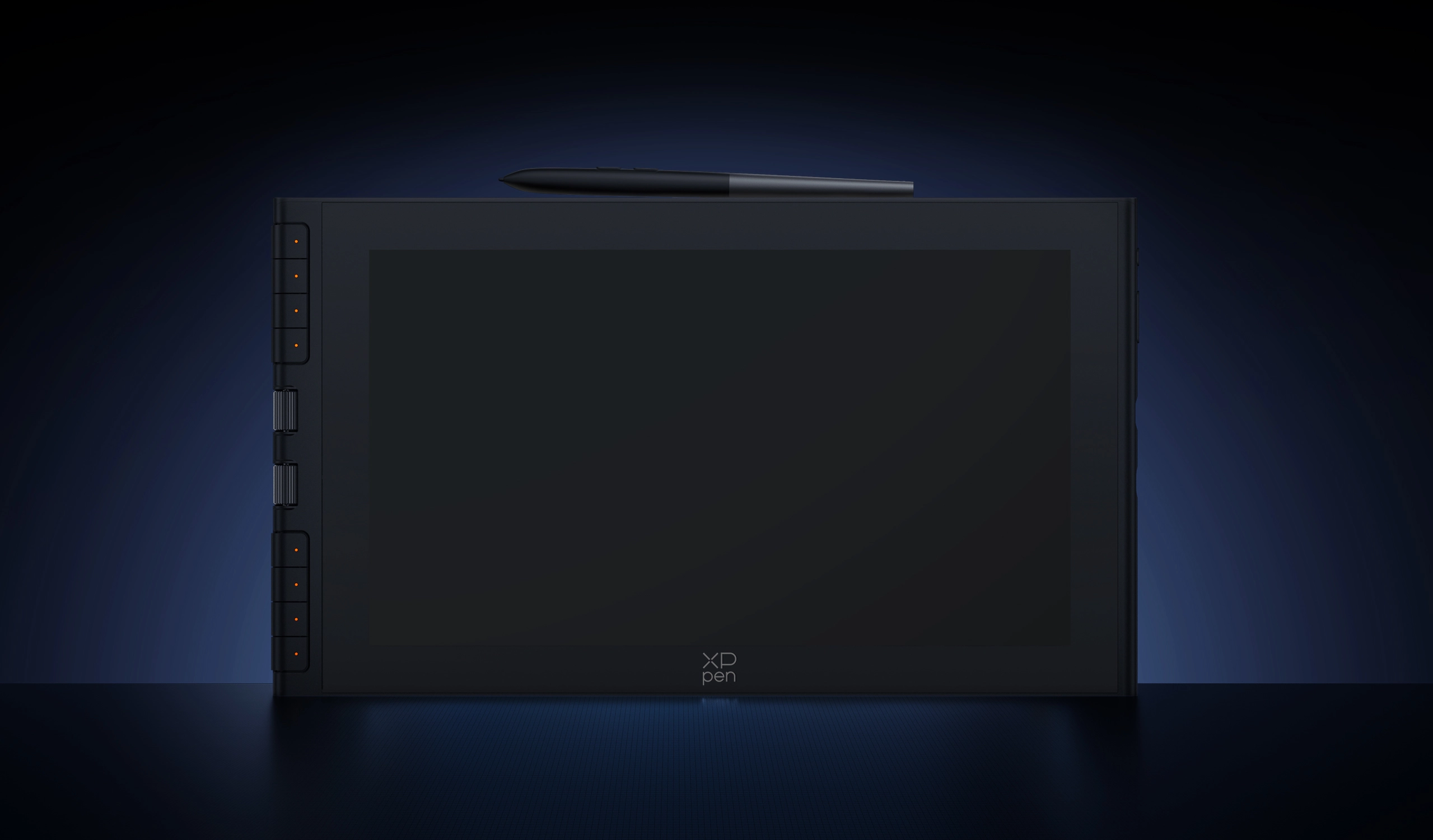
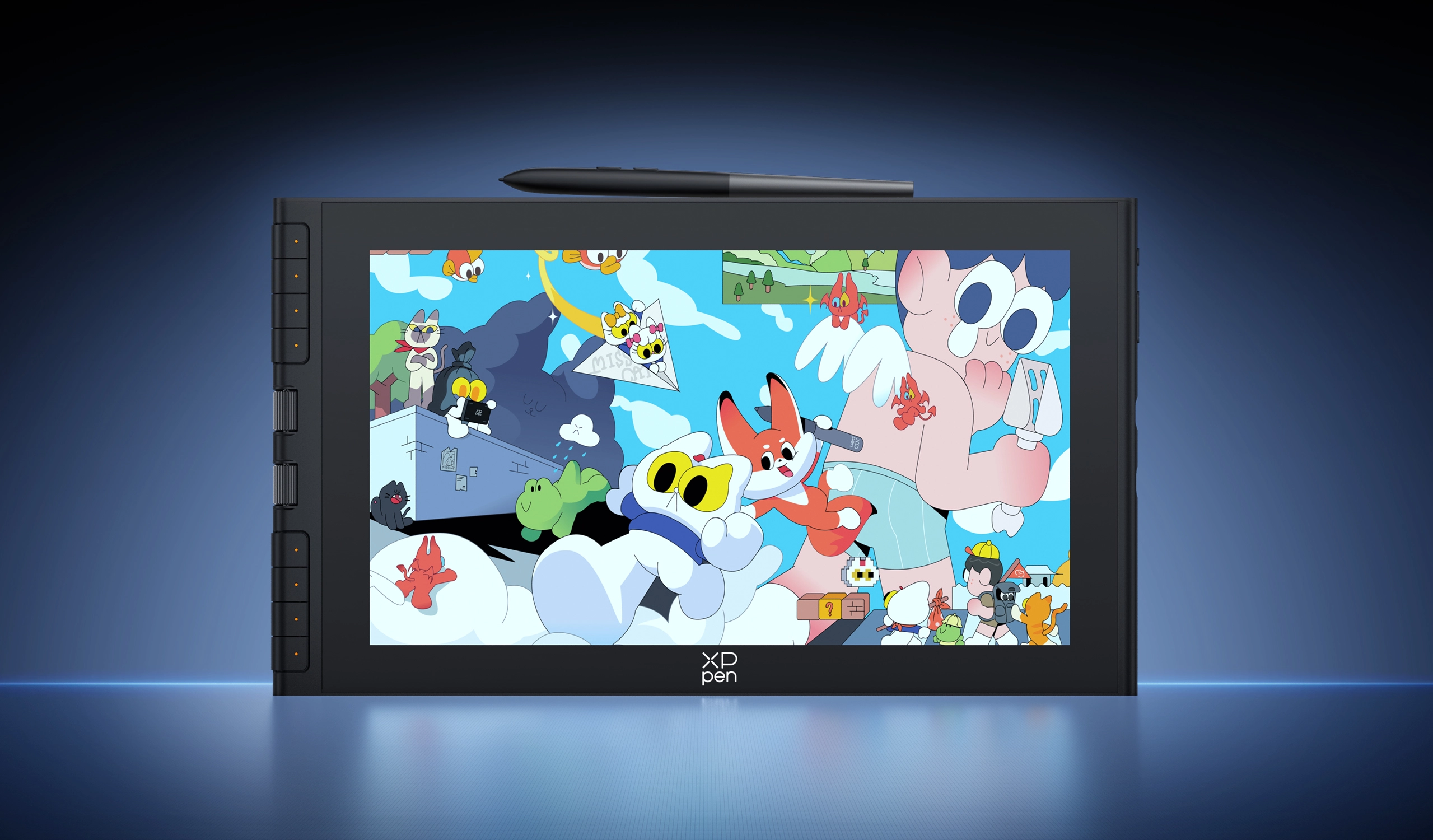
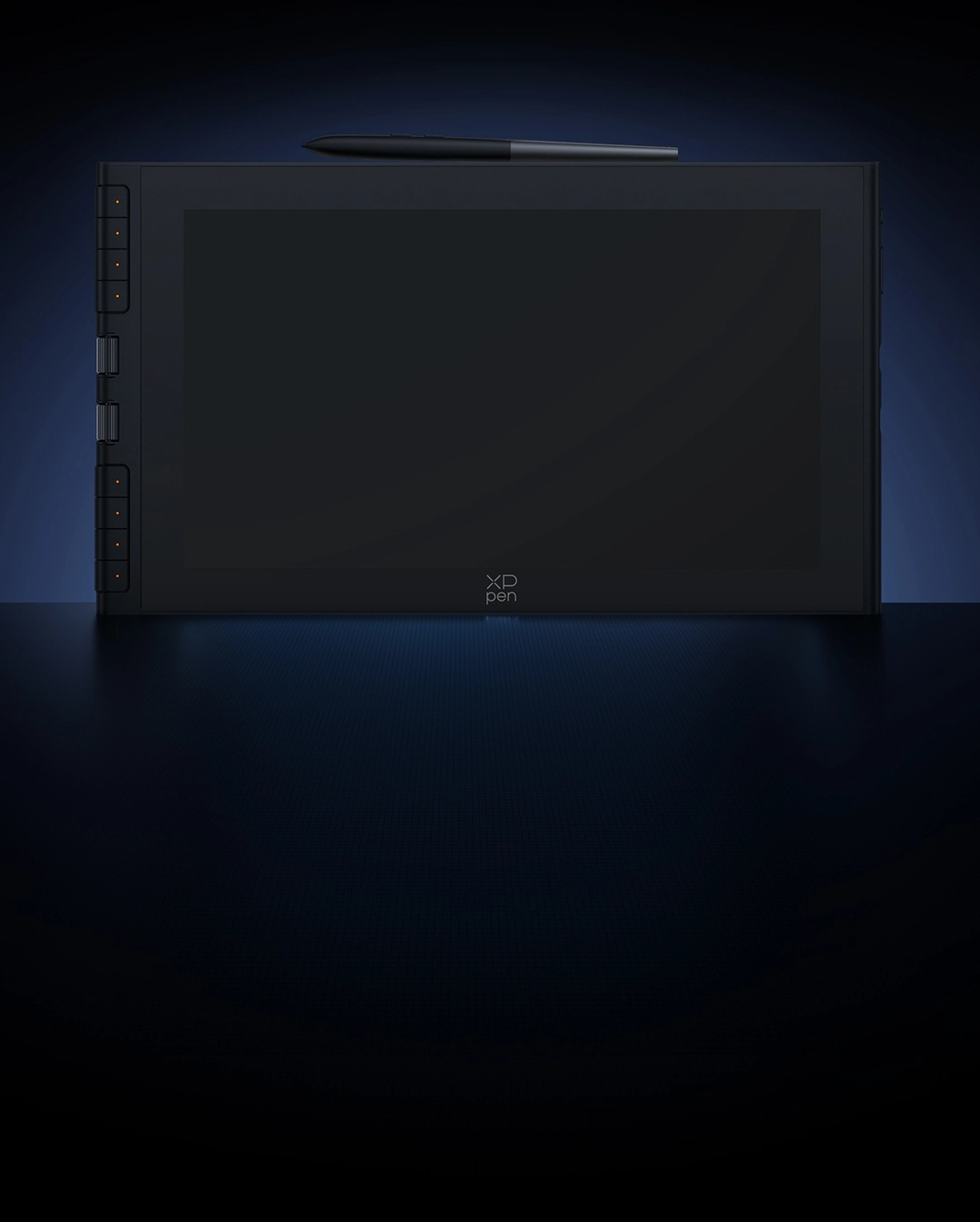
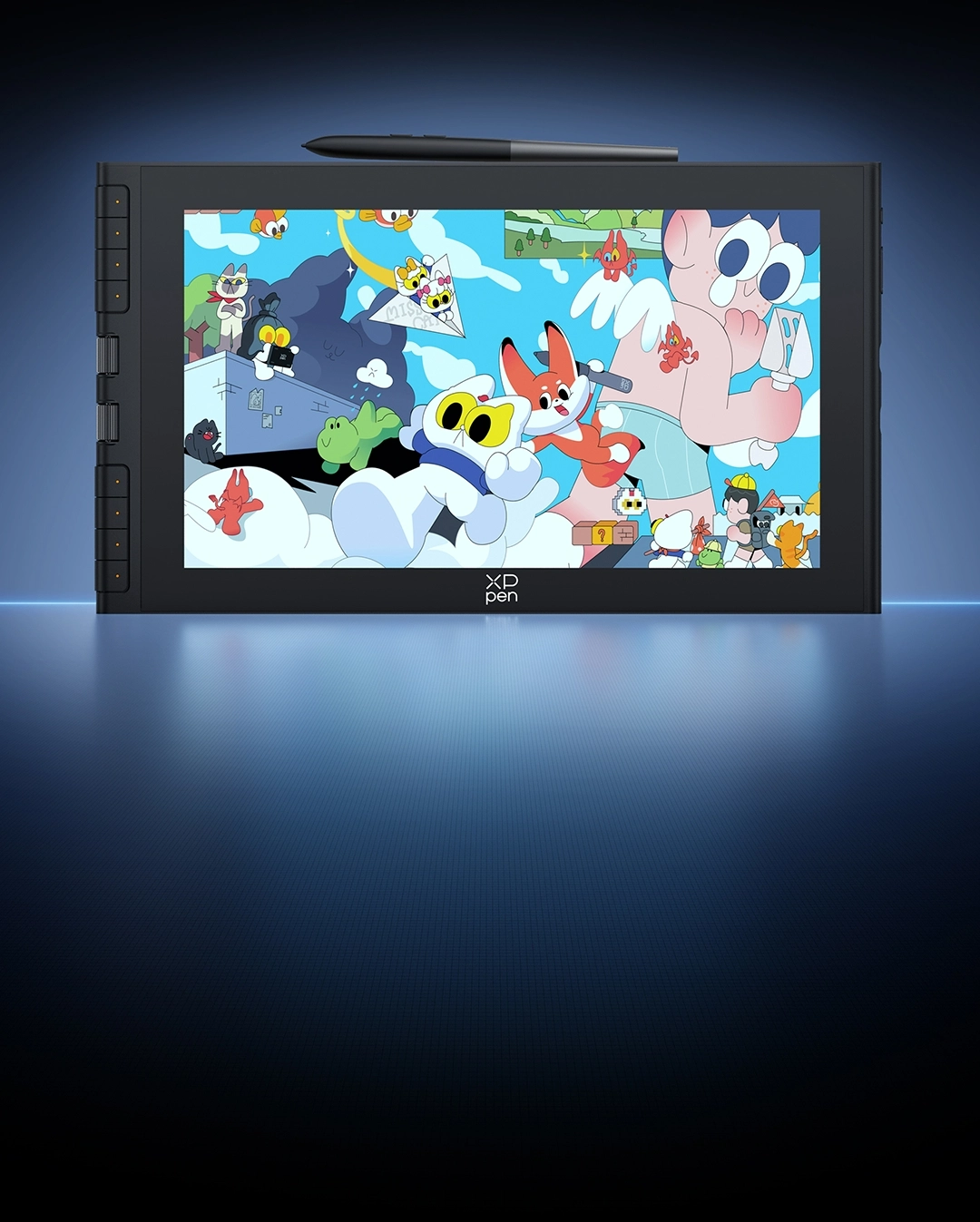


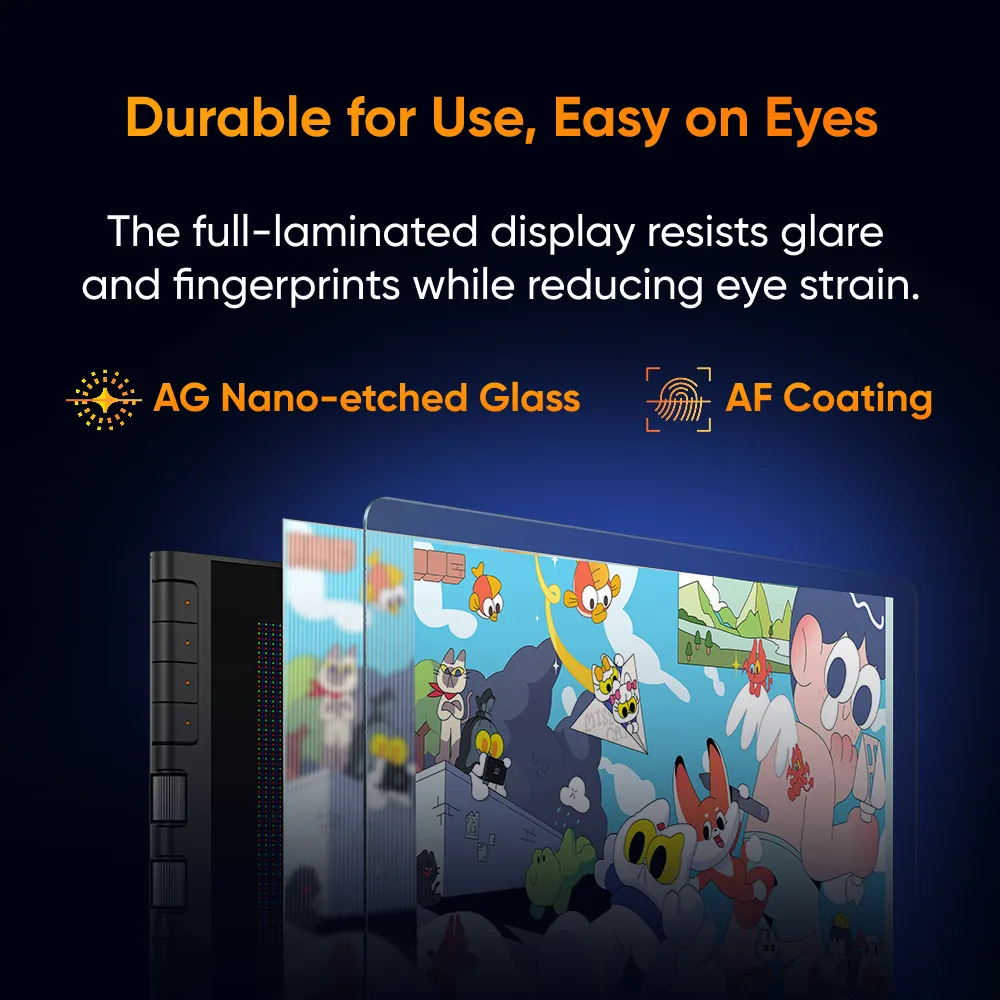
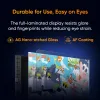
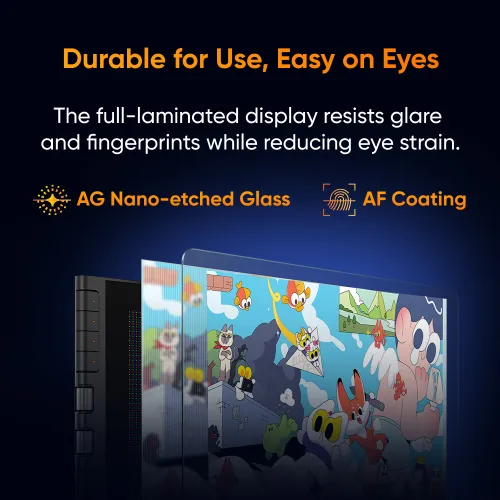
Durable for Use, Easy on Eyes
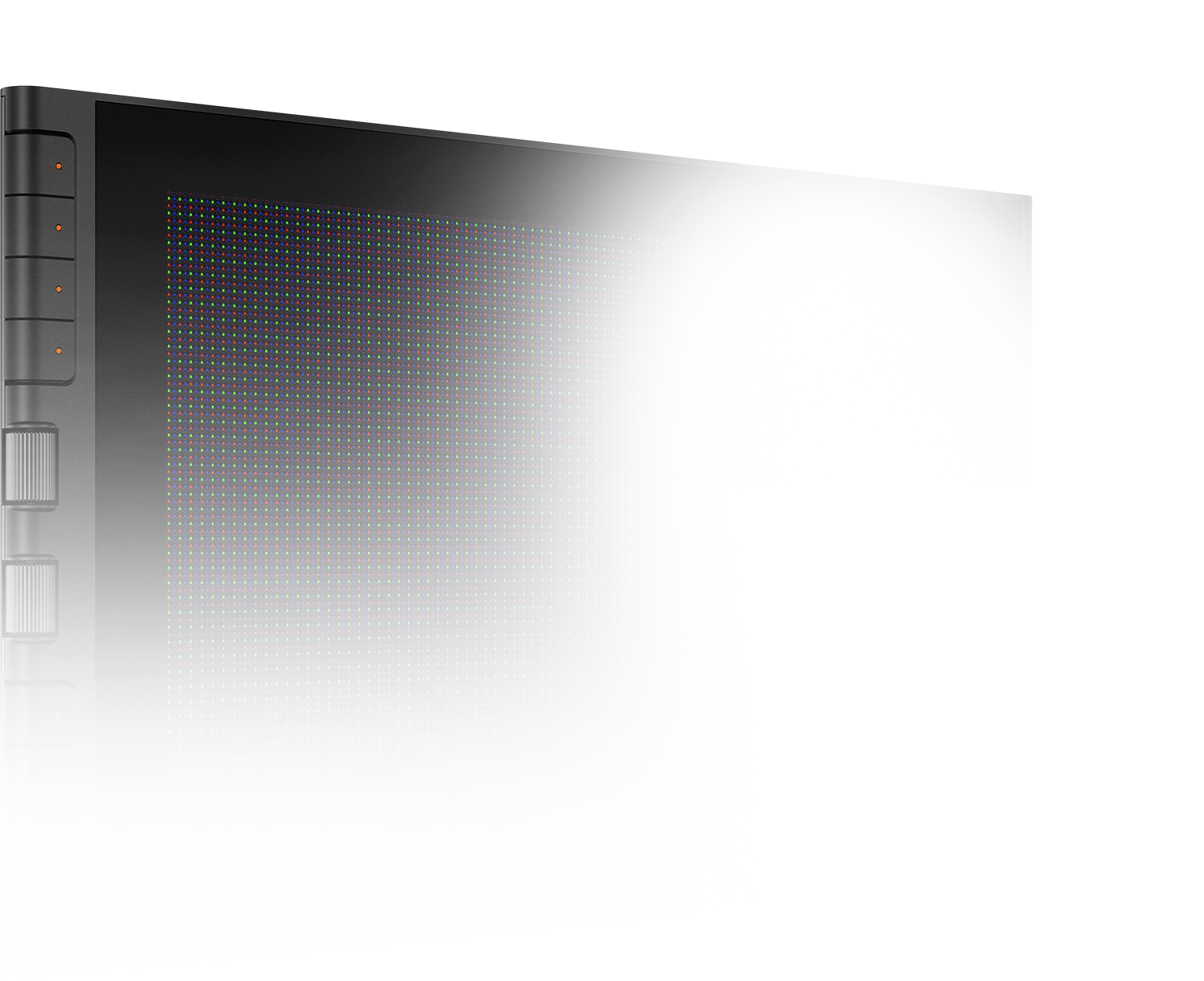
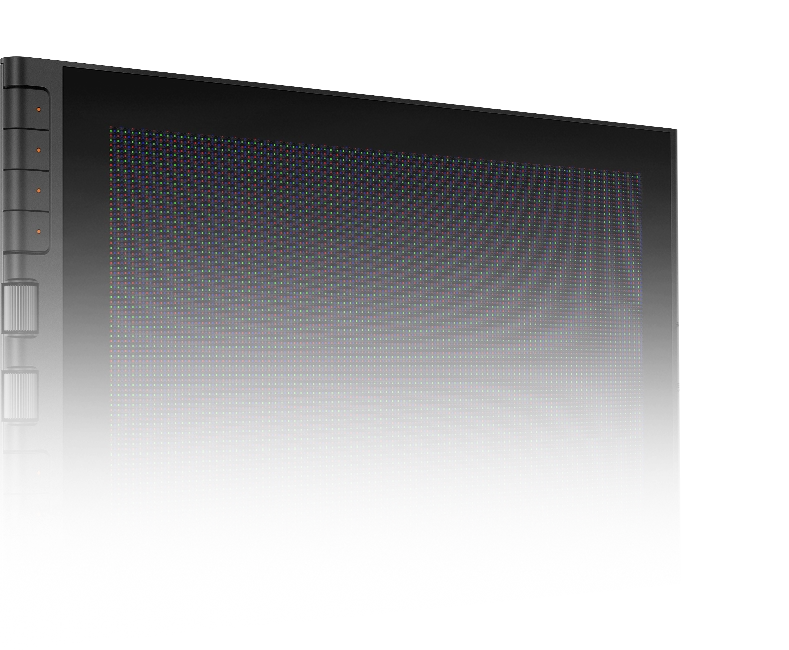
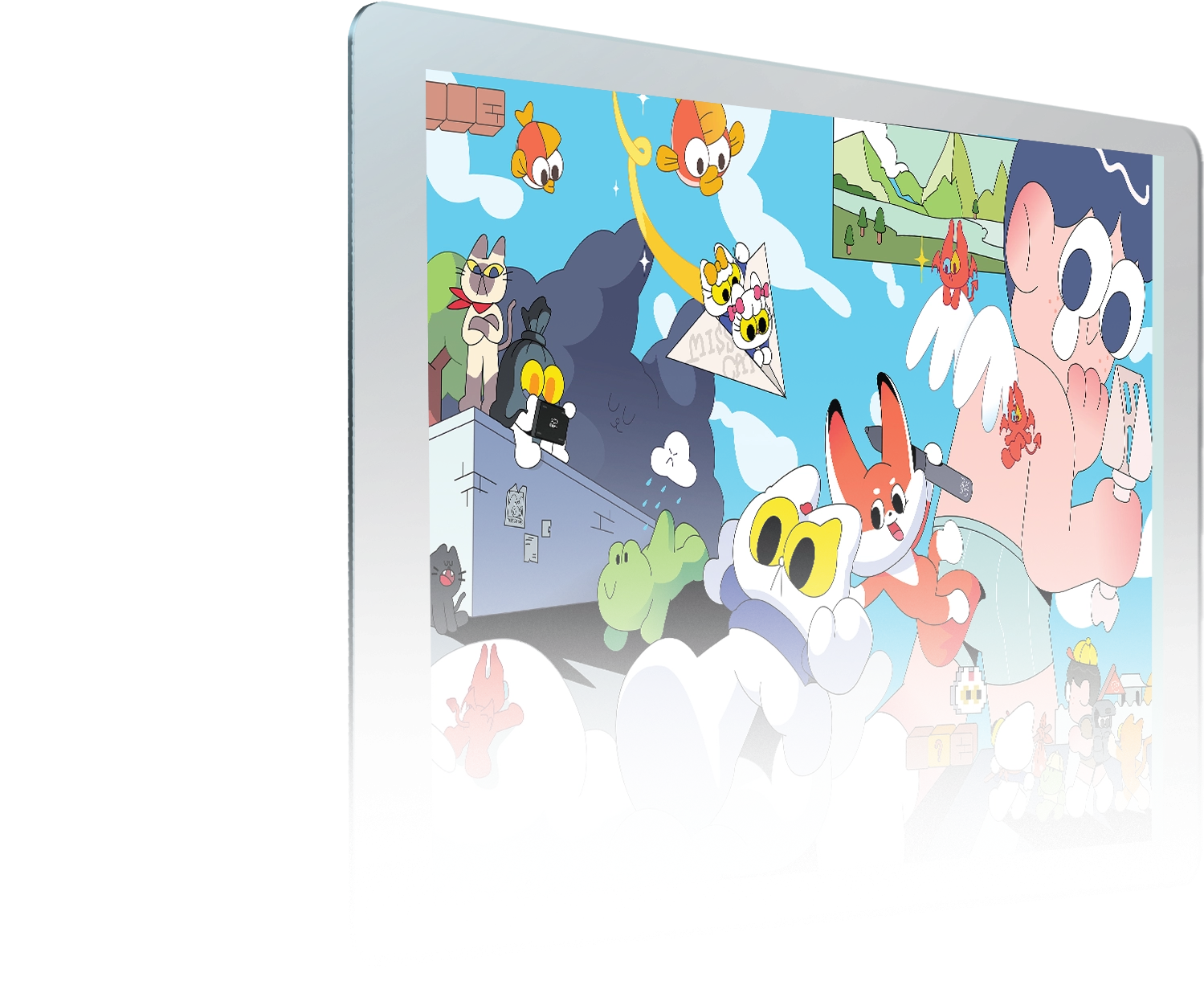
The full-laminated display is crafted with AG nano-etched glass and AF coating. It resists glare, scratches, fingerprints, and stains while reducing eye strain. You'll enjoy a true pen-on-paper precision with zero distractions.
Anti-glare

Anti-fingerprint
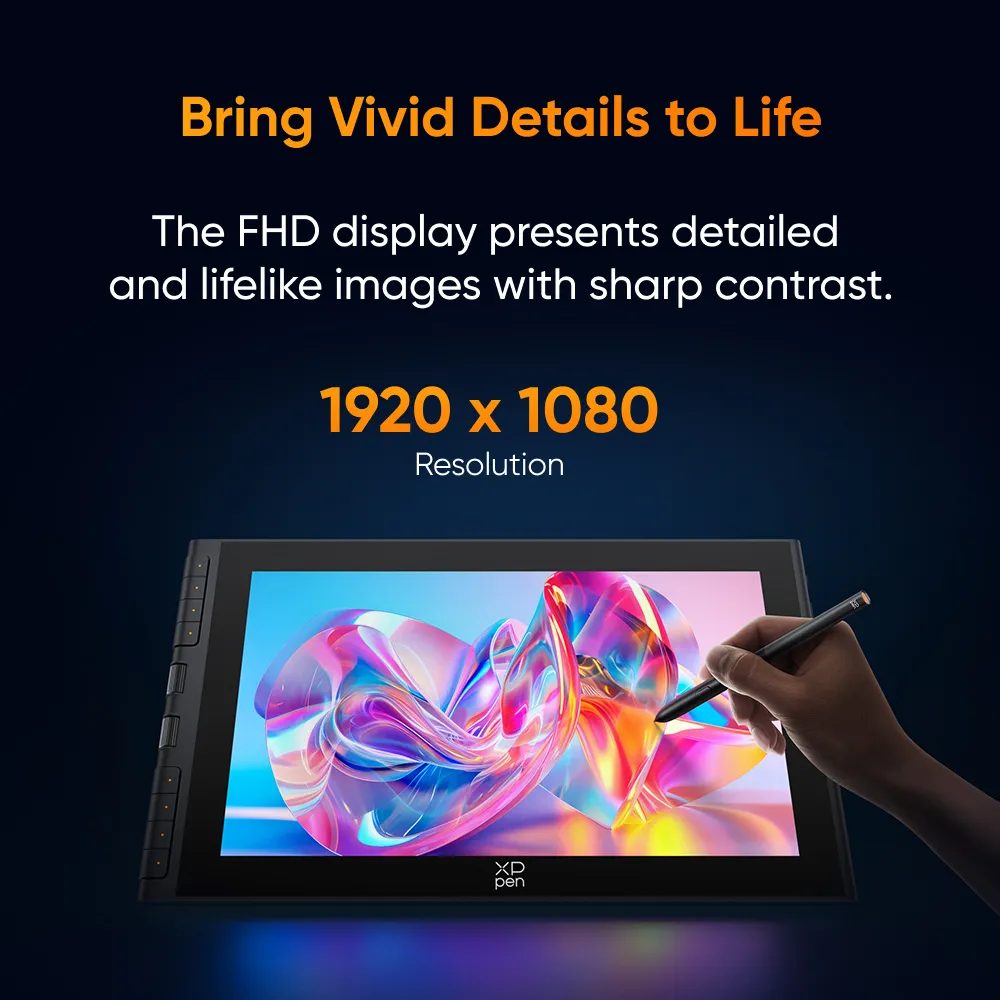
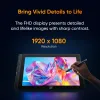
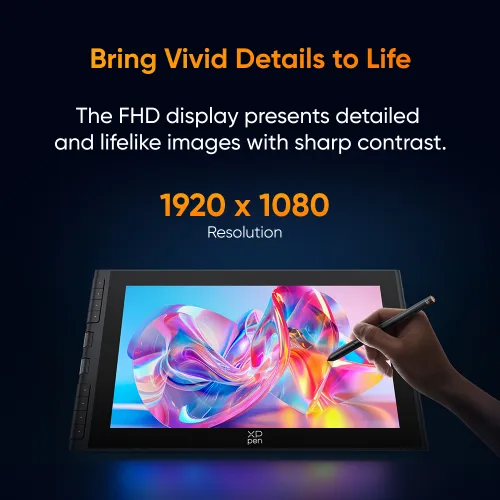
Bring Vivid Details to Life
The 11.9-inch FHD display will not disappoint you in picture quality.
It delivers detailed, exquisite, and lifelike images. Every stroke you draw will be faithfully rendered.
1920 x 1080
Resolution
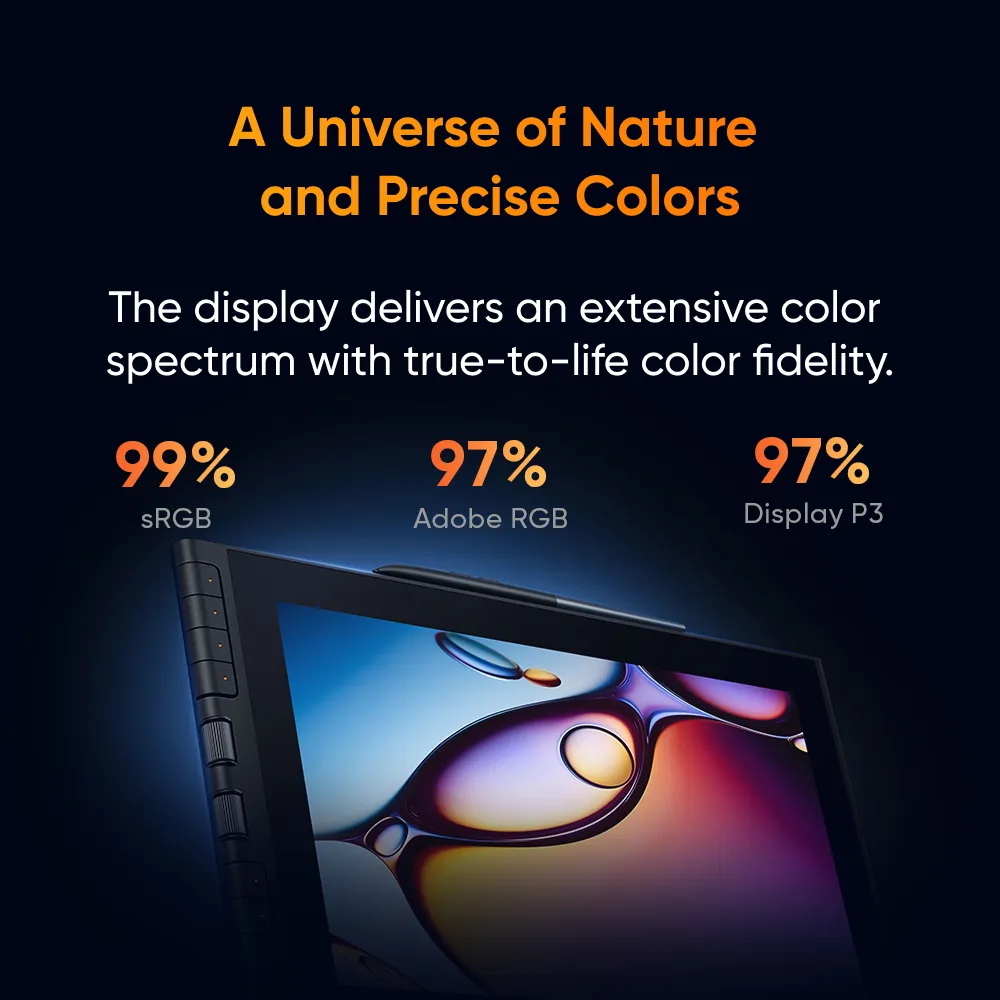
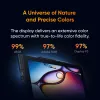
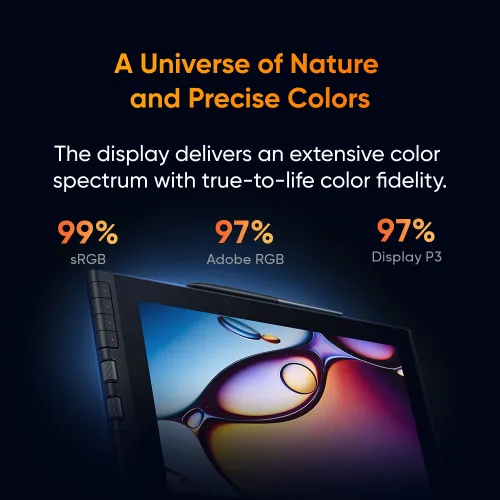
A Universe of Nature
and Precise Colors
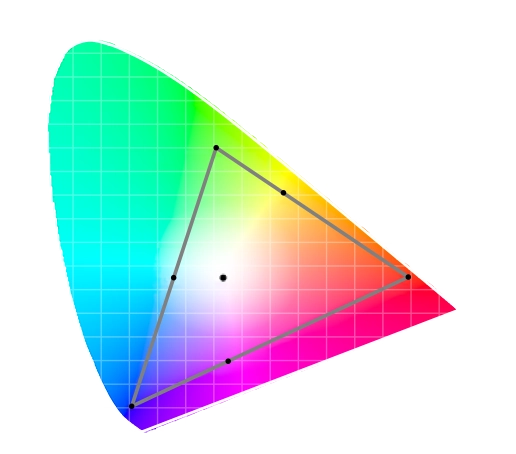
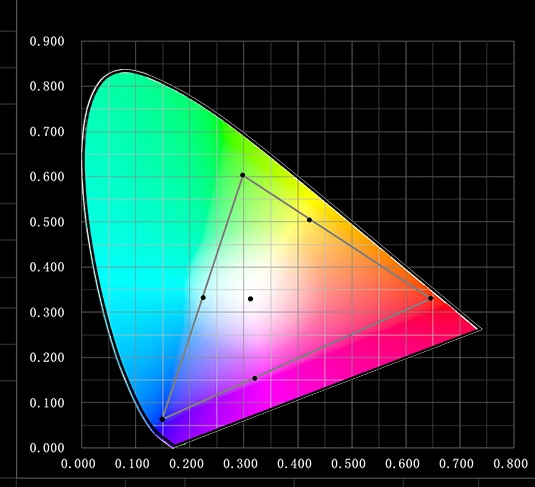
The color performance of Artist 12 3rd is impressive. With a 99% sRGB color gamut coverage ratio and color accuracy of Delta E < 1.2*, it displays an extensive color spectrum with true-to-life color fidelity.
*This data is average and applies only to sRGB.
Color Gamut Coverage Ratio (Typical)
99%
sRGB
97%
Adobe RGB
97%
Display P3
Hyper-real Colors in Every Pixel
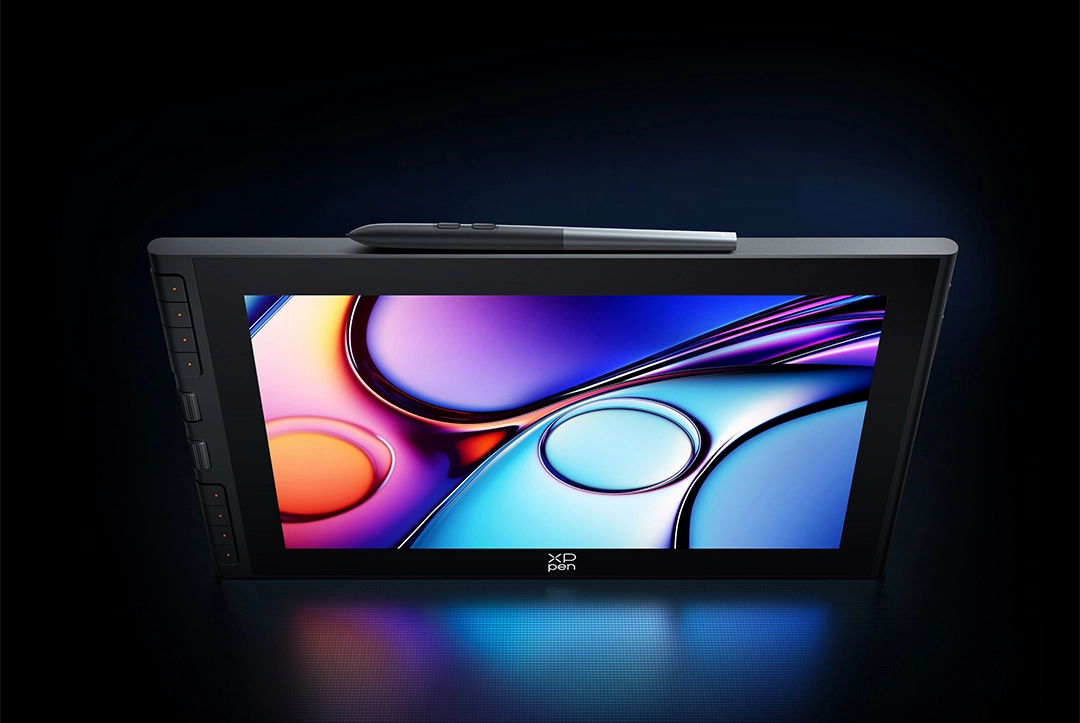
The drawing display reproduces 16.7 million colors with smooth and subtle transitions.
Experience the flawless color gradients across the entire display.
16.7 Million
Colors
Effortless for Extended Use
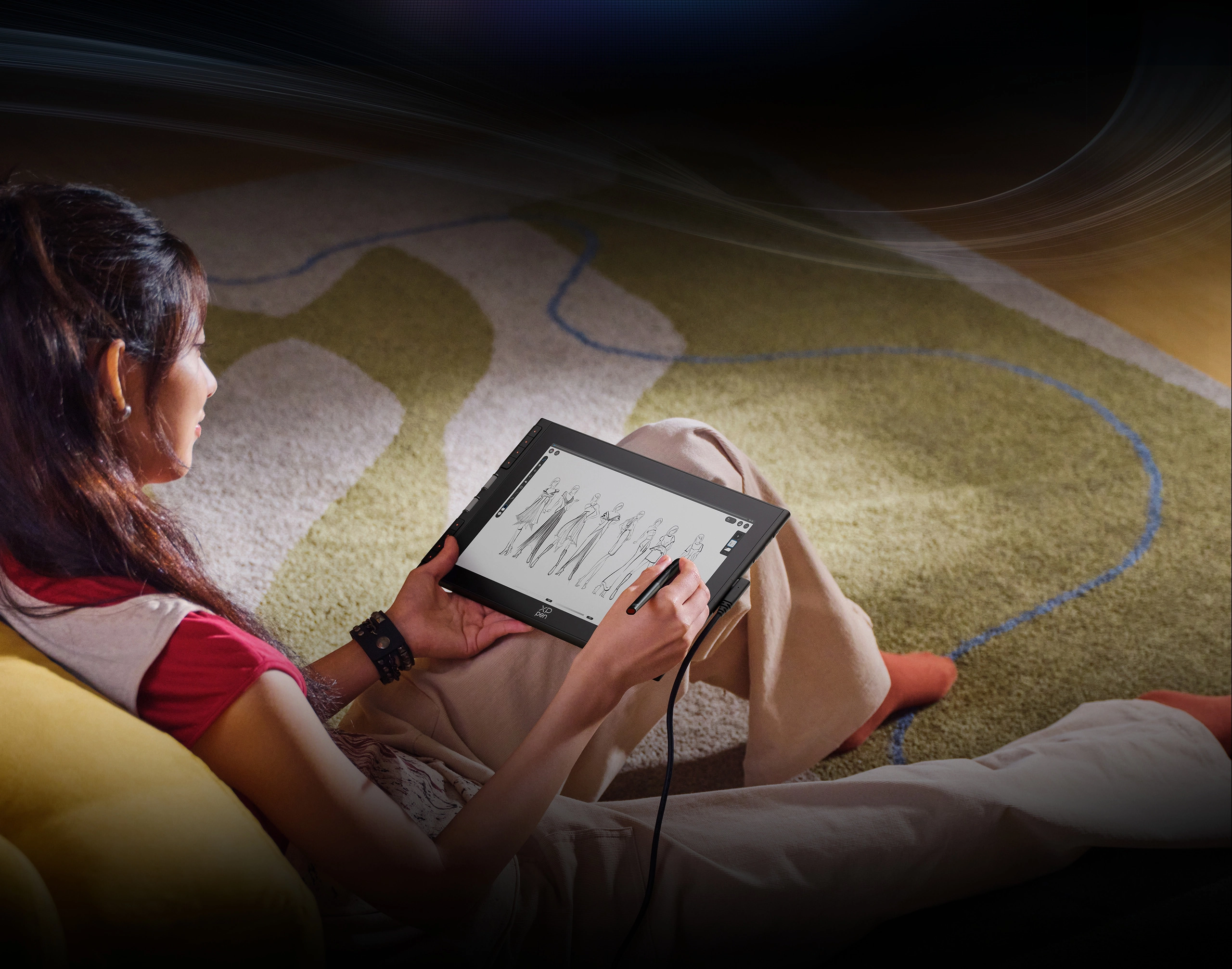
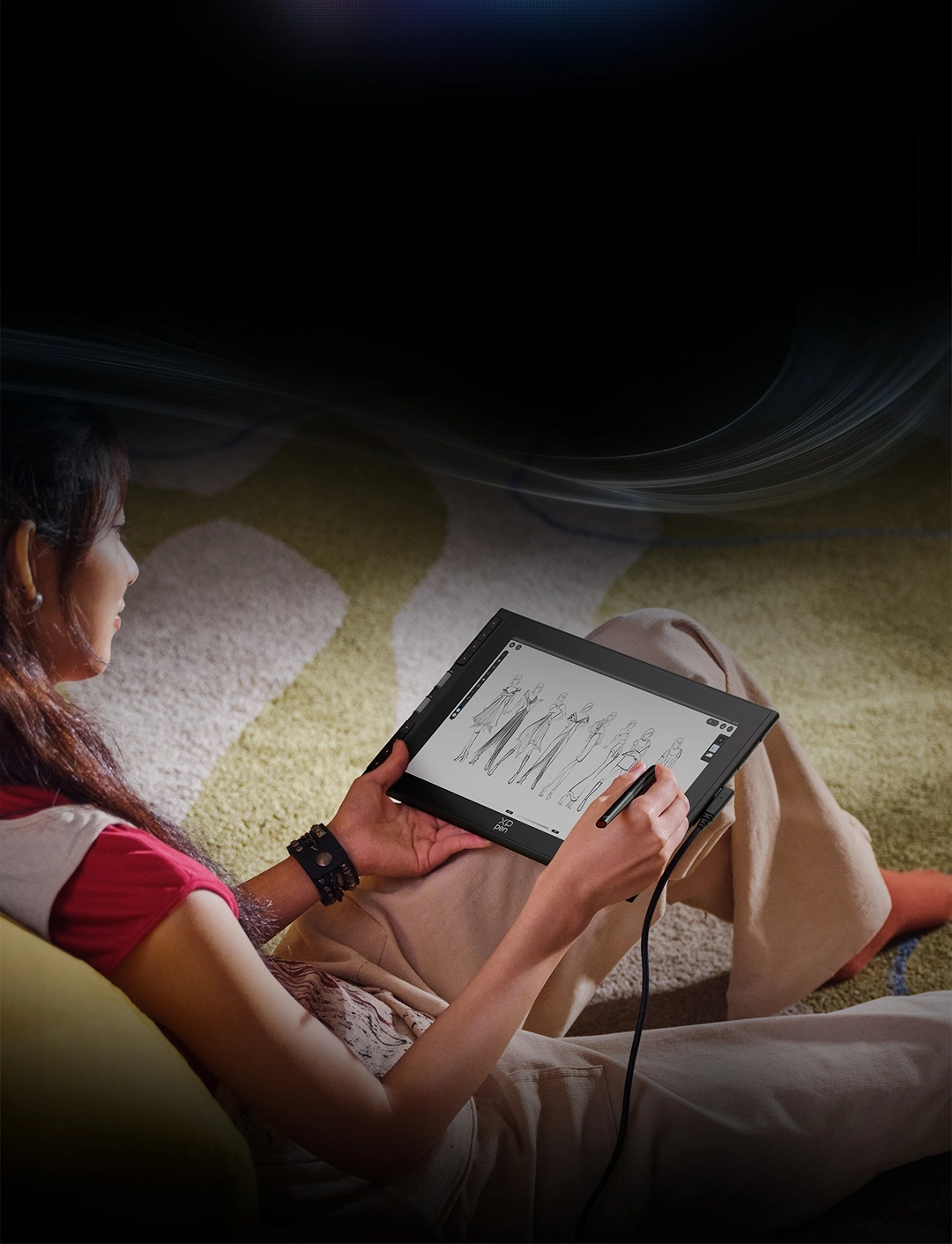
The Artist 12 3rd uses DC dimming to auto-adjust brightness for ambient lighting.
The brightness buttons support OSD function, allowing instant color space adjustment.
Your eyes are protected even during extended use.
260nit
Brightness
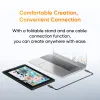
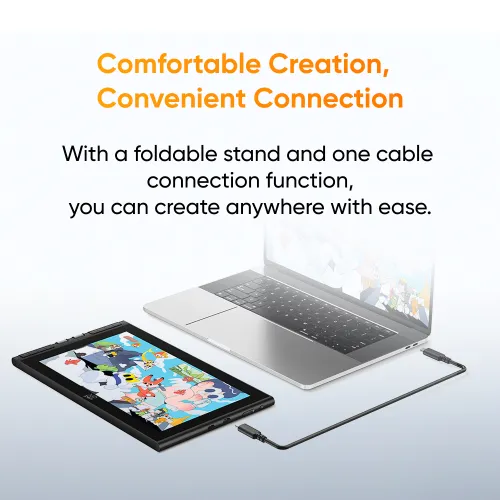
Comfortable Creation,
Convenient Connection
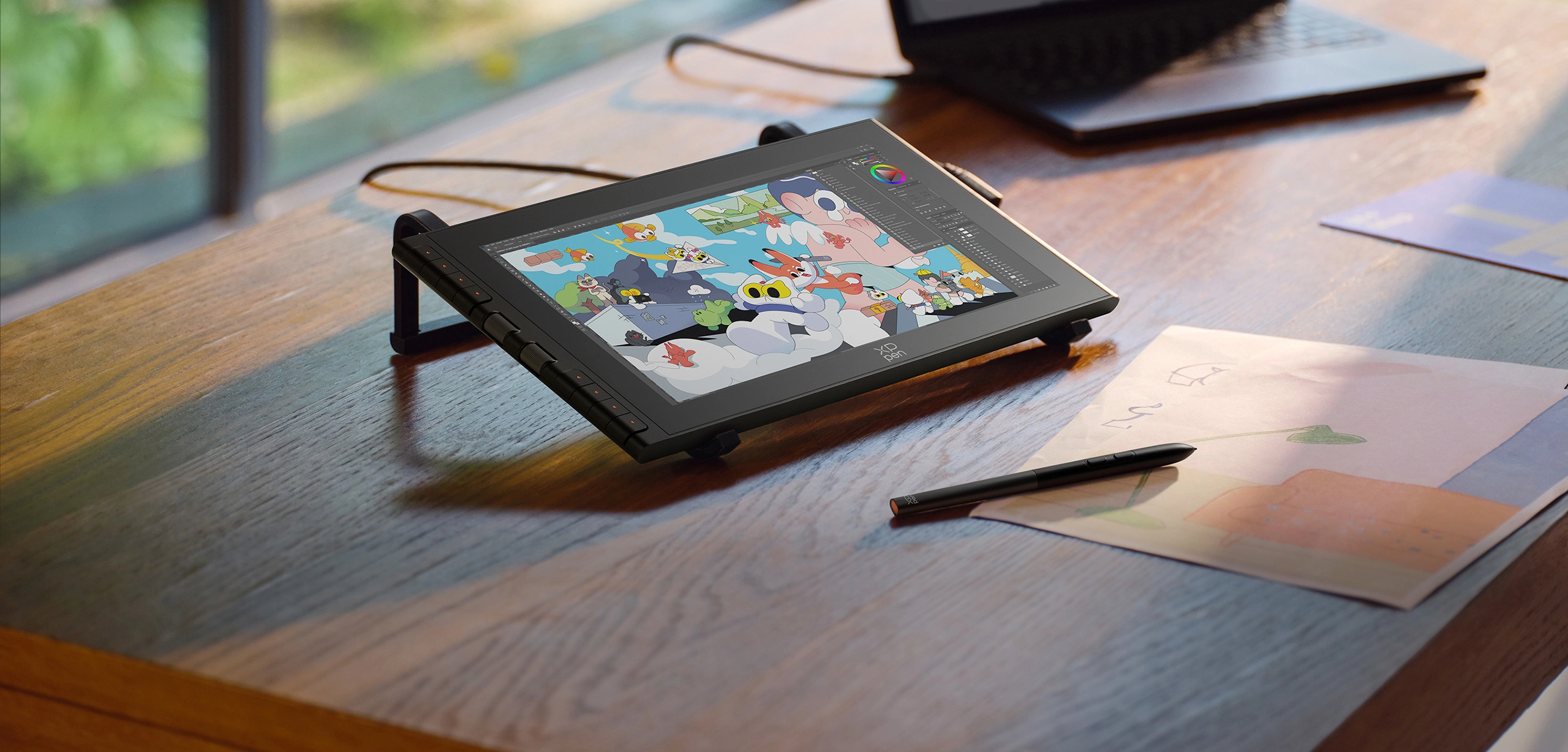
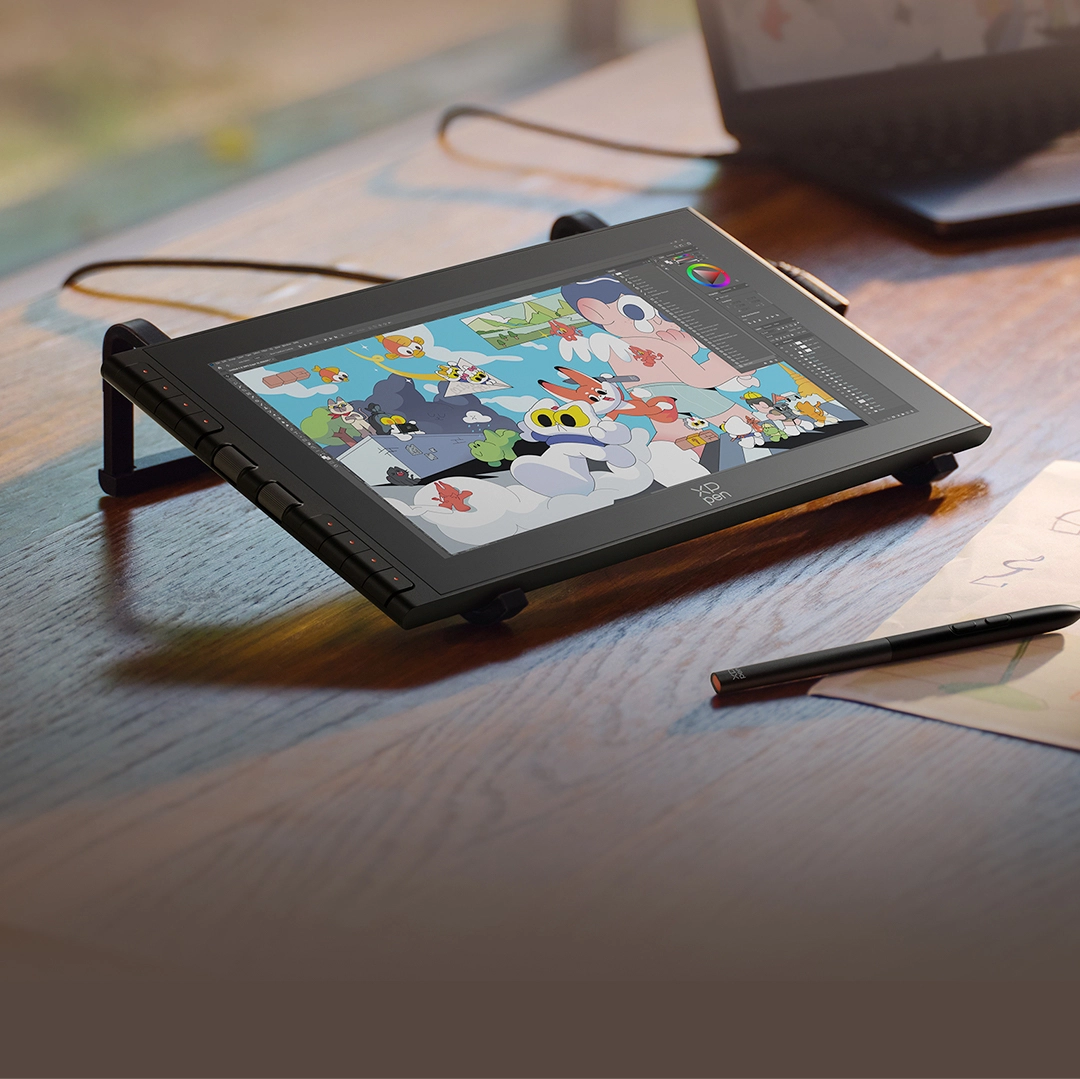
With a foldable stand and a convenient cable connection,
creating is such a delight in any place.
Adjust Anywhere,
Create Everywhere
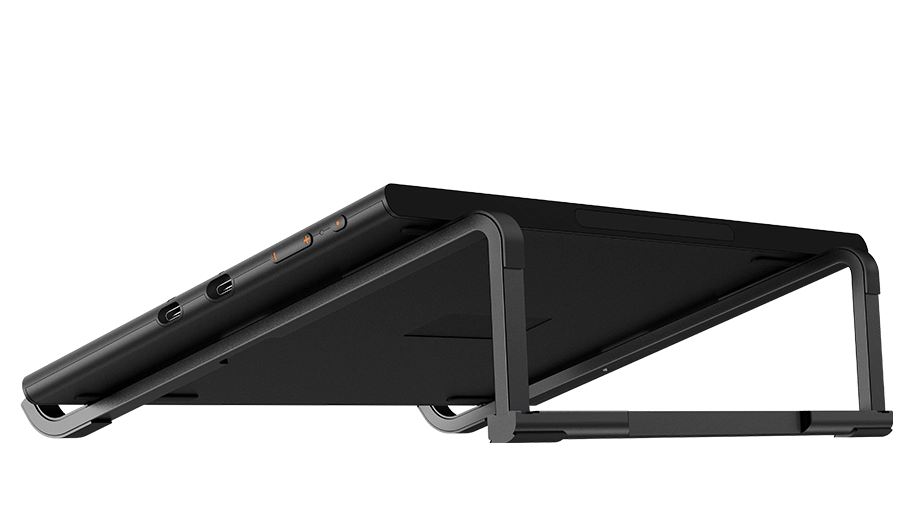
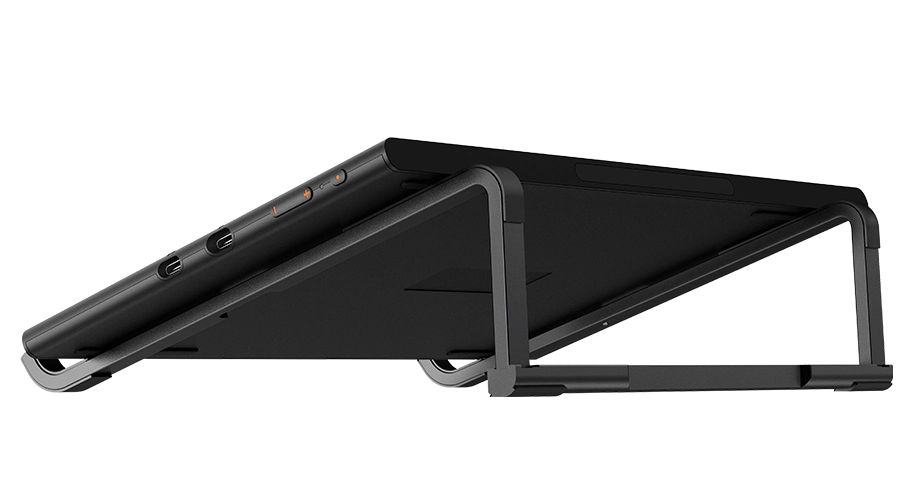
Place the Artist 12 3rd on the foldable stand, which provides a suitable supportive angle. The stand allows you to create comfortably and is compact enough to fit in a bag and easy to carry.
Connect and Create
with One Cable
With a full-featured USB-C cable, the drawing display connects to your device*using a single cable, providing both power and stable data transfer—no messy wires, perfect for on-the-go creativity.
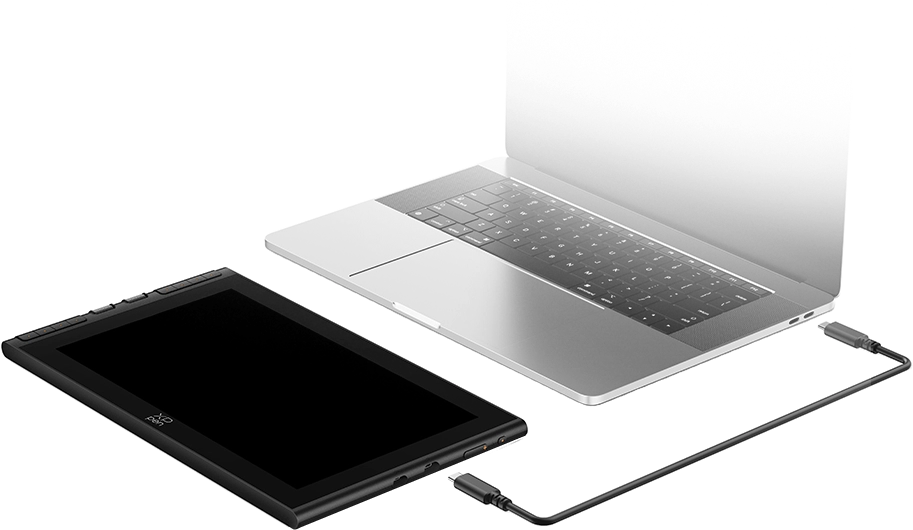
* Supports direct connection to computer or Android phone/tablet via USB-C cable. The actual performance depends on the device's battery level and the USB port's power output. Some phones may require an external power source for a stable connection.
One Display, Infinite Possibilities
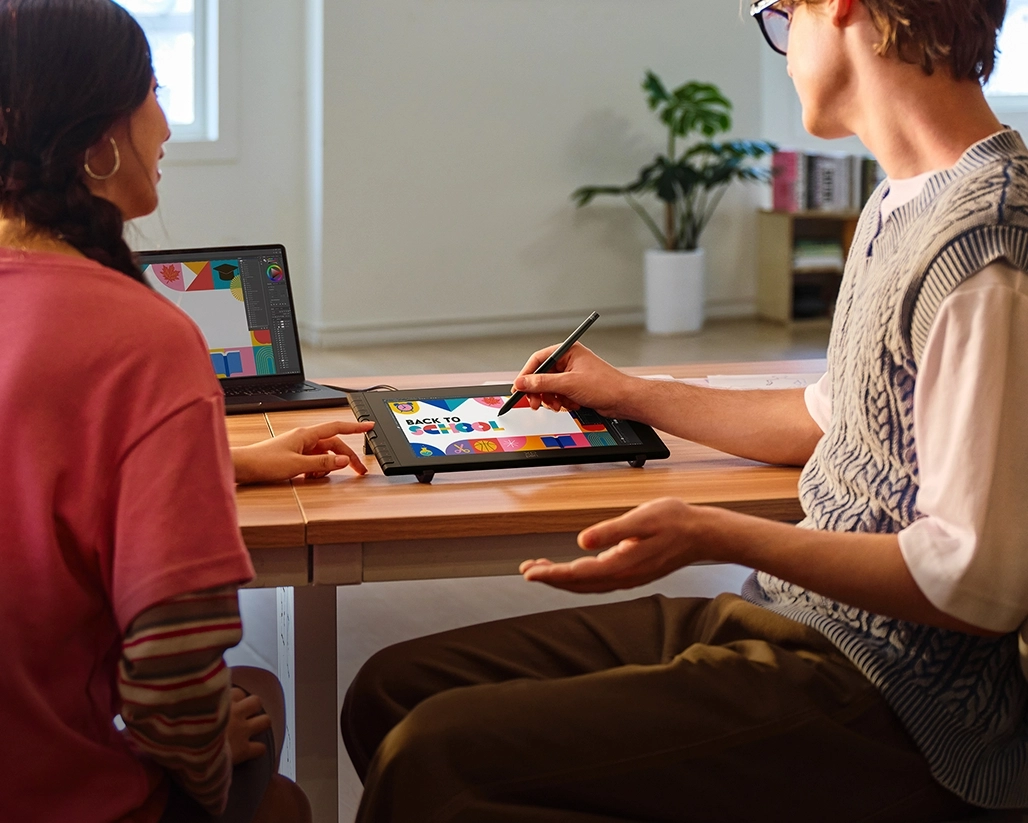
Art Education
Combining a portable display and a smooth stylus, it is perfect for you to create anywhere.
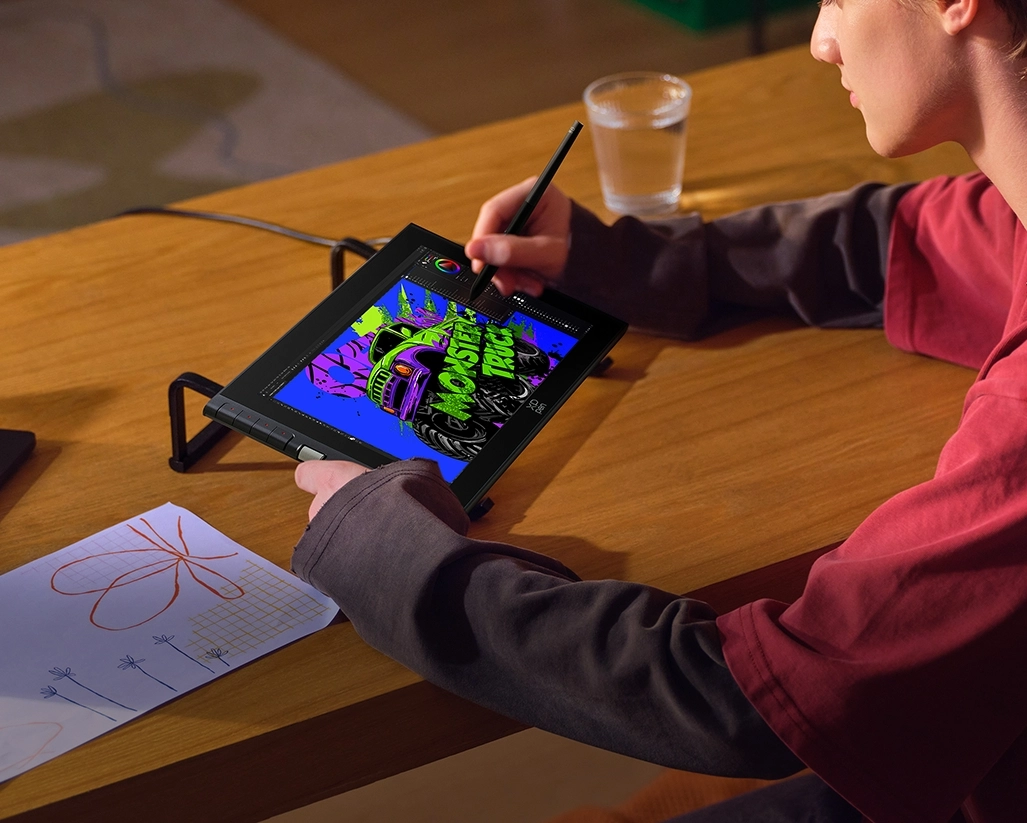
Illustration Creation
The 16K pressure-level stylus offers delicate, sensitive, and smooth strokes, restoring a pen-on-paper drawing experience.
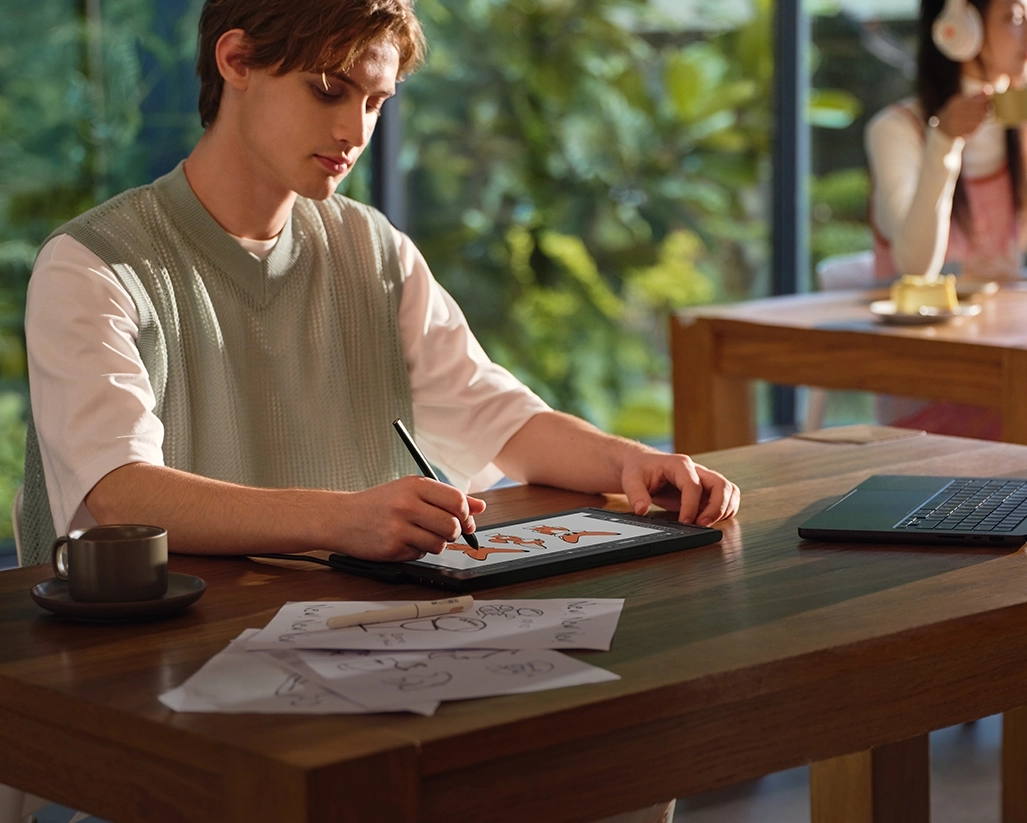
Graphic Design
The FHD display features high color accuracy, meeting the color requirements of graphic design.
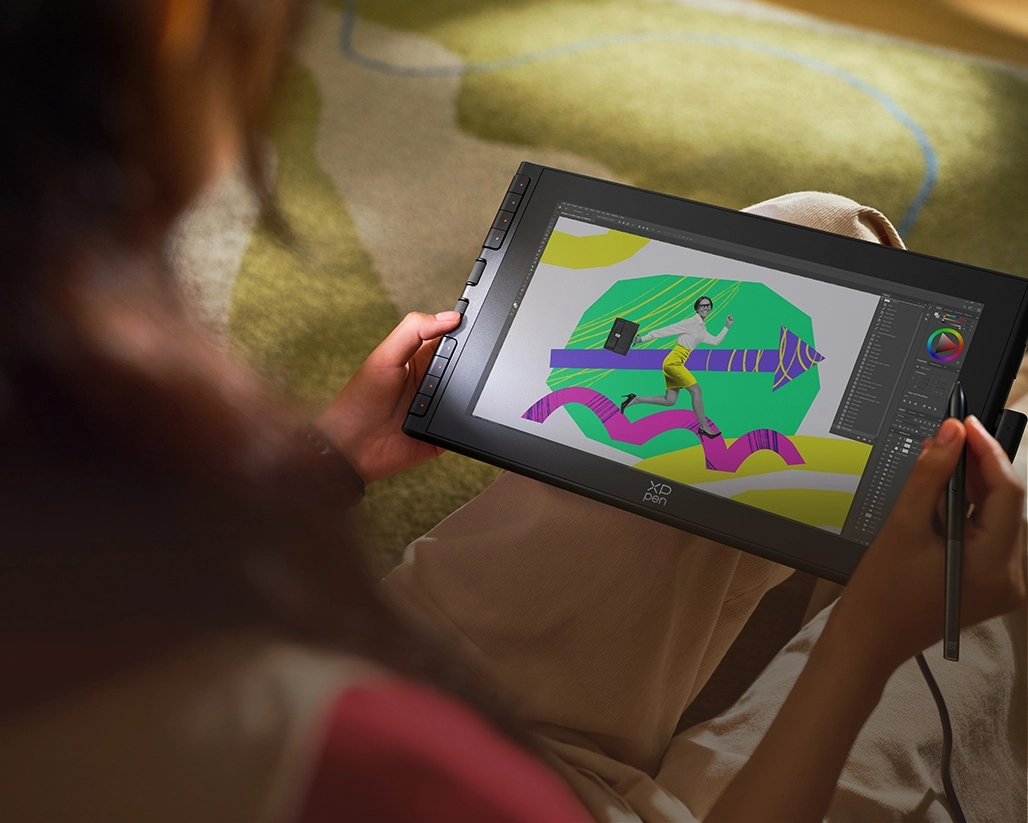
Creative Design
X-dial and shortcut keys provide convenient canvas controls for more complex design tasks.
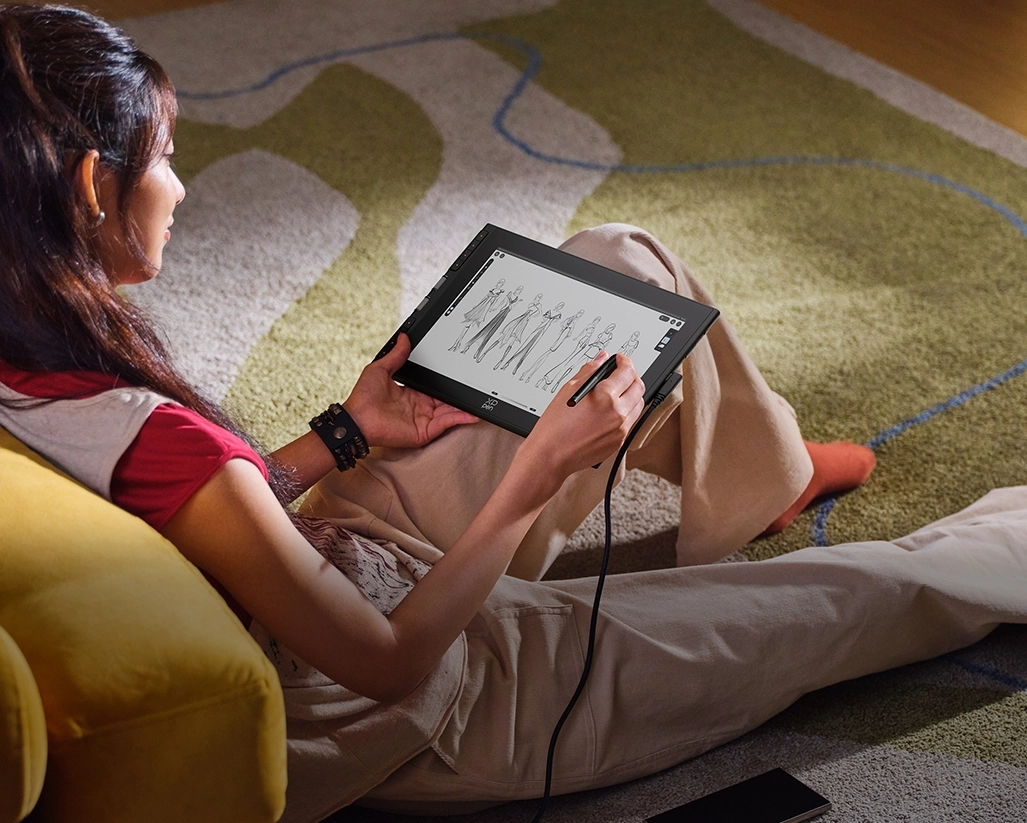
On-the-go Creation
The slim body and magnetic stylus of the Artist 12 3rd make it perfect for creating outdoors.
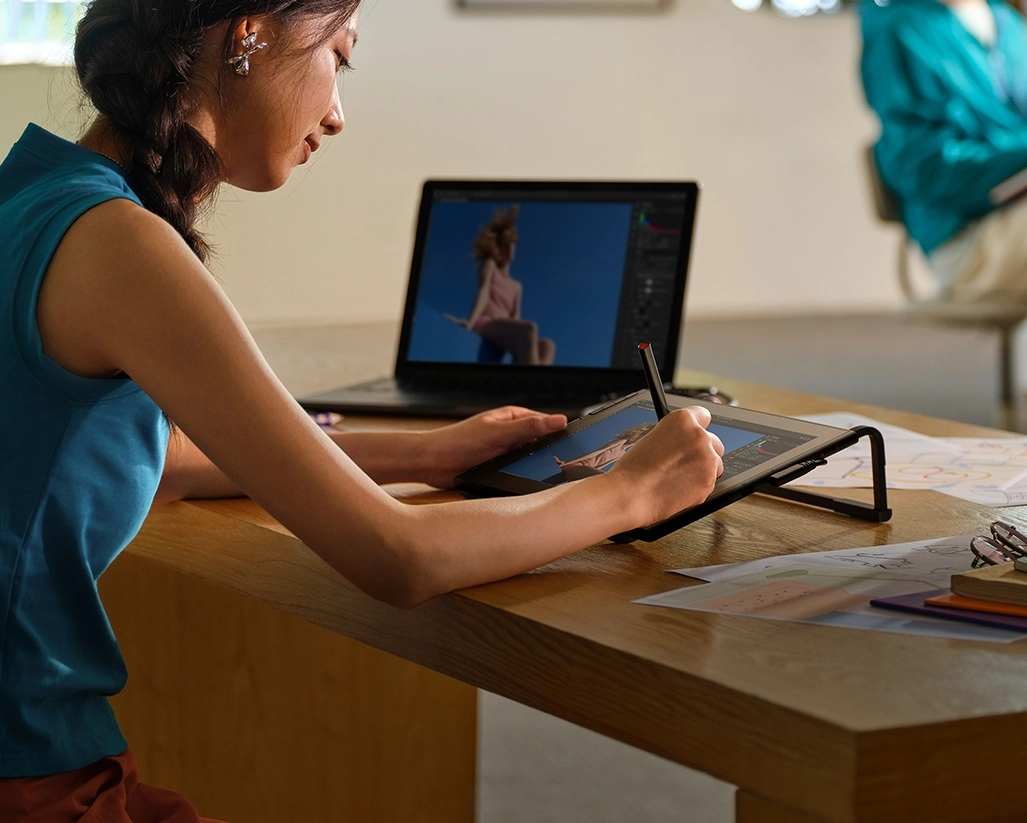
Creation on Double Displays
Connect the drawing display to a larger screen for an expanded viewing area. Boost productivity and unlock your complete creative potential.
Compatible with Devices,
Software and Systems

Support mainstream systems: Windows 7 or later, macOS 10.13 or later,
Android 10.0 or later (USB 3.1 DP1.2 required), ChromeOS 88 or later, Linux, and Windows ARM.
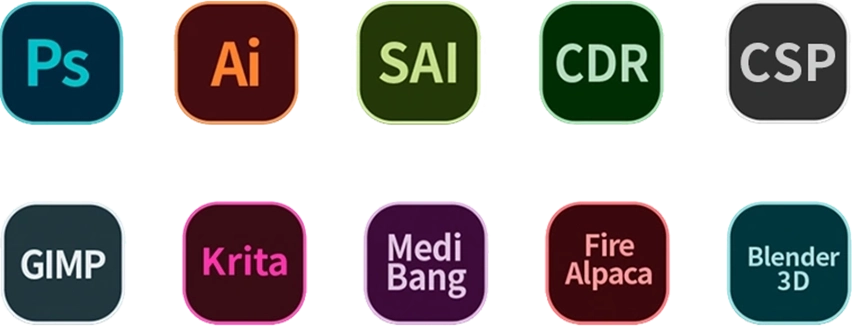
Compatible with popular digital art software such as Adobe Photoshop,
Illustrator, SAI, CDR, Clip Studio Paint, GIMP, Krita, MediBang, FireAlpaca, Toonboom, Maya, and Blender3D, etc.
Package Include
Drawing Display x 1
X4 Smart Chip Stylus x 1
Pen Nibs x 10
Nib Replacement Tool x 1
Full-featured USB-C to USB-C Cable x 1
3-in-1 USB-C Cable x 1
Warranty and Driver Download Card x 1
Glove x 1
Cleaning Cloth x 1
Foldable Stand x 1
Specifications
| Linux OS | Version | Package Format | Supported Software |
| Arch | Arch Linux2019.12.01(64-bit) | .deb, .sh | GIMP, Krita |
| Centos | Centos7.0(64-bit) | .rpm, .sh | GIMP |
| Centos8(64-bit) | .rpm, .sh | GIMP, Krita | |
| Debian | debian-9.5.0-amd64-netinst(64-bit) | .deb, .sh | GIMP, Krita |
| elementary OS | elementary OS 5.0(64-bit) | .deb, .sh | GIMP, Krita |
| ezgo Linux | ezgo14(64-bit) | .deb, .sh | GIMP, Krita |
| Fedora | Fedora32(64-bit) | .rpm, .sh | GIMP, Krita |
| Mageia | Mageia-7.1(64-bit) | .rpm, .sh | GIMP, Krita |
| Manjaro | manjaro-xfce-20.1.2-201019(64-bit) | .deb, .sh | GIMP |
| Mint | linuxmint-18.2-cinnamon-64bit | .deb, .sh | GIMP, Krita |
| OpenSUSE | openSUSE-Tumbleweed(64-bit) | .rpm, .sh | GIMP, Krita |
| Pop!_OS | pop-os_19.10(64-bit) | .deb, .sh | GIMP, Krita |
| Red Hat | Red Hat7(64-bit) | .rpm, .sh | GIMP |
| Ubuntu | Ubuntu14.04(64-bit) | .deb, .sh | GIMP, Krita |
| Ubuntu16.04(64-bit) | .deb, .sh | GIMP, Krita | |
| Ubuntu17.04(64-bit) | .deb, .sh | GIMP, Krita | |
| Ubuntu18.04(64-bit) | .deb, .sh | GIMP, Krita | |
| Ubuntu19.04(64-bit) | .deb, .sh | GIMP, Krita | |
| Ubuntu20.04(64-bit) | .deb, .sh | GIMP, Krita |
| Function | Krita 4.3.0 | Gimp 2.10.20 | Inkscape 0.92 |
| Pen Pressure Sensitivity | |||
| Tilt | |||
| Mouse Function | |||
| Eraser Button (Stylus:PH01, P06) | |||
| Switch between Pen and Eraser Modes | |||
| *If you have any further queries, please do not hesitate to contact us at service@xp-pen.com. | |||
Linux OS
Arch
Version
Arch Linux2019.12.01(64-bit)
Package Format
.deb, .sh
Supported Software
GIMP, Krita
Centos
Version
Centos7.0(64-bit)
Centos8(64-bit)
Centos8(64-bit)
Package Format
.rpm, .sh
.rpm, .sh
.rpm, .sh
Supported Software
GIMP
GIMP, Krita
GIMP, Krita
Debian
Version
debian-9.5.0-amd64-netinst(64-bit)
Package Format
.deb, .sh
Supported Software
GIMP, Krita
elementary OS
Version
elementary OS 5.0(64-bit)
Package Format
.deb, .sh
Supported Software
GIMP, Krita
ezgo Linux
Version
ezgo14(64-bit)
Package Format
.deb, .sh
Supported Software
GIMP, Krita
Fedora
Version
Fedora32(64-bit)
Package Format
.rpm, .sh
Supported Software
GIMP, Krita
Mageia
Version
Mageia-7.1(64-bit)
Package Format
.rpm, .sh
Supported Software
GIMP, Krita
Manjaro
Version
manjaro-xfce-20.1.2-201019(64-bit)
Package Format
.deb, .sh
Supported Software
GIMP
Mint
Version
linuxmint-18.2-cinnamon-64bit
Package Format
.deb, .sh
Supported Software
GIMP, Krita
OpenSUSE
Version
openSUSE-Tumbleweed(64-bit)
Package Format
.rpm, .sh
Supported Software
GIMP, Krita
Pop!_OS
Version
pop-os_19.10(64-bit)
Package Format
.deb, .sh
Supported Software
GIMP, Krita
Red Hat
Version
Red Hat7(64-bit)
Package Format
.rpm, .sh
Supported Software
GIMP
Ubuntu
Version
Ubuntu14.04(64-bit)
Ubuntu16.04(64-bit)
Ubuntu17.04(64-bit)
Ubuntu18.04(64-bit)
Ubuntu19.04(64-bit)
Ubuntu20.04(64-bit)
Ubuntu16.04(64-bit)
Ubuntu17.04(64-bit)
Ubuntu18.04(64-bit)
Ubuntu19.04(64-bit)
Ubuntu20.04(64-bit)
Package Format
.deb, .sh
.deb, .sh
.deb, .sh
.deb, .sh
.deb, .sh
.deb, .sh
.deb, .sh
.deb, .sh
.deb, .sh
.deb, .sh
.deb, .sh
Supported Software
GIMP, Krita
GIMP, Krita
GIMP, Krita
GIMP, Krita
GIMP, Krita
GIMP, Krita
GIMP, Krita
GIMP, Krita
GIMP, Krita
GIMP, Krita
GIMP, Krita
Function
Pen Pressure Sensitivity
Krita 4.3.0
Gimp 2.10.20
Inkscape 0.92
Tilt
Krita 4.3.0
Gimp 2.10.20
Inkscape 0.92
Mouse Function
Krita 4.3.0
Gimp 2.10.20
Inkscape 0.92
Eraser Button(Stylus:PH01, P06)
Krita 4.3.0
Gimp 2.10.20
Inkscape 0.92
Switch between Penand Eraser Modes
Krita 4.3.0
Gimp 2.10.20
Inkscape 0.92
*If you have any further queries, please do not hesitate to contact us at service@xp-pen.com.
| List of compatible Android devices | |
| HUAWEI Mate 10 | HUAWEI Mate 10 Pro |
| HUAWEI Mate 20 | HUAWEI Mate 20 Pro |
| HUAWEI Mate 20 X | HUAWEI Mate 30 Pro |
| HUAWEI Mate 40 | HUAWEI Mate 40 pro |
| HUAWEI Mate 30E Pro 5G | HUAWEI P20 |
| HUAWEI P20 Pro | HUAWEI P30 |
| HUAWEI P30 Pro | HUAWEI P40 |
| HUAWEI P40 Pro | HUAWEI P40 Pro+ |
| HUAWEI Mate 50 | HUAWEI Mate 50 Pro |
| HUAWEI Mate 40E | HUAWEI Mate 40 Pro+ |
| HUAWEI P50 Pro | HUAWEI P50 |
| HUAWEI P50E | HUAWEI Mate X2 |
| HUAWEI Mate Xs2 | HUAWEI Mate 50E |
| HUAWEI Mate 40E Pro | HUAWEI Mate 40 RS |
| HUAWEI P50 Pocket | Honor Note10 |
| Honor V20 | Honor 30pro+ |
| Honor Magic4 | Honor Magic4 Pro |
| Samsung Galaxy A90 5G | Samsung Galaxy Note9 |
| Samsung Galaxy Note10 | Samsung Galaxy Note10+ 5G |
| Samsung Galaxy S8 | Samsung Galaxy S8+ |
| Samsung Galaxy S9 | Samsung Galaxy S9+ |
| Samsung Galaxy S10 | Samsung Galaxy S10+ |
| Samsung Galaxy S10e | Samsung Galaxy S20 |
| Samsung Galaxy S20+ | Samsung Galaxy S20 Ultra |
| Samsung Galaxy S20 FE 5G | Samsung Galaxy S21 |
| Samsung Galaxy S21 FE | Samsung Galaxy S21 ultra |
| Samsung Galaxy S22 | Samsung Galaxy S22 Ultra |
| Samsung Galaxy Note20 | Samsung Galaxy Note20 Ultra |
| Samsung Galaxy Tab S7 | Samsung Galaxy Tab S7 FE |
| Samsung Galaxy Tab S5e | Samsung Galaxy S21+ |
| Samsung Galaxy S22+ | Samsung Galaxy S23 |
| Samsung Galaxy S23+ | Samsung Galaxy S23 Ultra |
| Samsung Galaxy Z Fold4 | Samsung W23 |
| Samsung W22 | Samsung W21 |
| Samsung W20 | Samsung Galaxy Tab S8 |
| Samsung Galaxy Tab S8+ | Samsung Galaxy Tab S8 Ultra |
| Samsung Galaxy Tab S7+ | Samsung Galaxy Tab S6 |
| Samsung Galaxy Tab S6 Lite | |
0

Based on 0

0(0)
0(0)
0(0)
0(0)
0(0)
 No review No consulting